


Run several brands from one workspace
Switch between your brands in one place, with reports that follow the brand you select. AI resolves the routine, and your team handles the rest.

Trusted by customer first companies worldwide




Why support gets harder with every new brand
Each new brand tends to bring its own setup, and the work of running them multiplies.

A separate tool for every brand

Reports to pull together by hand

Help content that's hard to keep in order

Agents logging in and out to change brands
Why BlueTweak?

One workspace, set up brand by brand.

Run several brands from one workspace and switch between them

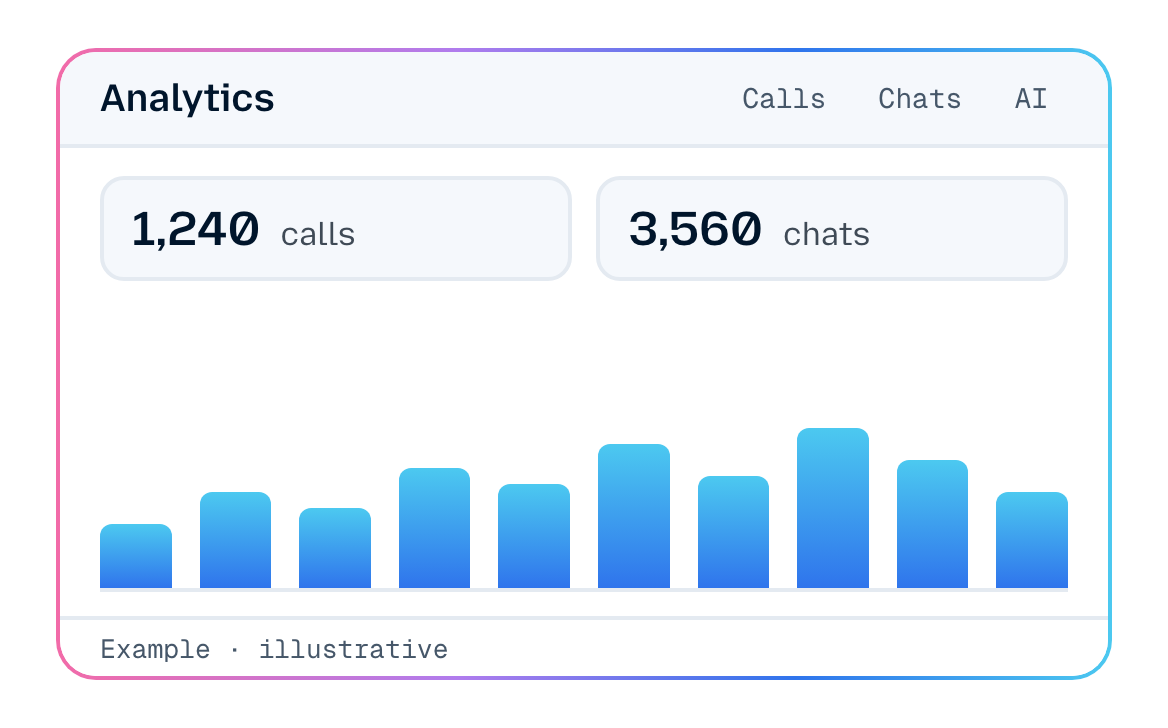
Reports follow the brand you select

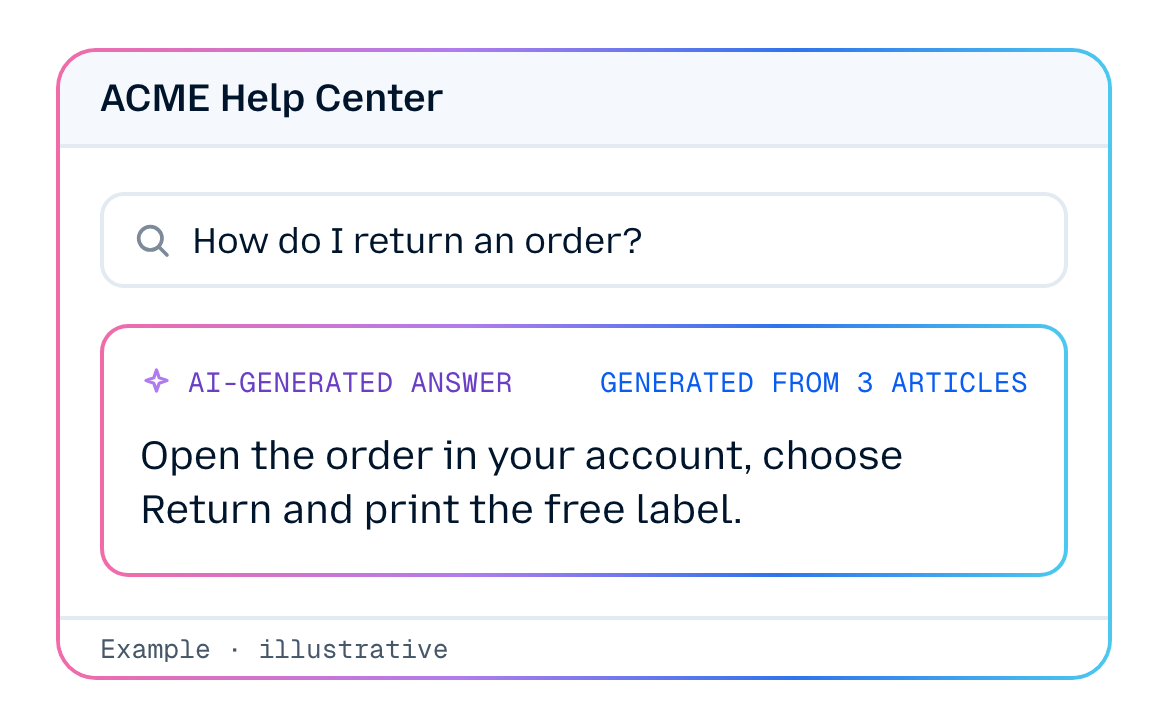
Give each brand its own help center

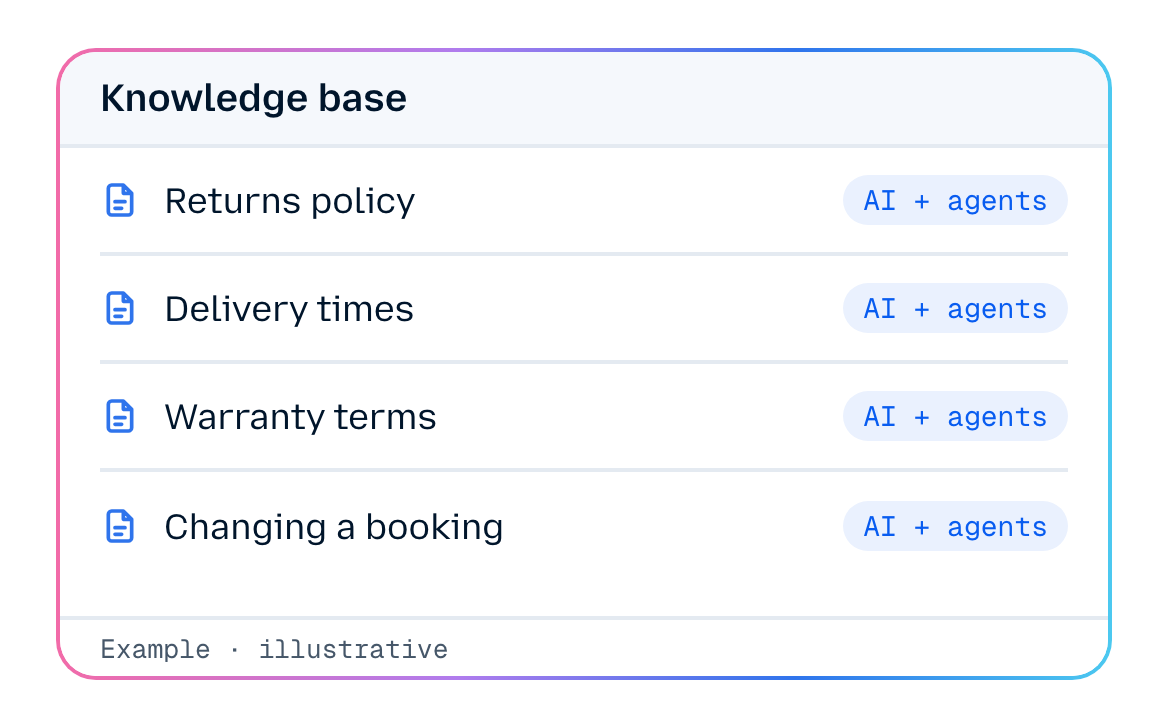
Set up a knowledge base for each brand
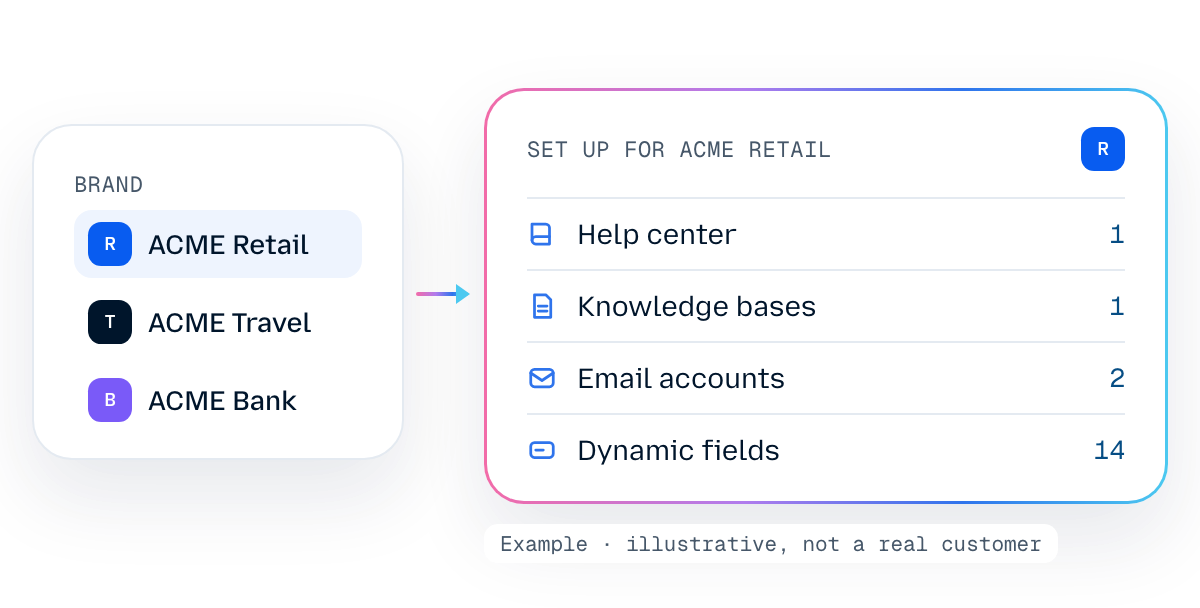
Set up each brand, then switch between them
Set up email accounts, knowledge bases and dynamic fields for each brand. Your team works in one workspace and switches between brands, and reports follow the brand you select.
Why it matters

The BlueTweak approach


One place to work
Your brands sit in one workspace, a switch away.

Reports for the brand in front of you
Select a brand and the reports follow.

A help center for each brand
Give each brand's customers their own place to find answers.

Setup that fits each brand
Set up email accounts, knowledge bases and dynamic fields for each brand.


Your questions answered
What is a multi-brand help desk?
How do you manage multiple help desk brands?
Can we run several brands in BlueTweak?
How does my team move between brands?
Can each brand have its own help center?
Can we set up a knowledge base for each brand?
How does reporting work across brands?
What is set up per brand?

All-in-one omnichannel customer support platform — powered by AI.

© 2026 BlueTweak.
All rights reserved.
All rights reserved.
Follow us

