


.avif)
The 12 Best Genesys Alternatives for Omnichannel Support in 2026

Genesys is built for scale, but that doesn’t always make it the right fit for a growing support team. For many mid-market contact centers, the real challenge is finding one that doesn’t bury core capabilities behind add-ons, long implementation cycles, and enterprise-level complexity.
If you’re comparing Genesys alternatives, this guide breaks down the best options for 2026, with a close look at platforms like BlueTweak that combine omnichannel support, AI, workforce management, and transparent pricing in one place.
Why Teams Start Looking for a Genesys Alternative
Genesys Cloud CX gives growing support teams access to enterprise-grade contact center capabilities, but for many mid-market businesses, that’s also where the friction starts. What looks like a flexible omnichannel platform on paper can become far more expensive and operationally complex once you add the AI tools, workforce management, quality assurance, and reporting features needed to run a modern support function.
Implementation often takes months rather than weeks. Core capabilities are split across plans, add-ons, or separate modules. And instead of simplifying operations, teams can end up managing a patchwork of tools, licenses, integrations, and admin workflows that feel better suited to a 500-seat contact center than a 20–100 agent support team.
That’s why more businesses are comparing Genesys alternatives built for faster time-to-value and lower operational overhead. Platforms like BlueTweak are designed to give mid-market teams the capabilities they actually need (think: voice, email, chat, social, AI, workforce management, and quality assurance) in one platform, with transparent pricing and without the enterprise implementation burden.
In the comparison below, we break down 12 Genesys alternatives for 2026 and look at what matters most when replacing Genesys: omnichannel support, AI that improves handling time and agent productivity, built-in workforce management, implementation complexity, and total cost to operate.
Looking for a simpler alternative to Genesys? Explore how BlueTweak gives teams 20–100 agents omnichannel support, AI, WFM, and QA in one platform. Book a demo or try it free for 14 days.
Best Genesys Alternatives at a Glance
If you’re comparing Genesys competitors, the quickest way to narrow the field is to look at where each platform fits best, how pricing works, and whether core capabilities like omnichannel support, AI, workforce management, and quality assurance are included or sold separately. The table below gives you a side-by-side view of the leading Genesys alternatives for mid-market contact centers, so you can quickly shortlist the platforms worth a closer look.
| Platform | Best For | Starting Price | Omnichannel Support | AI Features | WFM / QA | Key Consideration |
|---|---|---|---|---|---|---|
| BlueTweak | Mid-market teams that want voice + digital + AI + WFM in one platform | €65/agent/month | Yes | Included | Included | Best fit for teams wanting a unified platform without enterprise complexity |
| Dialpad | Teams that want business communications plus contact center features | ~$80/user/month | Yes | Included, with some usage-based costs | Partial / add-ons | Good AI and usability, but TCO can rise with usage and add-ons |
| Five9 | Larger contact centers with outbound-heavy operations | $119/user/month | Yes | Strong AI suite | Included in higher tiers | Powerful, but expensive and often better suited to 50+ seat teams |
| NICE CXone | Enterprise contact centers needing advanced analytics and orchestration | $110/agent/month | Yes | Strong AI suite | Included | Enterprise-grade, but likely overkill for many mid-market teams |
| Talkdesk | Teams wanting a modern CCaaS platform with solid AI capabilities | $85/user/month | Yes | Included in higher tiers | Available | Good all-rounder, but pricing rises as AI and analytics are added |
| RingCentral | Businesses combining UCaaS with contact center capabilities | $20/user/month (RingEX Core); RingCX quote-based | Yes | Available | Add-ons / extra licensing | Better if you already use RingCentral across the business |
| Zoom Contact Center | Zoom customers adding support capabilities | $69/user/month | Yes | Available | Limited compared to specialists | Strong for video engagement, less comprehensive for WFM and QA |
| 8×8 | SMBs wanting UCaaS + contact center in one stack | Quote-based | Yes | Available in higher bundles | Available | Broad feature set, but pricing and packaging can be less transparent |
| Amazon Connect | Technical teams that want AWS flexibility and usage-based pricing | Usage-based | Yes | Available via AWS tools | Requires third-party / extra setup | Highly flexible, but needs technical resources and careful cost control |
| Zendesk | Support teams already invested in Zendesk | $19/agent/month (Support Team) or $55/agent/month (Suite Team) + add-ons | Yes | Available across suite tiers | Extra add-ons / separate costs | Works well if Zendesk is already core to your support stack |
| CloudTalk | Smaller teams focused primarily on voice support | €19/user/month | Limited compared to full CCaaS platforms | Add-ons | Basic | Affordable and easy to use, but not a full omnichannel Genesys replacement |
| Nextiva | SMBs wanting unified communications and contact center tools | $15/user/month (Core) or $75/agent/month for Contact Center Essential | Yes | Available in higher tiers | Available in CC tiers | Good UC + CX mix, but contact center packaging is more complex than it first appears |
Not every Genesys alternative is solving the same problem. Some platforms are built for enterprise contact centers with complex routing and large agent teams, while others are better suited to mid-market businesses that need omnichannel support, AI, and workforce management without the cost and implementation burden of a heavier platform.
If you’re managing a 20–100 agent team, BlueTweak is one of the strongest options to shortlist, but the right fit still depends on your channels, team structure, and how much complexity you actually need. Below, we break down each Genesys competitor in more detail, including pricing, strengths, limitations, and the type of support team each platform is best suited to.
12 Genesys Alternatives for 2026
Before we jump into the list of platforms, it's worth grounding the evaluation in what matters for a 20–100-agent operation in 2026. Mid-market teams need reliability, omnichannel coverage, and AI that shortens handling time, not sprawling ecosystems of optional add-ons.
The right Genesys alternative should consolidate channels, reduce operational drag, and give your team modern automation without enterprise-level overhead or technical debt. Here are 12 platforms worth considering for the year ahead.
1. BlueTweak

BlueTweak is an all-in-one customer service solution built for support teams that need enterprise-grade contact center functionality without enterprise-level complexity.
Unlike Genesys, which often requires teams to layer on separate modules for AI, workforce management, quality assurance, and advanced reporting, BlueTweak brings voice, email, chat, social, AI-powered automation, analytics, workforce management, and quality assurance together in one unified platform.
That makes it a strong Genesys alternative for mid-market contact centers managing 20–100 agents. Instead of stitching together add-ons or paying for capabilities across multiple plans, teams can run omnichannel support, automate routine interactions, manage staffing, monitor quality, and track performance from a single workspace.
Why BlueTweak stands out as a Genesys alternative
BlueTweak is designed for support leaders who have outgrown help desk software but don’t want the implementation burden, fragmented pricing, or admin overhead that often comes with enterprise contact center platforms. It combines the core capabilities modern customer service teams need (omnichannel support, AI, workforce management, quality assurance, analytics, and automation) in one system, with transparent pricing and faster time-to-value.
“We built BlueTweak for support teams that have outgrown basic help desk tools but don’t want the complexity of a traditional enterprise contact center. By bringing omnichannel support, AI, workforce management, quality assurance, and analytics into one platform, we help teams improve service quality, reduce operational overhead, and get value faster.” — Radu Dumitrescu, Head of Presale & Digital Transformation, BlueTweak
Features
Omnichannel support across voice and digital channels
- Voice, email, chat, and social support in one platform, so agents can manage every customer conversation from a single workspace instead of jumping between separate tools.
- Intelligent routing based on skills, language, priority, and customer history, which helps send each interaction to the right agent faster and improves first-contact resolution.
- A unified customer profile showing full interaction history across channels, giving agents the context they need to avoid asking customers to repeat themselves.
- Multi-brand routing for teams managing multiple products, business units, or client accounts, making it easier to keep conversations organized across different service lines.
AI that helps agents work faster and automate routine support
- AI voicebot for handling routine customer inquiries with context-preserving escalation to human agents, so simple requests can be resolved automatically while more complex issues still reach the right person.
- Knowledge-base-grounded chatbot for self-service support, helping customers find answers quickly without waiting for an agent.
- Suggested replies and canned responses grounded in your help content and policies, which speeds up agent responses while keeping messaging consistent.
- AI ticket summaries that condense long conversations into actionable context, making it easier for agents and managers to understand what happened at a glance.
- Automatic call transcription that turns voice interactions into searchable text, helping teams review conversations, capture details, and improve quality assurance.
Built-in workforce management and quality assurance
- Workforce management for forecasting demand and optimizing agent schedules, so teams can staff more accurately and avoid over- or under-resourcing.
- Quality assurance scorecards for structured evaluations, giving managers a consistent way to review interactions and measure service quality.
- Calibration and coaching workflows for improving consistency across teams, which helps supervisors align on standards and support agent development.
- SLA and performance monitoring across channels and queues, so support leaders can track whether service targets are being met in real time.
Real-time analytics and visibility into support performance
- Customer sentiment tracking, which helps teams understand how customers are feeling during and after interactions.
- SLA compliance monitoring, so managers can quickly see whether service targets are being met and where delays are happening.
- Agent productivity reporting, giving leaders visibility into workload, efficiency, and performance across the team.
- Support outcome analytics in real-time, making it easier to spot bottlenecks early and improve service delivery before issues escalate.
Multilingual support and global service coverage
- Multilingual customer support capabilities with real-time translation across channels, helping teams serve customers in different languages without losing context.
- Reduced handoff friction for global teams, since translated conversations stay connected to the same customer journey.
- More consistent service experiences across languages, which helps international support teams maintain quality and responsiveness across regions.
Best for:
BlueTweak is best for mid-market customer support teams managing roughly 20–100 agents that need:
- Omnichannel support across voice and digital channels in one platform
- AI features that improve productivity and automate repetitive support work
- Built-in workforce management and quality assurance
- Multilingual support and multi-brand routing
- Clearer pricing without paying separately for every operational module
It’s particularly well suited to SaaS, ecommerce, telecom, BPO, and multi-brand service teams that need contact center depth without the complexity of an enterprise-first platform.
Pricing
€65/agent/month, with ticketing, omnichannel support, AI features, workforce management, quality assurance, analytics, and APIs included in the base platform. For teams comparing Genesys competitors on total cost of ownership, that all-in pricing model is a major advantage over platforms that split AI, WFM, QA, or advanced reporting across separate modules or premium tiers.
Want to understand the cost impact of switching from Genesys? Try BlueTweak’s ROI calculator to estimate the savings from consolidating voice, digital channels, AI, workforce management, and quality assurance in one platform.
Pros:
- All-in-one platform eliminates vendor fragmentation and reduces IT complexity
- Multilingual customer support with real-time translation preserves context across languages
- Multi-brand routing manages multiple product lines or client accounts in a single instance
- Fast implementation with guided rollout measured in weeks instead of months
- Customer support automation includes a KB-grounded chatbot and voicebot
- API-open architecture enables seamless integration with existing business systems
- Transparent pricing includes workforce management, quality assurance, and AI features
Cons:
- Newer contact center platform with a smaller third-party marketplace
- Less brand recognition than established Genesys competitors
BlueTweak In Action
BlueTweak’s value is clearest when support teams need to improve service quality and operational efficiency without expanding tool sprawl. In a medical clinic deployment, it centralized patient communications and appointment workflows, helping the team reduce response time by 50%, increase in patient satisfaction by 25%, reduce security incidents by 30%, and improve decision-making processes by 45%.
Similarly, in an airline use case, BlueTweak supported multilingual, omnichannel service across a wide range of languages, leading to a 33% increase in customer satisfaction, a 36% improvement in customer retention rates, and increasing productivity by 45%.
These two examples show the range of environments BlueTweak can support, while delivering the same core benefits: better visibility, faster handling, and a more unified customer experience.
Want the functionality of Genesys without the enterprise overhead? Book a BlueTweak demo to see how it handles omnichannel support, AI, workforce management, and quality assurance in one platform, or start a 14-day free trial with no credit card required.
2. Dialpad
Dialpad offers a cloud communications platform combining unified communications with contact center capabilities. The platform emphasizes AI-powered tools, including real-time transcription, post-call summaries, and sentiment analysis during customer conversations.
Features
- Voice and digital channels with intelligent routing based on skills and customer data
- AI capabilities (Vi) for real-time transcription, coaching, and information surfacing during calls
- Call monitoring and quality management for tracking agent performance
- Integration with business tools (Salesforce, Zendesk, Google Workspace)
- Video conferencing capabilities for remote teams and visual engagement
- Web chat and messaging channels
Who uses it
Small to mid-sized businesses that need a unified platform for business communications and contact center operations, especially remote teams needing video capabilities.
Pricing
- Dialpad Support (contact centre): starts at $80 per user/month for Essentials, $115/user/month for Advanced, and $150/user/month for Premium when billed annually. Monthly billing is also available at higher rates.
- Dialpad Sell (sales outreach): starts at $39 per user/month for Essentials, $95/user/month for Advanced, and $150/user/month for Premium when billed annually.
- Dialpad Connect (business communications): starts at $15 per user/month for Standard and $25/user/month for Pro when billed annually, with Enterprise pricing available on request.
Note: Telephony usage and some AI features are billed in addition to seat licenses.
Pros
- Real-time AI transcription and coaching during customer interactions
- Unified platform for voice, messaging, and video conferencing
- User-friendly interface with a relatively gentle learning curve
- Strong integration with Google Workspace and major CRM systems
Cons
- Usage-based pricing for minutes and AI features adds complexity to TCO
- Contact center features are less mature than specialized contact center software
- Workforce optimization capabilities require add-ons or integrations
- Voice quality can vary depending on network conditions
3. Five9

Five9 is an established contact center platform focused on inbound and outbound call center operations, with strong AI features and workforce optimization capabilities. The platform targets mid-market to enterprise contact centers needing sophisticated intelligent routing systems and campaign management.
Features
- Voice and digital channels, including email, chat, SMS, and social media
- Intelligent virtual agents for self-service automation
- Predictive dialing for outbound calls and marketing campaigns
- Conversation analytics and sentiment analysis
- AI-powered agent assist tools that surface relevant information during customer interactions
- Call flows are customizable using visual designers
Who uses it
Mid-market to enterprise contact centers managing 50+ agents with significant outbound call volumes or complex routing requirements.
Pricing
- Digital: starts at $119 per seat/month for digital channels such as chat, email, SMS/MMS, and social messaging.
- Core: starts at $159 per seat/month and adds all channels plus essential AI capabilities.
- Plus: custom pricing for teams that need all channels with more advanced AI functionality.
- Pro: custom pricing for businesses that want all channels, AI essentials, and workforce engagement management (WEM).
Enterprise: custom pricing for larger contact centers that need a full package combining all channels, advanced AI, and WEM.
Note: Five9 typically enforces minimums (often ~50 seats), so smaller teams face higher contract floors.
Pros
- Strong outbound calling capabilities with predictive dialers
- Comprehensive workforce optimization and quality management are built in
- Mature AI features, including conversation analytics and virtual agents
- Extensive integrations with CRM and business systems
Cons
- Expensive compared to alternatives for smaller contact center operations
- Minimum seat commitments exclude teams below 50 agents
- Complex pricing with numerous tiers and add-ons
- Implementation can be lengthy and requires professional services
4. NICE CXone

NICE CXone is an enterprise-grade contact center solution offering comprehensive omnichannel support, workforce optimization, and customer experience analytics. The platform serves large contact center operations requiring sophisticated analytics capabilities and journey orchestration.
Features
- Voice and digital channels with unified customer data across all customer interactions
- Virtual agents and predictive routing powered by AI
- Sentiment analysis and automated quality management
- Customer journey orchestration connecting interactions across touchpoints
- Workforce management with forecasting, scheduling, adherence tracking, and performance management
- Quality management with automated evaluations, calibration tools, and coaching workflows
Who uses it
Enterprise contact centers managing hundreds of agents with complex requirements across multiple channels and customer journey touchpoints.
Pricing:
- Omnichannel Suite: starts at $110 per agent/month.
- Essential Suite: starts at $135 per agent/month.
- Core Suite: starts at $169 per agent/month.
- Complete Suite: starts at $209 per agent/month.
- Ultimate Suite: starts at $249 per agent/month, with certain AI-powered interactions billed separately at $0.25 per session.
- Industry-specific packages: NICE also offers tailored CXone packages for sectors including banking, insurance, healthcare, retail, and government. Most of these are priced from $249 per agent/month plus $0.25 per session, and include sector-specific capabilities such as self-service automation, agent assist, engagement hubs, and industry-focused insights. Government pricing is structured differently, with some public-sector packages starting from $2 per consumer/year.
Note: Official list prices; many enterprise deals involve custom quotes and discounts.
Pros
- Enterprise-grade scalability for large contact center operations
- Comprehensive customer journey analytics and orchestration
- Strong workforce optimization and quality management capabilities
- Extensive AI features, including predictive analytics and automation
Cons
- Very expensive for mid-market teams under 100 agents
- Complex implementation requiring significant professional services
- Steep learning curve with extensive training requirements
- Overkill for straightforward contact center operations
5. Talkdesk

Talkdesk provides cloud contact center software emphasizing AI-powered automation and customer experience analytics. The platform targets mid-market to enterprise businesses seeking a balance between enterprise features and implementation simplicity.
Features
- Omnichannel support across voice, email, chat, SMS, and social media
- Virtual agents for self-service automation
- AI-powered agent assist that surfaces relevant knowledge during customer conversations
- Sentiment analysis and customer emotion detection
- Automated quality management and call monitoring
- Integration with CRM systems, connecting customer data across business communications
- Workforce management handling forecasting and scheduling
- Analytics tracking contact center performance, customer satisfaction, and agent productivity
- Customizable dashboards for real-time insights
Who uses it:
Mid-market to enterprise contact centers needing AI capabilities and omnichannel support with faster implementation than legacy platforms.
Pricing
- CX Cloud Digital Essentials: starts at $85 per user/month and includes digital engagement channels, quality management, API access, dashboards, and automation tools.
- CX Cloud Essentials: also starts at $85 per user/month, with voice engagement, routing, agent workspace tools, and integrations.
- CX Cloud Elevate: starts at $115 per user/month and adds quality management, screen recording, customer feedback tools, and automated notifications.
- CX Cloud Elite: starts at $145 per user/month, adding workforce management, performance management, custom reporting, and customer experience analytics.
- Industry Experience Clouds: custom pricing for sector-specific deployments in industries such as healthcare, financial services, retail, and government.
Note: Talkdesk pricing increases significantly as you add AI and analytics modules.
Pros
- Modern user-friendly interface with relatively quick implementation
- Strong AI capabilities, including virtual agents and agent assist
- Good balance of enterprise features without excessive complexity
- Active development with regular feature updates
Cons
- Pricing increases significantly as you add AI and analytics modules
- Workforce management capabilities are less comprehensive than specialized platforms
- Some advanced features require moving to higher-priced tiers
- Integration depth varies by third-party system
6. RingCentral

RingCentral combines unified communications with contact center capabilities (RingCX) in a cloud communications platform serving businesses of various sizes. The platform emphasizes seamless integration between internal team communications and customer-facing contact center operations.
Features
- Voice and digital channels, including chat, email, SMS, and social media
- Intelligent routing and real-time analytics
- Quality management with call monitoring and evaluation tools
- Integration with RingCentral's core UCaaS platform for smooth transitions between team chat and customer interactions
- Workforce management add-ons (AI-powered WFM from CommunityWFM acquisition) for scheduling and forecasting
- Video conferencing capabilities supporting remote teams and visual customer engagement
Who uses it
Businesses wanting unified communications for internal teams plus contact center capabilities for customer-facing operations in one platform.
Pricing
- RingEX Core: starts at $20 per user/month (billed annually) for business calling and team messaging.
- RingEX higher tiers: generally range from $25–$35 per user/month on annual plans, with more analytics, integrations, and meeting features included.
- RingCX contact center pricing: RingCentral does not publicly list standard RingCX pricing on its main plans page; verify with the vendor for a custom quote based on seat count, channels, and feature requirements.
Note: Pricing complexity between UCaaS and contact center components makes TCO difficult to predict.
Pros
- Unified platform for internal communications and customer interactions
- Strong video conferencing capabilities for remote teams
- Growing AI capabilities and feature set
- Good integration with business applications
Cons
- Contact center features are less mature than specialized platforms
- Pricing complexity between UCaaS and contact center components
- Workforce management requires additional licensing
- Some advanced contact center features require higher tiers
7. Zoom Contact Center / Zoom Phone
Zoom Contact Center extends Zoom's video conferencing platform into omnichannel contact center software. The solution targets businesses that already use Zoom for meetings and want to add customer support capabilities.
Features
- Voice, video, chat, email, and SMS in one platform
- Intelligent routing for voice and digital channels
- Video engagement for complex customer inquiries requiring visual support
- Integration with Zoom's core meeting platform for seamless escalation to expert consultations
- Quality management with call monitoring and coaching tools
Who uses it
Businesses that use Zoom for internal meetings and want integrated contact center capabilities, especially those benefiting from video customer engagement.
Pricing
- Essentials: starts at $69 per user/month (annual billing) for inbound omnichannel support across voice, video, chat, and SMS, plus IVR, surveys, and transcription.
- Premium: starts at $99 per user/month (annual billing) and adds email, social channels, outbound dialers, and co-browsing.
- Elite: starts at $149 per user/month (annual billing) and includes AI Expert Assist, advanced quality management, and workforce management.
Note: The contact center is layered on the existing Zoom subscription; PSTN/voice minutes are metered separately.
Pros
- Strong video capabilities for visual customer engagement
- Seamless integration with the Zoom meeting platform
- Familiar interface for organizations already using Zoom
- Quick deployment for existing Zoom customers
Cons
- Contact center features are less comprehensive than specialized platforms
- Usage-based voice pricing adds complexity to the total cost
- Workforce optimization capabilities are limited compared to alternatives
- Best value requires existing Zoom investment
8. 8×8
8×8 offers unified communications and contact center solutions (X Series), combining business phone systems with customer-facing contact center capabilities. The platform serves small to mid-sized businesses seeking integrated voice and digital channels.
Features
- Omnichannel support, including voice, chat, email, SMS, and social media
- Speech analytics and sentiment analysis powered by AI
- Call recording and call monitoring for compliance and coaching
- Quality management tools with evaluation scorecards and coaching workflows
- Integration with CRM system, connecting customer data across business communications
Who uses it
Small to mid-sized contact centers needing unified communications and customer support in one platform.
Pricing
- 8×8 Contact Center: pricing is no longer listed publicly as fixed tiers on 8×8’s main pricing page. Instead, the Contact Center is positioned as a quote-based product, with packages tailored to factors such as channel mix, AI capabilities, workforce engagement management, and deployment requirements.
Note: The current site directs to “request a quote” for the contact center; published numbers are historical market ranges, not hard list prices.
Pros
- Unified platform for internal communications and customer support
- Comprehensive contact center features at mid-tier pricing
- Global voice capabilities with international coverage
- Established vendor with reliable infrastructure
Cons
- Pricing structure is complex across UC and contact center tiers
- Interface feels dated compared to modern Genesys alternatives
- Some AI features require higher-priced bundles
- Customer support quality varies according to user reviews
9. Amazon Connect

Amazon Connect is AWS's cloud contact center platform, using usage-based pricing rather than per-agent licensing. The platform targets businesses seeking the flexibility to dynamically scale contact center operations based on demand.
Features
- Voice and digital channels, including chat, email, and SMS
- Amazon Lex for AI chatbots and virtual agents
- Contact Lens for conversation analytics and sentiment analysis
- Amazon Wisdom for AI-powered agent assist during customer interactions
- Call flows configured using visual designers with AWS Lambda integration for custom logic
- Integration with AWS services and existing infrastructure
Who uses it
Businesses with technical teams comfortable with AWS, especially those with variable contact center capacity needs or existing AWS infrastructure.
Pricing
Amazon Connect uses usage-based pricing rather than per-agent licensing, so costs depend on the channels and features your team actually uses.
- Inbound and outbound voice usage starts at $0.018 per minute for Amazon Connect Voice service, with standard telephony charges billed separately.
- Amazon Connect also charges separately for other channels and features, such as chat, email, messaging, AI, and workforce tools.
Note: No per-agent license fees; total cost is entirely usage-based (minutes, numbers, add-ons like Contact Lens and dialers).
Pros
- Pay-per-use pricing can be cost-effective for variable call volumes
- Deep integration with AWS services and infrastructure
- Highly customizable with Lambda functions and AWS toolkit
- No minimum seat commitments or user licenses
Cons
- Requires technical expertise to configure and maintain
- Usage-based pricing makes the total cost difficult to predict
- Workforce management requires third-party solutions
- Best suited for technically sophisticated organizations
10. Zendesk (with Contact Center Add-Ons)
Zendesk is an established customer support software that can be extended with contact center capabilities through add-ons. The platform serves businesses that want to add voice capabilities to their existing Zendesk ticketing and support workflows.
Features:
- Multi-channel ticketing across email, chat, voice, and social media
- Knowledge base with a self-service portal for customers
- AI-powered ticket classification and routing
- Workflow automation and custom triggers
- Contact Center add-on for omnichannel voice capabilities
- Zendesk Talk for phone support with usage-based or per-agent pricing
Who uses it
Mid-market to enterprise customer service teams with existing Zendesk investment wanting to add voice capabilities.
Pricing:
- Zendesk Support Team: starts at $19 per agent/month (billed annually) for email-based ticketing, basic business rules, reporting dashboards, and prebuilt analytics.
- Zendesk Suite Team: starts at $55 per agent/month (billed annually) and includes omnichannel ticketing, messaging, live chat, telephony, help center functionality, and AI agents.
- Zendesk Suite Professional: starts at $115 per agent/month (billed annually) and adds more advanced reporting, AI writing tools, admin assistance, skills-based routing, and IVR.
- Zendesk Suite Enterprise: starts at $169 per agent/month (billed annually), while Suite Enterprise + Copilot is quote-based for teams that need more advanced governance, security, and AI functionality.
- Zendesk Contact Center: is available as an add-on and starts at $50 per agent/month (billed annually) on top of a Zendesk Suite plan.
Note: Complex pricing with many add-ons; real TCO includes multiple modules.
Pros
- Established platform with extensive third-party marketplace
- Strong integration ecosystem with business tools
- Comprehensive customer support software features across tiers
- Good documentation and community forums
Cons
- Expensive when adding voice and workforce management capabilities
- AI features and automation require premium paid plans
- Complex pricing model with numerous add-ons
- Interface feels dated compared to modern alternatives
11. CloudTalk
CloudTalk is a cloud-based phone system and call center solution that emphasizes simplicity and ease of use for small- to mid-sized support teams. The platform focuses on voice capabilities, with growing support for digital channels.
Features
- Cloud phone system with call center capabilities
- Intelligent call routing and IVR customization
- Call monitoring, recording, and quality management
- Basic analytics tracking call volumes and agent performance
- Integration with popular CRM and help desk tools
- AI add-ons are available separately for voice agents and sentiment analysis
Who uses it
Small to mid-sized businesses needing a straightforward call center solution without enterprise complexity, particularly those prioritizing phone support over omnichannel operations.
Pricing
- Lite: starts at €19 per user/month (annual billing) for entry-level cloud phone functionality.
- Starter: starts at €25 per user/month and covers core calling, routing, and productivity features.
- Essential: starts at €29 per user/month and adds advanced analytics, integrations, API access, and workflow automation.
- Expert: starts at €49 per user/month and includes more advanced reporting, monitoring, Salesforce integrations, and outbound dialer capabilities.
CloudTalk also offers paid add-ons for features such as AI conversation intelligence, AI voice agents, power and parallel dialers, and branded caller ID, so total cost can rise depending on your outbound, automation, and analytics requirements.
Pros
- Affordable pricing for small teams focused on voice
- User-friendly interface with quick setup
- Good integration with popular CRM and help desk tools
- International phone numbers available
Cons
- Limited digital channel capabilities compared to omnichannel platforms
- AI features require separate add-on purchases
- Basic workforce management and quality management features
- Less suitable for complex contact center operations
12. Nextiva
Nextiva provides unified communications and contact center solutions serving small to mid-sized businesses. The platform combines business phone systems with contact center capabilities and CRM integration.
Features
- Voice and digital channels, including chat, email, SMS, and social media
- Intelligent call routing and IVR capabilities
- CRM integration with contact management
- Workflow automation across communication channels
- Call recording and quality management
- Analytics and reporting dashboards
Who uses it
Small to mid-sized businesses wanting unified communications for business phone and customer support in one platform.
Pricing
- Core: starts at $15 per user/month (billed annually) for unified business communications, including voice, SMS, video meetings, call routing, and team chat.
- Engage: starts at $25 per user/month (billed annually) and adds more customer communication and routing features, including toll-free numbers, customer-to-team SMS, advanced reporting, inbound call center functionality, and live chat/chatbot tools.
- Scale: starts at $75 per user/month (billed annually) for teams that want a broader customer experience platform, with blended inbound and outbound support, AI transcription and summaries, skills-based routing, and journey orchestration.
- Nextiva Contact Center: starts at $75 per agent/month for the Essential plan, with higher Professional and Premium tiers sold on a quote basis.
Pros
- Unified platform for business communications and customer support
- Strong CRM integration capabilities
- Good mid-market feature set without enterprise complexity
- Reliable voice quality and uptime
Cons
- Pricing complexity between UC and contact center tiers
- Contact center features are less mature than specialized platforms
- Named vs. concurrent licensing models add confusion to TCO
- Some advanced features require moving to premium tiers
What to look for in a Genesys alternative

If you’re replacing Genesys, the goal usually isn’t to find the platform with the longest feature list. It’s to find one that gives your team the capabilities it actually needs, without layering on unnecessary complexity or hidden costs.
Omnichannel support in one workspace
Your contact center platform should handle voice, chat, email, SMS, and social interactions without forcing agents to jump between separate tools or lose customer context during handoffs. The best Genesys alternatives give agents a single workspace for managing conversations across channels, so service stays consistent even as customers move between voice and digital touchpoints.
AI grounded in your knowledge base
AI features such as transcription, summaries, suggested replies, agent assist, and self-service automation only work if they’re grounded in your company’s real support content, policies, and workflows. Look for platforms that connect AI directly to your knowledge base, rather than relying on generic outputs that can introduce inconsistency or risk.
Built-in workforce management and quality assurance
Forecasting, scheduling, adherence tracking, scorecards, coaching workflows, and SLA dashboards should be part of the operating model, not a separate patchwork of tools. If workforce management and quality assurance sit in different systems, teams end up with more admin overhead, weaker reporting, and slower operational decision-making.
Clear integrations and open APIs
Your contact center software should connect cleanly with CRM, e-commerce, help desk, and BI platforms, while still giving you the flexibility to build custom workflows where needed. Strong APIs and pre-built integrations matter because they reduce implementation friction and make it easier to connect customer interactions to the rest of your support and revenue stack.
Analytics that support day-to-day decisions
At a minimum, you should be able to track metrics such as First Call Resolution (FCR), Average Handle Time (AHT), abandonment, containment, sentiment, and service levels across channels, teams, and customer segments. The goal isn’t just reporting for reporting’s sake — it’s giving support leaders the visibility they need to improve staffing, coaching, channel performance, and customer outcomes.
Transparent total cost of ownership
Look beyond the base seat price. Some Genesys alternatives charge extra for AI interactions, telephony, advanced analytics, workforce tools, or quality management, while others bundle more of those capabilities into the core platform. Comparing total cost of ownership means understanding not just the list price, but how much you’ll actually pay once the platform is configured for day-to-day contact center operations.
For mid-market teams that want to simplify rather than add more moving parts, BlueTweak is one of the strongest Genesys alternatives to consider. It combines voice, digital channels, AI, workforce management, quality assurance, analytics, and a knowledge base in one platform, which makes it a better fit for support teams that need contact center depth without enterprise overhead.
If you’re looking for a simpler alternative to Genesys, BlueTweak is worth a closer look. Book a demo to see how it combines voice, digital channels, AI, workforce management, and quality assurance in one platform, or start a 14-day free trial with no credit card required.
How We Evaluated These Genesys Alternatives
This comparison of Genesys alternatives is based on publicly available documentation, feature specifications, vendor websites, and pricing information as available at the time of writing in July 2026. We identify who uses each contact center solution through public customer logos and case studies.
Where vendors publish clear plan pricing, we’ve included it. Where pricing is quote-based or depends on deployment requirements, we’ve noted that accordingly. We also looked at how each platform positions itself in the market, the types of teams it serves, and whether its feature set aligns with the needs of mid-market contact centers.
Must-Have Capability Checklist
If you’re replacing Genesys, these are the core capabilities worth validating before you shortlist any platform:
- Omnichannel support: voice, chat, email, SMS, and social, with seamless handoffs and shared customer context across channels
- AI grounded in your knowledge base: support for transcription, summaries, suggested replies, and real-time assist, ideally tied to trusted internal content
- Operational tooling: workforce management, quality assurance, SLA tracking, and performance dashboards built into the platform or available as strong first-party capabilities
- Analytics and reporting: visibility into metrics such as First Call Resolution (FCR), Average Handle Time (AHT), containment, sentiment, and agent performance
- Security and admin controls: role-based permissions, audit logs, MFA, and data governance features that support compliance requirements
- Integrations and APIs: pre-built connectors and flexible APIs for CRM, commerce, help desk, and business intelligence systems
- Customer feedback tools: the ability to collect post-interaction feedback and connect it to broader service performance reporting
- Transparent pricing: clear visibility into whether AI, analytics, workforce tools, telephony, and quality management are included in the base plan or sold separately
Scoring Rubric
We evaluated these Genesys alternatives against the factors that matter most for support teams comparing enterprise contact center platforms:
- Fit for mid-market teams: whether the platform is practical for teams managing roughly 20–100 agents, rather than being designed primarily for large enterprise contact centers
- Voice/omnichannel depth: how well the platform supports voice alongside digital channels such as email, chat, SMS, and social
- AI coverage: whether the platform includes useful AI capabilities for both self-service and agent productivity, and whether those capabilities are grounded in reliable customer support knowledge.
- WFM and QA capabilities: whether workforce management and quality assurance are built in or require extra vendors, modules, or implementation work.
- Time-to-value: how quickly a typical support team can implement and operationalize the platform.
- Total cost to operate (TCO): not just base seat pricing, but the likely impact of add-ons, usage fees, integrations, support, and training on total cost of ownership.
- Security and control: whether the platform provides the governance, permissions, and compliance support needed for more complex service environments.
Which Genesys Alternative Is Right for Your Team?
The best Genesys alternative depends on what your support operation actually needs. Larger enterprise contact centers with hundreds of agents, highly specialized workflows, and complex routing requirements may still prefer platforms such as Five9 or NICE CXone, even if they come with higher cost and implementation overhead.
For mid-market support teams managing 20–100 agents, the priorities are usually different. The goal is less about maximizing enterprise complexity and more about finding a platform that combines voice, digital channels, AI, workforce management, and quality assurance in a way that’s easier to deploy, easier to manage, and easier to justify commercially.
That’s where BlueTweak stands out as the perfect fit. It gives growing support teams a unified platform for voice, email, chat, and social, alongside AI-powered summaries, suggested replies, transcription, workforce management, quality assurance, analytics, and automation, without forcing teams into a fragmented add-on model.
If you’re looking for a Genesys alternative that gives mid-market teams contact center depth without enterprise overhead, BlueTweak is well worth a closer look. Book a demo to see BlueTweak in action, start a 14-day free trial with no credit card required.
23 Best Front Alternatives for Customer Support Teams in 2026
Front works well as a collaborative inbox for managing customer emails, internal conversations, and lightweight team workflows. But as support operations grow more complex, many teams find that shared inbox features alone are no longer enough, especially when they need to support voice, SMS, social channels, AI-driven workflows, and deeper performance management in one place.
That is why more teams are now comparing Front alternatives built for full omnichannel customer support rather than email-first collaboration. Platforms like BlueTweak combine voice, digital channels, AI automation, analytics, and workforce management in a single system, helping support teams reduce tool sprawl and scale without adding more operational overhead.
In this guide, we compare the best Front alternatives in 2026, including platforms designed for enterprise support teams, customer service automation, and cross-channel support, so you can find the right fit based on your workflows, support channels, and budget.
Why Teams Look for Front Alternatives in 2026
As support operations become more complex , the gap between a collaborative inbox and a full customer support platform becomes much more noticeable. Teams that once used Front successfully for shared email workflows often start to hit limits when they add more channels, higher ticket volumes, stricter SLAs, and more pressure to automate repetitive work.
For growing and enterprise support teams, the challenge is not simply managing conversations. It is managing voice, messaging, AI workflows, reporting, and agent performance in one system without creating a fragmented support stack.
Where Front Starts to Break Down
The most common reasons teams move away from Front tend to show up in the same areas: channel coverage, AI capability, operational visibility, and the rising cost of stitching multiple tools together.
Voice and telephony gaps
Front is still rooted primarily in email and messaging. Once teams expand into phone-based support, the lack of native telephony can become a blocker, forcing them to rely on third-party apps that add cost and operational complexity.
Limited AI depth
Front includes AI-powered drafting assistance, but many teams now expect broader AI features such as:
- RAG-grounded knowledge base responses
- Real-time agent coaching
- Autonomous resolution of repetitive tasks
In 2026, these capabilities are increasingly becoming baseline expectations for modern customer service software.
No native WFM or QA
Scaling support teams need built-in workforce management and quality assurance tools to track performance, review interactions, and improve service quality. Without them, teams often end up stitching together separate systems for reporting, QA, and scheduling.
Pricing at scale
Front's per-user pricing can become expensive as teams grow . Once you add extra tools for analytics, automation, telephony, or reporting, the total cost of ownership can rise quickly, especially for teams operating beyond 50 seats.
Most teams underestimate how quickly pricing changes as they scale. Front's pricing starts at $25 per user/month with a two-seat minimum, but higher-tier plans increase significantly, with Enterprise pricing exceeding $105 per user/month. As teams add AI capabilities, analytics, integrations, and additional support channels, the total cost of ownership can rise much faster than expected. When evaluating a Front app alternative, calculate:
- Cost per user month at your current team size
- Projected cost at 12–24 months
Omnichannel limitations
Front handles email well, but true omnichannel support, including voice, SMS, and deep social messaging workflows, often requires workarounds rather than a unified setup.
The Cost of Fragmentation
According to Gartner, over 50% of customer service organisations are expected to double their technology spend by 2028 as AI adoption grows and support stacks become more complex . For teams using multiple add-ons to fill platform gaps, that creates a familiar problem: the more fragmented the stack becomes, the harder it is to control costs, maintain visibility, and deliver consistent support across channels.
Front Competitors at a Glance
Before diving deeper, here's a high-level comparison of leading Front alternatives, including positioning, core strengths, and ideal use cases. All pricing details reflect publicly available documentation as of Q2 2026; where plans vary, you should verify specific pricing and inclusions directly with the vendor.
| Platform | Best For | Key Features | Unique Edge | Pricing (Q3 2026) |
|---|---|---|---|---|
| BlueTweak | Omnichannel AI support | AI, WFM, QA, voice, live chat | All-in-one platform | From €65 per agent/month (all-in) |
| Zendesk Support Suite | Enterprise ticketing | Ticketing, analytics, integrations | Mature ecosystem | Custom pricing (verify) |
| Intercom | SaaS teams | Live chat, bots, messaging | Product-led growth focus | Tiered pricing (verify) |
| Freshdesk | Growing teams | Automation, shared inbox | Strong free plan | Tiered pricing (free + paid plans) |
| Help Scout | SMB support teams | Shared inbox, knowledge base | Ease of use | From $25/user/month |
| HubSpot Service Hub | Sales-led organisations | CRM, ticketing, knowledge base | Unified customer data | Free + paid tiers (no free trial) |
| Kustomer | CRM-native support teams | Customer timeline, automation | Customer-first data model | Custom pricing (verify) |
| Salesforce Service Cloud | Salesforce-based enterprises | Case management, AI, routing | Deep Salesforce integration | From $25/user/month |
| Zoho Desk | Zoho ecosystem users | Ticketing, automation | Cost-effective | From €7/user/month |
| Hiver | Gmail-native teams | Shared inbox in Gmail | Native Google Workspace integration | Free + paid plans |
The 23 Best Front Alternatives for 2026
Each platform below has been evaluated using publicly available documentation, product literature, and case studies as of Q2 2026. All vendors are assessed using a consistent framework covering channel coverage, AI maturity, workflow depth, and total cost of ownership. Ordering reflects feature depth, market presence, and scalability. No vendor has paid for placement in this list, nor has been excluded based on a commercial relationship.
1) BlueTweak: Best for Omnichannel AI Support

BlueTweak is an omnichannel customer service platform designed for support teams that need more than a collaborative inbox. While Front focuses primarily on shared email and messaging workflows, BlueTweak brings customer conversations, AI automation, voice, workforce management, quality assurance, and analytics into a single workspace. That makes it a strong fit for teams that want to replace a fragmented support stack with one platform built for scale.
Best for
BlueTweak is best for growing and enterprise support teams that need to manage customer interactions across email, live chat, voice, and messaging channels while also improving performance visibility and reducing repetitive manual work. Instead of relying on separate tools for telephony, QA reviews, reporting, and automation, teams can manage those workflows inside one system.
Key BlueTweak features
- Omnichannel support in one workspace: Manage email, live chat, voice, and messaging channels from a unified shared inbox, giving agents one place to handle conversations without switching between tools.
- AI-powered support automation: BlueTweak goes beyond basic drafting assistance with AI features such as RAG-grounded knowledge base responses, AI ticket summaries, suggested replies, automated routing, and AI voicebot/chatbot capabilities.
- Native voice and digital support: Unlike Front’s email-first model, BlueTweak includes native voice support alongside digital channels, making it easier to support customers across the channels they actually use.
- Built-in workforce management and quality assurance: BlueTweak includes WFM and QA capabilities for scheduling, performance monitoring, interaction reviews, and service quality tracking, without requiring additional systems.
- Advanced analytics and performance tracking: Teams can track KPIs across channels, monitor agent productivity, and identify workflow bottlenecks using built-in reporting rather than stitching together external analytics tools.
Why BlueTweak is a strong alternative to Front
BlueTweak is a good fit for teams that have outgrown Front’s shared inbox features and need a broader customer service platform. It addresses several of the common reasons teams start looking for Front alternatives, including limited native voice support, lighter AI functionality, no built-in WFM or QA, and the rising cost of managing multiple support tools.
For support leaders trying to consolidate their stack, that difference matters. BlueTweak combines ticketing, omnichannel routing, AI, analytics, workforce management, and quality assurance in one platform, which can reduce both operational complexity and total cost of ownership compared with layering separate tools onto Front.
BlueTweak in action
BlueTweak has also shown strong results for teams looking to improve efficiency and customer experience without adding more complexity. In one e-commerce deployment, BlueTweak helped reduce interaction handling time by 30% and increase ticket deflection by 45%, through AI-driven automation, routing, and better channel management. These kinds of outcomes make it particularly attractive for teams that want to scale support operations while keeping service quality high.
Pros
- True omnichannel support across voice and digital channels
- AI features that go beyond basic reply drafting
- Built-in WFM, QA, and analytics for stronger operational visibility
- Strong fit for teams looking to consolidate multiple support tools into one platform
Cons
- Best suited to teams that want a broader customer support platform rather than a lightweight collaborative inbox
- Full adoption may require onboarding and process changes to take advantage of AI, WFM, QA, and reporting features
Pricing
BlueTweak p: Pricing starts at €65 per agent, per month, with all-in (ticketing, omnichannel support, AI chatbot, AI voicebot, copilot tools, workforce managementWFM, quality assuranceQA, analytics, and integrations included in the platform).
Ready to see what an all-in-one Front alternative looks like in practice? Start a 14-day free trial of BlueTweak to explore omnichannel support, AI automation, WFM, QA, and analytics in one platform, or book a demo to see how it fits your support operation.
2) Zendesk Support Suite: Best for Enterprise Ticketing
Zendesk Support Suite is an enterprise-grade customer support platform built around structured ticketing and large-scale support operations. While Front is strongest as a collaborative inbox for email and messaging workflows, Zendesk is designed for teams that need more mature ticket management, deeper workflow configuration, and a broader service platform for growing support organisations. .
Best for
Zendesk is best for large or fast-scaling support teams that need mature ticketing workflows, omnichannel support, and a platform that can support more complex service operations over time.
Key Zendesk features
- Structured ticket management: Zendesk is built around a mature ticketing system with views, SLAs, triggers, macros, and routing workflows for high-volume support environments.
- Omnichannel support: Teams can manage email, chat, messaging, help centre interactions, and other channels from one support platform.
- Automation and AI tools: Zendesk includes automation capabilities and AI features, though more advanced AI, workforce management, and QA capabilities may sit behind add-ons or higher plans.
- Reporting and analytics: Zendesk Explore provides dashboards and reporting for ticket volume, agent performance, and service trends.
- Large integration ecosystem: Zendesk has a mature marketplace and broad third-party integration support, making it a flexible fit for larger support stacks.
Pros
- Strong ticketing and workflow management for complex support operations
- Mature ecosystem with extensive integrations and add-ons
- Good fit for enterprise environments with high ticket volumes
- Scales well for teams that need more structure than a shared inbox provides
Cons
- Advanced AI, workforce management, and quality assurance can increase total cost through add-ons
- Configuration and administration can be heavier than lighter-weight Front alternatives
- Better suited to structured ticketing teams than to teams primarily wanting lightweight collaboration
Pricing
Zendesk offers public pricing, with the Support Team plan starting at $19 per agent/month, alongside higher-tier plans. Advanced AI, workforce management, and quality assurance are priced separately, so total cost can rise as teams add more capabilities.
3) Intercom: Best for SaaS and Product-Led Teams

Intercom is a customer messaging platform built for conversational support, onboarding, and product-led engagement. Compared with Front, which is more closely tied to collaborative inbox workflows, Intercom is better suited to teams that want to combine support with proactive messaging, in-app engagement, and AI-driven customer conversations across the customer lifecycle.
Best for
Intercom is best for SaaS and product-led teams that want to combine customer support with onboarding, in-app messaging, and conversational engagement in one platform.
Key Intercom features
- Live chat and messaging: Intercom is built around chat-first support, with messaging tools for support, onboarding, and customer engagement.
- AI agent and automation: Intercom includes Fin AI Agent and automation tools for handling support queries, triaging conversations, and reducing manual work.
- Knowledge base integration: Teams can connect help content and self-service resources into the support experience.
- In-app and lifecycle messaging: Intercom is particularly strong for onboarding flows, product announcements, and proactive customer communication.
- Modern support workspace: The platform is designed for conversational support and product-led customer journeys rather than traditional ticket queues alone.
Pros
- Strong fit for SaaS teams focused on onboarding, engagement, and conversational support
- Modern interface with strong chat and in-app messaging capabilities
- Flexible automation and AI tools for support and lifecycle messaging
- Useful for teams that want support and customer engagement in the same platform
Cons
- Costs can rise quickly as seat counts, AI usage, and messaging usage increase
- Less naturally suited to teams that want classic enterprise ticketing first
- Can become expensive for larger support teams compared with simpler shared inbox tools
Pricing
Intercom uses a mix of seat-based and usage-based pricing. Plans start with Essential, with higher Advanced and Expert tiers available. Fin AI Agent is priced separately on a usage basis, and other channels such as WhatsApp, SMS, or outbound messaging can add extra costs.
4) Freshdesk: Best for Budget-Conscious Growing Teams
Freshdesk is a cloud-based customer support platform that combines ticketing, automation, and multichannel communication tools at a more accessible price point than many enterprise platforms. It offers a more structured support setup than Front while remaining approachable for growing teams that need shared inbox functionality, ticket management, and automation without moving straight to a higher-cost enterprise stack.
Best for
Freshdesk is best for growing teams that want an affordable, structured support platform with ticketing, automation, and multichannel support capabilities.
Key Freshdesk features
Ticketing and shared support workflows: Freshdesk gives teams a structured ticketing system for managing support requests across channels.
- Automation tools: Teams can use workflow automations, routing rules, canned responses, and service rules to reduce manual work.
- Omnichannel support options: Freshdesk supports email and other customer channels, with broader multichannel capabilities available in higher plans or Freshdesk Omni.
- Reporting and analytics: Built-in dashboards help teams track ticket performance, agent productivity, and service trends.
- Scalable entry point: Freshdesk offers a more accessible route into structured support software for teams moving beyond basic inbox management.
Pros
- Lower-cost entry point than many enterprise customer support platforms
- Easy to set up and use for growing teams
- Strong ticketing and automation fundamentals
- Good balance between affordability and support functionality
Cons
- Advanced AI, deeper omnichannel support, and more sophisticated reporting often require higher-tier plans or add-ons
- Less differentiated for enterprise-scale support than platforms like Zendesk or Salesforce
- Can require plan upgrades as support complexity increases
Pricing
Freshdesk offers a limited free plan (up to two agents for six months) and paid plans starting from Growth, with higher Pro and Enterprise tiers available. Pricing and feature access vary depending on whether teams use Freshdesk or the broader Freshdesk Omni setup, so advanced multichannel and AI capabilities typically sit on higher tiers.
5) Help Scout: Best for Small and Mid-Size Support Teams
Help Scout is a customer support platform built around a simple shared inbox, knowledge base, and lightweight automation. It shares some of Front’s collaborative inbox appeal, but is more directly focused on customer support use cases rather than broader internal email collaboration. That makes it a good option for teams that want a cleaner, support-first alternative without moving into a much heavier enterprise platform.
Best for
Help Scout is best for small to mid-sized support teams that want a simple, email-first support platform with a shared inbox, knowledge base, and fast onboarding.
Key Help Scout features
- Shared inbox for customer conversations: Help Scout provides a collaborative inbox for managing support emails and customer messages as a team.
- Knowledge base tools: Teams can build self-service help content directly within the platform.
- Light automation: Basic workflows, saved replies, and routing features help teams manage repetitive support tasks.
- Reporting dashboards: Help Scout includes reporting on conversations, response times, and team activity.
- Simple support experience: The platform is designed to stay lightweight and easy to adopt for growing support teams.
Pros
- Clean and intuitive interface with minimal learning curve
- Fast to implement for smaller support teams
- Good fit for email-based customer support and knowledge base workflows
- Simpler and lighter than many enterprise alternatives
Cons
- AI and automation depth are more limited than in larger omnichannel platforms
- Less suitable for teams needing native voice, advanced WFM, or deep support operations tooling
- Best for simpler support environments rather than highly complex service organisations
Pricing
Help Scout offers a limited free plan (up to five users) and paid plans, with paid pricing starting from around $25 per user, per month on annual billing. Higher tiers add more reporting, automation, and AI functionality.
6) HubSpot Service Hub: Best for Sales-Led Organisations

HubSpot Service Hub is a customer service platform tightly connected to Hubspot’s CRM, marketing, and sales ecosystem. For teams already using HubSpot, it can be a more strategic Front alternative because it links support conversations to broader customer data, lifecycle activity, and revenue workflows rather than treating support as a standalone inbox or ticketing function.
Best for
HubSpot Service Hub is best for sales-led organisations already using HubSpot CRM and looking to connect customer support, CRM data, and service workflows in one platform.
Key HubSpot Service Hub features
- Shared inbox and ticketing: Teams can manage support requests through a shared inbox and structured ticketing workflows.
- Native CRM integration: Service interactions connect directly to contact, company, deal, and lifecycle data inside HubSpot.
- Knowledge base and self-service tools: Teams can create support content, help centres, and customer-facing resources.
- Customer feedback tools: HubSpot includes feedback surveys and service insights to help teams measure satisfaction
- Cross-functional visibility: Because Service Hub sits inside the broader HubSpot platform, sales, marketing, and support teams can work from shared customer data.
Pros
- Strong fit for organisations already invested in HubSpot CRM
- Unifies support data with sales and marketing context
- Useful for teams that want service workflows tied to broader customer lifecycle activity
- Good ecosystem fit for HubSpot-led GTM teams
Cons
- Advanced features and deeper service tooling sit on higher tiers
- Better suited to HubSpot-centric teams than to businesses wanting a standalone support platform
- Costs can climb as teams move into Professional or Enterprise plans
Pricing
HubSpot Service Hub offers a Free tier and paid plans including Starter, Professional, and Enterprise. Entry pricing starts low, but the platform becomes significantly more expensive at higher tiers where advanced automation, reporting, and service capabilities are unlocked.
7) Kustomer: Best for CRM-Native Customer Conversations

Kustomer is a customer service CRM platform designed to centralise customer conversations and profile data into a single timeline view. Rather than focusing mainly on shared inbox collaboration, Kustomer is built around a CRM-native model where support agents can see customer context, history, and interactions across channels in one place. That makes it a strong option for teams that want support workflows tightly connected to customer data.
Best for
Kustomer is best for teams that need deeper customer data integration, CRM-style visibility, and omnichannel support workflows tied to a unified customer timeline.
Key Kustomer features
- Unified customer timeline: Kustomer brings conversations, order history, and customer data into a single customer view
- Omnichannel messaging: Teams can manage customer conversations across multiple digital channels from one platform.
- Workflow automation: Automation tools help teams route requests, trigger actions, and streamline repetitive processes.
- CRM-native support model: Kustomer is designed around customer records and journeys rather than only tickets or inboxes.
- Customer context visibility: Agents can work with richer customer history and account information while handling support interactions.
Pros
- Strong customer data unification across support interactions
- Flexible workflow automation and CRM-native support design
- Good fit for brands that want richer customer context than a shared inbox provides
Cons
- Implementation can be more complex than lighter-weight support tools
- Better suited to teams with more mature support operations and CRM needs
- Pricing is typically quote-led rather than lightweight self-serve
Pricing
Kustomer uses custom pricing, with plans tailored to team size, channels, and support requirements following a demo.
8) Salesforce Service Cloud: Best for Salesforce-Embedded Teams
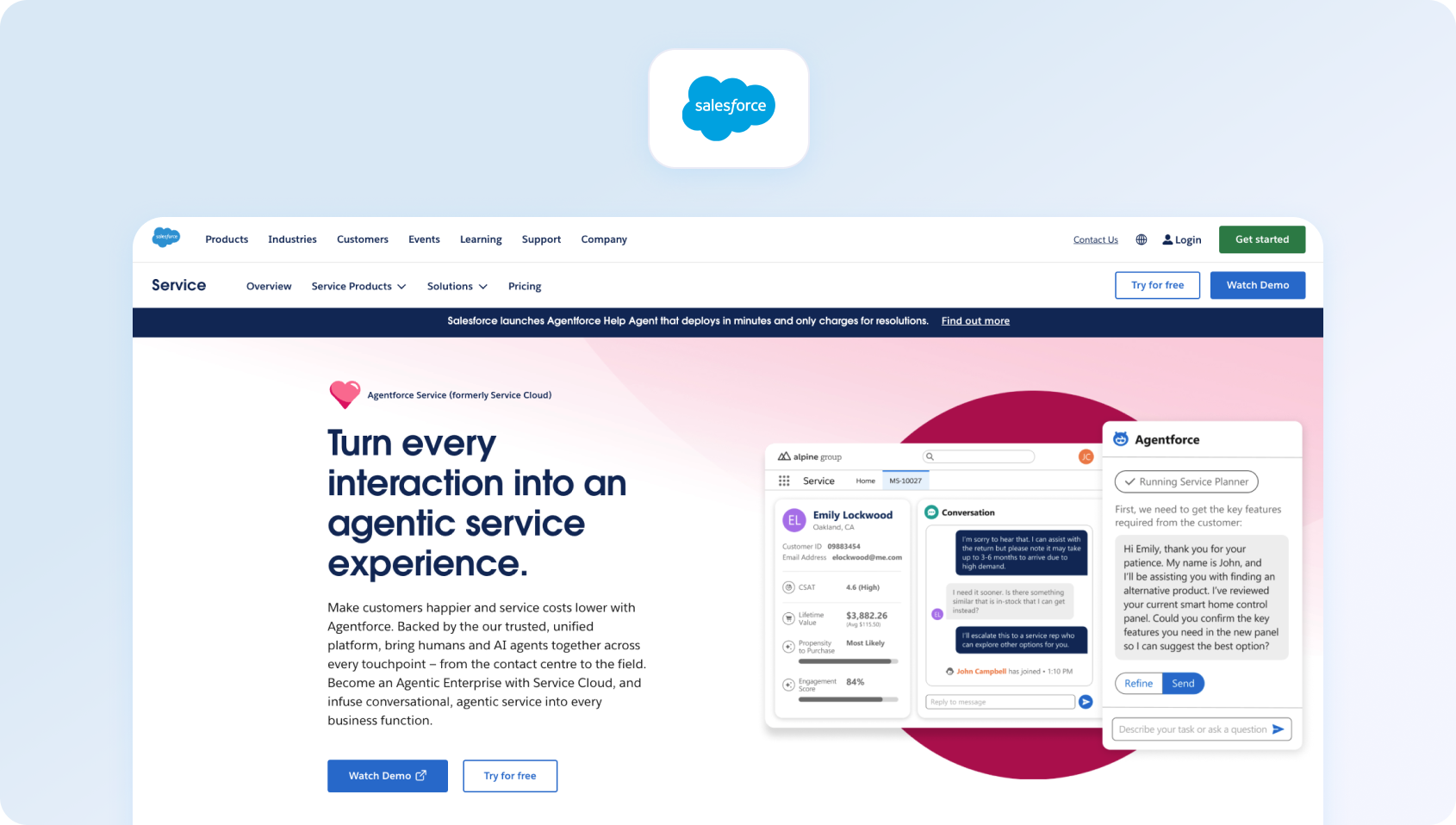
Salesforce Service Cloud is an enterprise customer service platform built on Salesforce infrastructure, combining case management, automation, omnichannel routing, and CRM data in one environment. Compared with Front, it is a much heavier and more configurable platform designed for organisations that need enterprise service workflows, large-scale automation, and deep integration with the Salesforce ecosystem.
Best for
Salesforce Service Cloud is best for large enterprises already embedded in Salesforce that want customer support tightly connected to CRM data, automation, and broader service operations.
- Case management system
- AI-driven service automation
- Omnichannel routing
- Advanced analytics tools
- Extremely powerful enterprise capabilities
- Deep CRM integration
- High complexity and implementation cost
Key Salesforce Service Cloud features
- Case management and service workflows: Service Cloud provides enterprise-grade case handling, routing, and workflow management for support teams.
- AI-powered service automation: Salesforce includes AI-driven service tools, automation, and increasingly agentic support capabilities across the platform.
- Omnichannel routing: Teams can manage service requests across channels with routing and agent assignment workflows.
- Advanced analytics and reporting: Service Cloud supports reporting, dashboards, and enterprise service visibility across large support teams.
- Deep Salesforce integration: For teams already using Salesforce, support data can connect directly to accounts, opportunities, and broader CRM workflows
Pros
- Extremely powerful enterprise service platform with deep customisation options
- Strong fit for Salesforce-centric organisations
- Combines support, CRM, and automation in one ecosystem
- Suitable for complex, large-scale support environments
Cons
- High implementation complexity compared with most Front alternatives
- Costs can escalate quickly with add-ons, advanced editions, and broader Salesforce usage
- Often more platform than smaller teams actually need
Pricing
Salesforce Service Cloud offers public pricing starting from Starter Suite, with higher Pro Suite, Enterprise, Unlimited, and Einstein 1 Service tiers available. Entry pricing starts relatively low, but enterprise deployments typically become much more expensive once advanced automation, AI, and service functionality are added.
9) Zoho Desk: Best for Teams in the Zoho Ecosystem

Zoho Desk is a support platform withinthe broader Zoho ecosystem , combining ticketing,workflow automation, and multichannel support at a relatively accessible price point. It is a stronger fit than Front for teams that want more structured ticketing and automation, particularly if they are already using other Zoho products and want support operations to live inside the same software stack.
Best for
Zoho Desk is best for teams already using Zoho applications and looking for an affordable support platform with ticketing, automation, and multichannel support.
Key Zoho Desk features
- Ticket management system: Zoho Desk helps teams organise, assign, and manage customer support tickets across channels.
- Automation rules and workflows: Teams can automate ticket routing, notifications, and repetitive support actions.
- Multichannel support: Zoho Desk supports email and other customer communication channels within one support environment.
- Reporting dashboards: Built-in reporting gives teams visibility into ticket trends, workload, and service performance.
- Zoho ecosystem integration: It works particularly well for businesses already using Zoho CRM and related Zoho apps.
Pros
- Cost-effective pricing compared with many larger support platforms
- Strong fit for businesses already invested in the Zoho ecosystem
- Offers more structure than a basic shared inbox setup
- Useful balance of ticketing, automation, and reporting for SMBs and mid-market teams
Cons
- Interface and user experience can feel less polished than some newer competitors
- Better suited to Zoho-aligned teams than to organisations wanting a best-of-breed standalone support platform
- Advanced support operations needs may push teams toward higher tiers or different tools
Pricing
Zoho Desk offers tiered pricing plans with entry plans starting from around €7 per user, per month and higher plans adding more automation, AI, and multichannel functionality.
10) Hiver: Best for Gmail-Native Support Teams
Hiver is a shared inbox platform built directly inside Gmail, allowing teams to manage customer support and internal requests without leaving Google Workspace.
Best for
Hiver is best for teams operating primarily within Gmail and Google Workspace that want shared inbox functionality, lightweight support workflows, and minimal change management.
Key Hiver features
- Shared inbox inside Gmail: Hiver turns Gmail into a collaborative support workspace for managing team inboxes and customer requests.
- Assignment and tagging tools: Teams can assign conversations, add notes, and organise work without leaving the Gmail interface.
- Basic automation features: Hiver includes rules and workflow support for common support tasks.
- Analytics reporting: Reporting tools help teams track inbox performance, response times, and workload.
- Google Workspace-native experience: Hiver is designed for teams that want to stay inside the Google ecosystem rather than adopt a separate support platform.
Pros
- Very low learning curve for Gmail-based teams
- Strong fit for shared inbox support inside Google Workspace
- Quick to implement compared with larger support platforms
- Useful for teams that want a lightweight Front alternative without major process change
Cons
- More limited than full omnichannel support platforms
- Better for email-centric teams than for organisations needing voice, advanced AI, or WFM
- Support operations depth is lighter than in dedicated enterprise help desk tools
Pricing
Hiver offers free and paid plans, with paid pricing starting from entry-level shared inbox tiers and increasing for more advanced automation, analytics, and support capabilities.
11) Gorgias: Best for E-commerce Support Teams
Gorgias is a customer support platform built specifically for e-commerce brands, with deep integrations into platforms like Shopify and strong support for order-related customer conversations. While Front can work for general shared inbox collaboration, Gorgias is much more tailored to ecommerce support workflows, making it a better fit for teams that need customer service software tied closely to orders, customer data, and repetitive support automation.
Best for
Gorgias is best for e-commerce support teams handling high volumes of order-related customer inquiries and wanting support workflows closely integrated with platforms like Shopify.
Key Gorgias features
- Shared support inbox across channels: Gorgias centralises customer conversations from email, chat, and social channels in one workspace.
- E-commerce integrations: The platform is built for e-commerce, with strong integrations into Shopify and related commerce tools.
- Automation for repetitive support tasks: Teams can automate common support requests, routing, and repetitive customer service interactions.
- Customer data visibility inside tickets: Agents can see relevant order and customer context while handling support conversations.
- Live chat and support workflows: Gorgias supports both reactive support and ecommerce-specific customer messaging use cases.
Pros
- Strong ecommerce-specific functionality compared with more general support tools
- Helpful for teams managing order status, returns, and repetitive commerce support queries
- Good Shopify alignment and customer context visibility
- Better fit than Front for dedicated ecommerce support operations
Cons
- Less flexible outside ecommerce use cases
- Pricing can become more complex because it is tied to ticket volume and automation usage
- Better suited to DTC and ecommerce brands than to general B2B support teams
Pricing
Gorgias pricing starts from around $50/month for lower ticket volumes, with costs increasing based on monthly ticket volume. Automation and AI usage can also add to total cost, so pricing scales with support volume rather than simply seat count.
12) Missive: Best for Cross-Functional Team Collaboration
Missive is a collaborative communication platform that combines shared inbox functionality with internal chat, comments, and task management. Of all the Front alternatives on this list, it is one of the closest in spirit to Front’s collaboration-first model, making it a strong option for teams that want to preserve internal communication and shared inbox workflows rather than move toward a more traditional ticketing platform.
Best for
Missive is best for cross-functional teams that need shared inbox collaboration, internal communication, and lightweight workflow management in one workspace.
Key Missive features
- Shared inbox and team inboxes: Missive helps teams manage customer emails and shared communication workflows collaboratively.
- Internal comments and chat: ams can discuss conversations, collaborate internally, and coordinate responses inside the platform.
- Task and workflow management: Missive includes task and workflow tools that help teams manage follow-ups and internal actions alongside messages.
- Email and messaging integrations: The platform supports a mix of email and communication workflows in one shared environment.
- Automation support: Teams can automate parts of their inbox and communication processes.
Pros
- Strong collaboration features for teams that work across support and internal communication
- Good fit for businesses that want something close to Front’s shared inbox model
- Combines messaging, collaboration, and light workflow management well
- Easier to adopt than larger enterprise support platforms
Cons
- Customer support automation is lighter than in more specialised help desk platforms
- Better for collaborative communication workflows than for complex support operations
- Less suited to teams that need enterprise ticketing, voice, or advanced WFM and QA.
Pricing
Missive offers tiered pricing, with paid plans starting from around $14 per user, per month. Higher tiers add more advanced collaboration, admin, and workflow functionality. A free plan is available for up to three users.
13) Dixa: Best for Conversation-Driven Support

Dixa is a customer service platform built around conversation-driven support, bringing voice, chat, email, and messaging into a single interface. Compared with Front, which is more rooted in shared inbox workflows, Dixa is better suited to teams that want real-time customer conversations, native voice support, and a more unified omnichannel setup without relying on multiple separate tools.
Best for
Dixa is best for support teams prioritising real-time customer conversations across voice, chat, email, and messaging channels in one platform.
Key Dixa features
- Omnichannel support across voice and digital channels: Dixa unifies customer conversations across voice, chat, email, and messaging into one agent workspace
- Intelligent routing and automation: Teams can route interactions based on skills, availability, and workflow rules to improve efficiency and response quality.
- Performance dashboards and analytics: Reporting tools help teams monitor agent productivity, service levels, and support performance across channels.
- Customer experience tooling: Dixa includes features designed to support faster, more personalised customer conversations in real-time.
- Native voice support: Unlike many shared inbox platforms, Dixa includes voice as a core part of its omnichannel setup.
Pros
- Strong fit for teams that want voice and digital support in one interface
- Better aligned to conversation-driven support than email-first shared inbox tools
- Native voice support makes it more capable than lighter messaging-focused alternatives
- Useful for teams that want omnichannel coverage without building a fragmented support stack
Cons
- Pricing can rise as team size and feature requirements increase
- Better suited to teams prioritising real-time support than to those wanting a lightweight inbox collaboration tool
- Less attractive for smaller teams that do not need voice or broader omnichannel operations
Pricing
Dixa offers transparent tiered pricing, with plans starting at $39 per user/month when billed annually. Higher tiers are available for teams that need more advanced features, and enterprise customers can contact sales for a custom quote.
14) Trengo: Best for WhatsApp-Heavy Support Operations
Trengo is a multichannel communication platform designed around messaging-heavy customer support, with a particular strength in WhatsApp alongside email, live chat, and social channels. While Front supports collaborative messaging workflows, Trengo is a stronger fit for teams that manage large volumes of messaging-based customer conversations and want those channels centralised in one shared workspace.
Best for
Trengo is best for support teams handling large volumes of WhatsApp, messaging app, and multichannel customer conversations.
Key Trengo features
- Shared inbox for multiple channels: Trengo brings email, live chat, WhatsApp, and other messaging channels into one collaborative workspace.
- WhatsApp and messaging integrations: The platform is particularly strong for businesses that rely heavily on WhatsApp and conversational messaging.
- Workflow automation: Teams can automate repetitive support tasks, routing, and standard messaging workflows.
- Team collaboration tools: Internal notes, assignments, and collaboration features help teams coordinate responses across shared inboxes
- Analytics and reporting: Trengo provides reporting tools to help teams track performance across messaging channels
Pros
- Strong fit for messaging-heavy support operations, especially WhatsApp
- Easier to manage multiple messaging channels in one workspace
- Useful for businesses that want collaboration and customer messaging in the same platform
- More messaging-centric than many traditional help desk tools
Cons
- Advanced analytics and support operations tooling are lighter than in more mature enterprise service platforms
- Better suited to messaging-heavy teams than to businesses wanting deep ticketing or service operations workflows
- Costs can rise as businesses add more users, automation, and channel requirements
Pricing
Trengo offers tiered pricing, with plans typically starting from a lower-volume team plan and increasing for more advanced automation, AI, and channel support. Pricing is usually quoted per workspace or team setup rather than purely per seat (.g. around $341/month for 10 users), so total cost depends on usage and feature requirements. .
15) Re:amaze: Best for SMB Multichannel Support
Re:amaze is a customer support platform built for small to mid-sized businesses that want email, chat, social messaging, and automation in one place. Compared with Front, it offers a more support-focused setup for SMB teams that need multichannel communication and customer service workflows, but do not want the cost or complexity of a larger enterprise platform.
Best for
Re:amaze is best for SMBs needing affordable multichannel customer support with email, live chat, automation, and social messaging in one platform.
Key Re:amaze features
- Shared inbox and ticket management: Re:amaze helps teams manage support conversations across channels from one workspace.
- Live chat and chatbots: Teams can support customers through live chat while also using bots for common queries and routing.
- Knowledge base functionality: Built-in self-service tools help businesses create help content and reduce repetitive support requests.
- Automation features: Re:amaze includes workflow automation and customer service rules for common support processes
- Customer engagement tools: The platform supports proactive messaging and support workflows for growing ecommerce and SMB teams
Pros
- Good balance between affordability and multichannel support functionality
- Easier to implement than heavier enterprise service platforms
- Useful for SMBs that want chat, email, and automation in one place
- More support-focused than a basic shared inbox tool
Cons
- Less scalable than larger enterprise support platforms as support complexity grows
- Better suited to SMBs than to large global support operations
- Support operations depth is lighter than in platforms with native WFM, QA, or more advanced analytics
Pricing
Re:amaze offers tiered pricing, with plans starting from around $29 per user/month and increasing for more advanced automation, AI, and channel capabilities..
16) Crisp: Best for Startups on a Flat-Rate Budget

Crisp is a customer messaging platform that combines live chat, email, chatbot functionality, and team collaboration with a flat-rate pricing model. Unlike Front’s per-user shared inbox approach, Crisp can be attractive for startups and small teams that want predictable pricing while still getting live chat, messaging, and lightweight customer support tools in one platform.
Best for
Crisp is best for start-ups and small teams that want live chat, messaging, and chatbot functionality with predictable flat-rate pricing.
Key Crisp features
- Live chat and messaging tools: Crisp is built around chat-first customer communication and support.
- Chatbots and automation: Teams can automate common customer interactions and support workflows.
- Shared inbox for customer conversations: Crisp includes collaborative inbox functionality for handling messages as a team.
- Knowledge base tools: Built-in help centre functionality supports self-service and deflection.
- Team collaboration features: Internal notes and collaborative messaging workflows help teams manage support together.
Pros
- Flat-rate pricing can be attractive for teams with multiple users
- Strong live chat and messaging capabilities for startups and SMBs
- Useful blend of chat, automation, and lightweight support tooling
- Easier to budget for than per-seat platforms in some scenarios
Cons
- Reporting and support operations depth are lighter than in more mature service platforms
- Better for chat-first support than for highly structured enterprise ticketing
- Less suitable for teams needing advanced WFM, QA, or deep omnichannel service operations
Pricing
Crisp offers a free plan and paid plans, with its customer support and messaging packages generally built around flat monthly pricing rather than strict per-user pricing. Costs increase based on features such as automation, chatbot capabilities, and advanced inbox functionality.
17) LiveAgent: Best for Broad Channel Coverage at Lower Cost

LiveAgent is a help desk platform that combines email, live chat, social messaging, and call centre functionality at a relatively accessible price point. Compared with Front, it offers broader native channel coverage for teams that need more than a collaborative inbox, while still remaining more affordable than many enterprise customer support platforms.
Best for
LiveAgent is best for teams needing broad channel coverage, including email, live chat, social channels, and call centre support, at a lower cost than many enterprise alternatives.
Key LiveAgent features
- Ticket management system: LiveAgent provides a structured help desk and ticketing setup for managing support requests
- Live chat and call centre features: Teams can handle both chat and voice interactions from the same platform
- Social media integrations: LiveAgent supports customer communication across social channels alongside traditional support channels
- Knowledge base tools: Built-in help centre functionality supports self-service and customer deflection
- Automation features: Workflow automation and routing tools help teams streamline repetitive support tasks
Pros
- Wide channel coverage compared with many lower-cost support platforms
- Includes call centre functionality, which is a meaningful step up from email-only shared inbox tools
- More cost-effective than many enterprise help desk platforms
- Good fit for teams that want a broad support toolset without a large enterprise budget
Cons
- Interface and user experience can feel dated compared with newer competitors
- Better for teams prioritising breadth of channels than a modern premium support experience
- More limited in advanced AI, analytics, and support operations tooling than higher-end platforms
Pricing
LiveAgent offers tiered pricing starting at $10 per month (for the first six months), and including lower-cost entry plans and higher tiers for broader support functionality. Public pricing starts from a low monthly entry point, but the more relevant plans for multichannel support, automation, and call centre capabilities sit higher up the pricing ladder. .
18) Kayako: Best for Established Teams Needing Automation Depth
Kayako is a customer support platform designed for teams managing more complex support workflows, with a focus on automation, customer journey visibility, and multi-step service processes. While Front is often used for collaborative inbox management, Kayako is better suited to established support teams that need more structured support operations and a stronger workflow layer around customer service.
Best for
Kayako is best for established support teams needing deeper automation, more structured service workflows, and visibility into the customer journey across support interactions.
Key Kayako features
- Shared inbox and ticketing: Kayako combines collaborative inbox functionality with structured ticket management
- Automation features: Teams can automate support workflows, routing, and common repetitive actions
- Customer journey tracking: Kayako gives teams visibility into the customer journey and interaction history across support touchpoints
- Knowledge base tools: Built-in self-service tools help teams reduce repetitive support queries
- Reporting and service visibility: Reporting features help teams monitor support performance and workflow efficiency
Pros
- Stronger automation depth than many lightweight shared inbox tools
- Helpful customer journey visibility for more established support teams
- Better fit than Front for teams that need more structured support operations
- Useful middle ground between simple inbox tools and heavier enterprise service platforms
Cons
- Slower pace of innovation than some newer customer support vendors
- Better suited to established support teams than to very small teams wanting simplicity
- Public pricing and product packaging are less straightforward than some competitors
Pricing
Kayako pricing is usage-based, with plans starting at $1 per resolution. Teams may still need to contact sales for higher-volume or custom setups.
19) Helply: Best for Very Small Teams Wanting Simplicity
Helply (formerly known as Groove)is a simple help desk platform built for small teams that want shared inbox support, basic ticketing, and customer communication tools without the complexity of a larger support stack .
Best for
Helply is best for very small support teams that want a simple shared inbox and help desk platform for email-based customer support.
Key Groove features
- Shared inbox for customer emails: Groove gives teams a collaborative inbox for handling customer conversations together.
- Knowledge base tools: Teams can create self-service help content directly within the platform.
- Basic reporting: Groove includes core visibility into team activity, conversations, and response performance.
- Automation features: Workflow tools help teams manage repetitive support actions and inbox processes.
- Simple support workflows: The platform is designed to stay lightweight and easy to adopt for small support teams.
Pros
- Easy to set up and use for small teams
- Clean, simple interface with minimal overhead
- Good fit for teams that want a support-focused alternative to a basic shared inbox
- Lighter and more approachable than many larger help desk platforms
Cons
- Limited scalability for larger teams or more complex support environments
- Less depth in AI, omnichannel support, and advanced service operations tooling
- Better suited to smaller support teams than to businesses planning for complex scale
Pricing
Helply uses usage-based pricing, with costs starting at around $1 per ticket rather than a flat per-user fee.
20) Helpwise: Best for Shared Inbox Across Multiple Email Accounts
Helpwise is a shared inbox platform for teams managing multiple email accounts and lightweight customer support in one place. It focuses on collaborative inbox management, email assignment, and internal discussion, making it a practical alternative to Front for teams that want shared inbox functionality without the complexity of a larger customer support suite.
Best for
Helpwise is best for teams managing multiple shared inboxes and basic support workflows across email and a small number of communication channels.
Key Helpwise features
- Shared inbox for multiple accounts: Helpwise centralises multiple email inboxes and communication channels into one workspace.
- Email assignment and tagging: Teams can assign ownership, tag conversations, and organise support requests collaboratively.
- Internal notes and comments: Helpwise includes collaboration features for discussing conversations internally before responding.
- Basic reporting: Teams get visibility into inbox activity, workload, and response performance.
- Automation features: Workflow rules help streamline repetitive inbox tasks and support processes.
Pros
- Affordable and easy to use for teams with multiple shared inboxes
- Good fit for email-based support and collaborative inbox management
- Simpler than larger support platforms for lightweight support operations
- Useful for teams that want a practical shared inbox alternative to Front
Cons
- AI, automation, and support operations depth are limited compared with larger help desk platforms
- Better suited to email-centric workflows than to true omnichannel support
- Less suitable for teams needing voice, WFM, or more advanced service analytics
Pricing
Helpwise offers tiered pricing, with plans starting from around $12 per user/month depending on the plan and billing setup. Higher tiers add more automation, integrations, and inbox management capabilities.
21) DragApp: Best for Kanban-Style Email Management in Gmail
DragApp is a Gmail-based collaboration tool that transforms email into a Kanban-style workflow for managing support, internal tasks, and team communication. Rather than acting as a full customer support platform, it is best viewed as a Front alternative for teams that want to stay inside Gmail while organising work visually and collaboratively.
Best for
DragApp is best for teams that want Kanban-style workflow management, shared inbox collaboration, and task tracking directly inside Gmail.
Key DragApp features
- Kanban boards inside Gmail: DragApp turns email into a visual workflow system with boards for tasks, pipelines, and support processes
- Shared inbox functionality: Teams can collaborate on customer emails and shared inbox workflows without leaving Gmail
- Task and workflow management: DragApp blends email management with lightweight project and task tracking
- Automation features: Teams can automate parts of their workflow and inbox management inside Gmail
- Google Workspace integration: Because it runs inside Gmail, DragApp fits naturally into Google Workspace-led teams
Pros
- Strong workflow visualisation for teams that like Kanban-style organisation
- Seamless Gmail integration with minimal process change
- Useful for combining inbox collaboration with lightweight task management
- Good fit for teams that want a visual shared inbox workflow rather than a full support suite
Cons
- Omnichannel support is limited compared with dedicated customer support platforms
- Better suited to Gmail-based workflow teams than to larger support operations
- Lighter in AI, analytics, and support-specific functionality than broader help desk tools
Pricing
DragApp offers tiered pricing, with plans starting from around $12 per user/month and increasing for more advanced workflow, collaboration, and admin capabilities.
22) Gmelius: Best for Gmail-Based Workflow Automation
Gmelius is a collaboration and automation platform built on top of Gmail, enabling teams to manage shared inboxes, automate workflows, and coordinate email-based work without leaving Google Workspace. Compared with Front, it is a practical option for businesses that want to keep support and internal communication inside Gmail while adding more structure and automation to their inbox workflows.
Best for
Gmelius is best for teams heavily reliant on Gmail and Google Workspace that want shared inbox collaboration and workflow automation without adopting a separate support platform.
Key Gmelius features
- Shared inbox in Gmail: Gmelius adds collaborative inbox functionality directly into Gmail for team-based email management
- Workflow automation: Teams can automate inbox workflows, routing, and repetitive communication tasks
- Email collaboration tools: Internal notes, assignments, and shared workflows help teams manage support and operational communication together
- Reporting dashboards: Gmelius includes reporting and visibility into team workload and email performance
- Third-party integrations: The platform supports integrations that extend workflow automation and collaboration beyond Gmail
Pros
- Strong automation for Gmail-based teams
- Good fit for organisations that want to stay inside Google Workspace
- Useful blend of inbox collaboration and workflow automation
- Lower-friction option than moving to a larger standalone support platform
Cons
- Limited support for non-email channels compared with true omnichannel support platforms
- Better for internal workflows and email collaboration than for complex support operations
- Lacks the broader service tooling of larger help desk and contact centre platforms
Pricing
Gmelius offers tiered pricing, with paid plans starting from around $19 per user/month. Higher tiers add more advanced automation, reporting, and collaboration functionality. .
23) Tidio: Best for SMB Teams Prioritising Live Chat and AI Bots

Tidio is a customer communication platform that combines live chat, chatbots, email support, and automation in one interface. While Front is more closely associated with shared inbox collaboration, Tidio is a stronger fit for small and mid-sized businesses that want to prioritise live chat, website conversations, and AI-powered customer interactions without adopting a heavier enterprise support platform.
Best for
Tidio is best for SMB teams prioritising live chat, chatbot automation, and customer engagement alongside lightweight support workflows.
Key Tidio features
- Live chat and chatbot functionality: Tidio is built around website chat, automated conversations, and real-time customer support.
- Shared inbox for messages: Teams can manage chat, email, and other customer messages from one workspace.
- Automation features: Tidio includes chatbot workflows and automation tools for repetitive support and engagement tasks.
- Customer engagement tools: The platform supports proactive messaging and customer interaction workflows.
- Analytics dashboards: Teams can track chat activity, support performance, and customer engagement through built-in reporting
Pros
- Strong live chat and chatbot capabilities for SMB teams
- Easy to implement for businesses wanting fast website-based support
- Good fit for teams prioritising chat-led support rather than heavy ticketing workflows
- More approachable than larger support platforms for smaller teams
Cons
- Less suited to complex support operations or enterprise-scale service teams
- Support functionality is lighter than in platforms built around deeper omnichannel service management
- Better for chat-first workflows than for teams needing voice, WFM, or advanced support analytics
Pricing
Tidio offers a free plan and paid plans, with pricing typically split between live chat/support packages and AI chatbot or automation packages. Total cost depends on the mix of support, chatbot, and automation features a team needs.
What to Look For in a Front Alternative
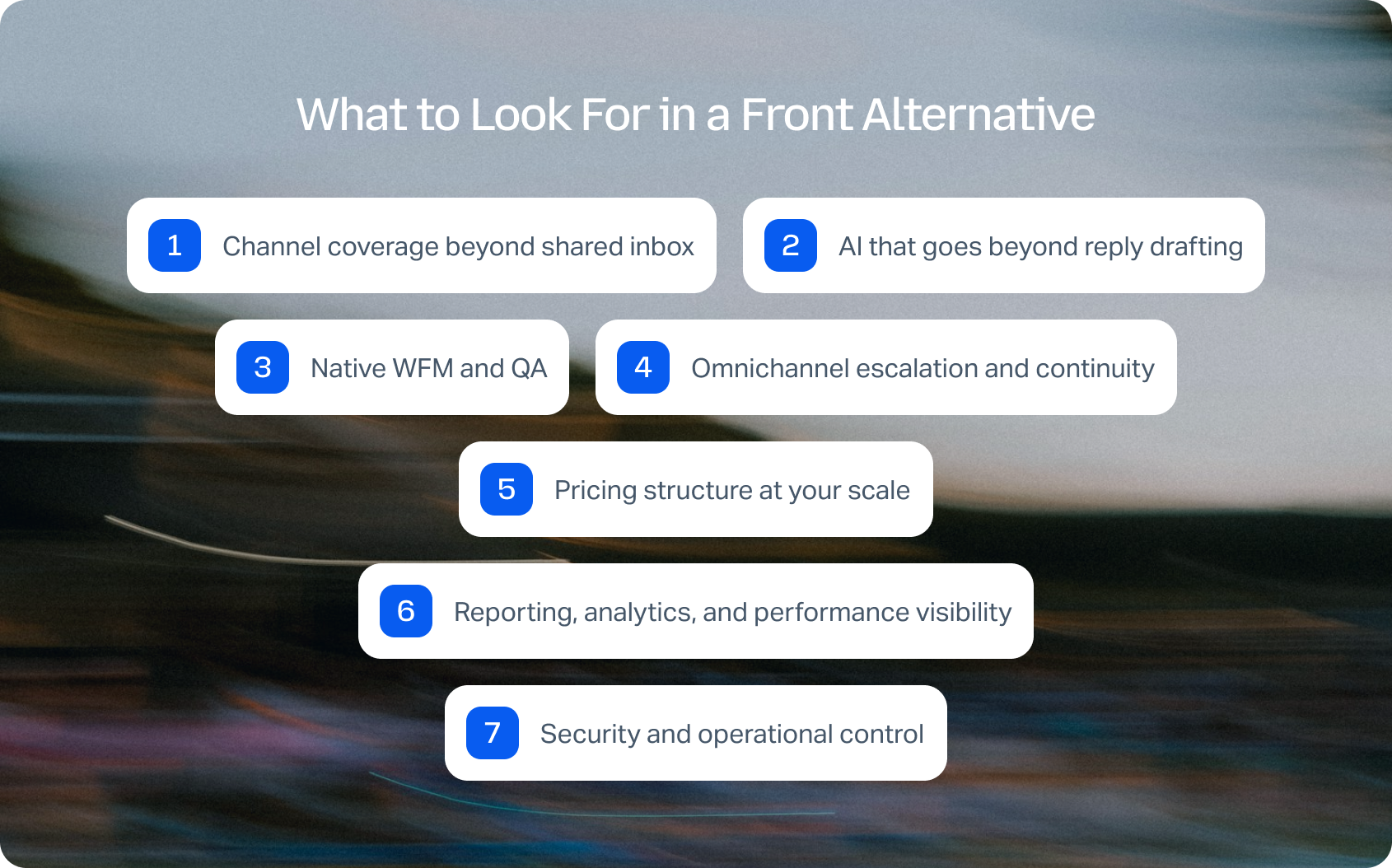
Choosing the right Front alternative means aligning your support platform to the way your team actually operates today, and how it will scale over the next 12–24 months.
Most teams do not replace Front because a shared inbox stops working altogether; they replace it because it stops scaling once support expands across more channels, more agents, and more complex workflows. At that point, the biggest differences between platforms are not cosmetic. They come down to architecture, operational depth, and total cost of ownership.
Channel coverage beyond shared inbox
Front's strength is collaborative email and lightweight messaging, but most growing support teams now manage customer interactions across live chat, voice, SMS, and social channels as well . If those channels sit in separate tools or rely on fragile integrations, it becomes much harder to maintain context, measure performance consistently, and deliver a joined-up customer experience.
When comparing Front alternatives, ask:
- Are all channels managed in a single shared inbox with full conversation history?
- Can you escalate between channels (e.g., chat to voice) without losing context?
- Are channels native, or dependent on third-party apps?
Platforms that rely heavily on integrations often introduce sync delays, fragmented customer data, and additional cost.
AI that goes beyond reply drafting
Most customer service platforms now advertise AI-powered tools, but there's a clear difference between surface-level automation and meaningful operational impact. Drafting assistance has value, but on its own it does not transform how a support team scales.
In 2026, strong AI in customer service software should include:
- RAG-grounded knowledge base responses, not generic suggestions
- Real-time agent coaching during live chat or calls
- Post-interaction summarisation to reduce admin time
- Automation of repetitive tasks, such as tagging and routing
If AI only helps draft replies, it won't materially improve agent productivity or team efficiency or service quality. The bigger gains tend to come when AI is embedded directly into routing, resolution, and post-interaction workflows.
PwC, organizations implementing AI at scale are seeing measurable productivity gains and operational efficiencies, particularly when AI is embedded directly into workflows rather than layered on top.
Native WFM and QA are where scaling gets harder
This is often the point where support teams outgrow Front-style shared inbox tools.. Once your customer service team grows beyond 30 agents , it becomes much harder to manage performance through inbox collaboration alone. Workforce management and quality assurance become essential if you want to scale service quality rather than just increase headcount.
Look for platforms that support:
- Workforce management (scheduling, forecasting)
- Quality assurance (interaction reviews, scorecards)
- Coaching workflows tied to real performance data
Without these, it becomes difficult to monitor team performance, maintain consistency, or improve customer satisfaction at scale.
If WFM and QA live outside the core support platform, performance management becomes slower, more manual, and harder to operationalise across the team.
Omnichannel escalation and continuity
A shared inbox may work well when most support happens over email, but the cracks show when conversations need to move between channels. For example, a live chat may escalate into a phone call, or a social message may need to become a ticket with full account context attached.
When evaluating alternatives, check whether:
- The full history of customer interactions persists across channels
- Agents can assign, escalate, and continue conversations without duplication
- Context stays intact across every touchpoint
This is critical for delivering exceptional customer experiences and maintaining continuity, and is one of the clearest differences between lightweight inbox tools and true omnichannel customer service platforms.
Pricing structure at your future scale, not just today
One of the most common mistakes in support software evaluation is judging pricing based only on the current team size. Front alternatives can look cost-effective at 10 seats and become far more expensive once AI, analytics, extra channels, and advanced support tooling are added.
It is worth modelling:
- Cost per user at your current team size
- Projected cost over the next 12–24 months
- Additional costs for:
- AI-powered tools
- Advanced analytics tools
- Omnichannel support
- Additional integrations
- Whether features like QA, WFM, or voice require separate products or add-ons
What looks like a low-cost starter plan can become expensive once you add the capabilities required for real-world customer support operations. This is where hidden costs typically emerge.
Reporting, analytics, and performance visibility
As support operations grow, reporting needs to go beyond basic inbox dashboards. Support leaders need visibility into both customer outcomes and team performance across channels.
Look for platforms that let you track key performance indicators such as:
- First Contact Resolution (FCR)
- Average Handling Time (AHT)
- CSAT and customer sentiment
- Agent-level and team-level performance
- Trends across channels, queues, and support workflows
Strong analytics tools are essential to improving both customer experience and internal accountability. If reporting is too shallow, it becomes much harder to improve service quality or understand whether new processes and automation are actually working.
Security and operational control
Finally, as your support operation becomes more complex, governance matters more. This is especially important for larger teams, regulated industries, or businesses managing customer data across multiple regions.
Check whether your shortlist includes:
- Multi-factor authentication (MFA)
- Role-based access control (RBAC)
- Audit logs for compliance
- Security certifications and compliance controls
- Data residency options where required
These capabilities are often locked behind higher-tier plans, so it is worth validating them early rather than treating them as a procurement detail later.
The bottom line is that the best alternative to Front should support the full lifecycle of customer communications, from first contact through to resolution, reporting, and performance improvement. If your evaluation focuses only on shared inbox features, there is a good chance you will outgrow the next platform too.
If you want to see what those trade-offs look like in financial terms, BlueTweak’s ROI calculator can help model the cost of fragmented tooling versus a unified support platform as your team grows.
Front Alternative Evaluation Checklist
Once you have narrowed down your shortlist, the next step is to compare vendors against a consistent set of operational requirements. This helps you avoid choosing a platform based on one standout feature while overlooking the capabilities that actually determine long-term scalability, service quality, and total cost of ownership.
Must-Have Capability Checklist
Before committing to any Front alternative, make sure your shortlist can support the following baseline requirements:
- Native omnichannel support (voice, email, chat, social)
- Unified shared inbox with full conversation history
- AI-powered tools grounded in a knowledge base
- Real-time sentiment analysis
- Reporting on service quality, SLA performance, and team productivity
- Built-in or tightly integrated workforce management and quality assurance
- Strong security controls, including MFA, RBAC, and audit visibility
- Clear pricing for the capabilities you will actually need at scale
Shortlisting the right Front alternative requires a consistent way to evaluate trade-offs. The framework below is designed to help support leaders assess platforms based on what drives real operational impact, from team efficiency to scalability and cost control.
This is the framework we recommend using when comparing vendors side by side, especially if your team is balancing multiple support channels, automation goals, and long-term performance tracking requirements.
“The biggest mistake teams make when replacing Front is evaluating for today’s inbox pain rather than tomorrow’s operating model. Once support expands across channels, automation, and performance management, the real question is not which tool looks most familiar — it is which platform removes fragmentation without adding more complexity.” — Radu Dumitrescu, Head of Presales & Digital Transformation, BlueTweak
BlueTweak Front Alternative Evaluation Framework
| Criterion | What to Look For |
|---|---|
| Channel depth and voice support | Native telephony plus 4+ digital channels in one workspace |
| AI coverage (native, not add-on) | RAG-grounded KB, suggested reply, real-time coaching, post-call notes in base plan |
| Reporting and analytics | FCR, AHT, CSAT, sentiment — interaction-level, real-time and historical |
| WFM and QA native | Scheduling, forecasting, adherence, scorecard — first-party |
| Time-to-value | Days to go-live; self-serve onboarding available |
| TCO and pricing transparency | Per-seat pricing published; AI and channels in base; no surprise add-ons |
| Security and admin | MFA, RBAC, audit logs, SOC 2, data residency available |
Used well, this checklist gives support leaders a more reliable way to compare Front alternatives than feature lists alone. It keeps the evaluation focused on what actually affects service quality, agent efficiency, and long-term scalability, rather than which platform happens to feel most familiar on day one.
Final Thoughts: Choosing the Right Front Alternative for Scale
The right Front alternative is the one that fits where your support operation is going, not just where it is today. If your team is expanding into more channels, handling higher volumes of customer interactions, or trying to improve service quality without adding more tools, shared inbox collaboration alone will only take you so far.
As you compare options, focus on three things: channel coverage, AI depth, and operational maturity. Can the platform support voice, live chat, and messaging in one place? Does AI go beyond reply drafting into automation, summarisation, and workflow support? And are capabilities like WFM, QA, and performance analytics built in, rather than added later through separate tools?
From there, validate the total cost of ownership, not just the entry price. Hidden costs tend to appear when AI, analytics, extra channels, and integrations are layered on top of a platform that was never designed to run the full support operation.
For teams that have outgrown Front’s shared inbox model and want to consolidate support, automation, and performance management into one platform, BlueTweak is a strong option to shortlist. You can start a 14-day free trial (no credit card required), or book a demo to see what a unified support stack could look like for your team.
10 Best Ecommerce Help Desk Software Options in 2026
E-commerce customers expect fast, personalized support wherever they shop, whether that's email, live chat, social media, or messaging apps. But many support teams are still juggling disconnected desk tools, multiple business systems, and rising ticket volumes that slow down agents and frustrate customers.
The best e-commerce help desk software brings every support conversation into one place, helping teams automate repetitive tasks, improve agent efficiency, and deliver consistent customer experiences at scale. Platforms like BlueTweak combine omnichannel support, AI-powered automation, workforce management, and customer self-service capabilities in a single solution, making it easier for growing e-commerce businesses to resolve customer issues without adding operational complexity.
In this guide, we compare the best e-commerce help desk software for 2026, covering pricing, features, AI capabilities, and integrations so you can find the right platform for your business.
Why Generic Help Desk Software Falls Short for E-commerce
Choosing e-commerce help desk software isn't just about finding a platform with a Shopify integration. It's about selecting a customer support solution that's built for the realities of online retail.
Many traditional help desk tools were originally designed for general business support. While they may offer basic ticket management and a handful of e-commerce integrations, they often struggle with retail-specific workflows such as order tracking, returns, exchanges, and high-volume customer inquiries. Support teams are left switching between multiple platforms, manually checking order information, and responding to repetitive questions that could easily be automated.
The best e-commerce help desk software combines omnichannel communication, intelligent ticket routing, AI-powered automation, and customer self-service in one platform. Features like knowledge base articles, live chat support, customer sentiment analysis, and workflow automation help e-commerce teams resolve customer issues faster while improving service level agreements and reducing support costs.
The platforms below go beyond basic ticketing to deliver dedicated support for modern e-commerce businesses, helping agents work more efficiently while giving customers faster, more consistent experiences.
Signs You've Outgrown Your Current Help Desk Software
Every e-commerce business reaches a point where basic customer support software starts holding the team back. As order volumes grow and customers expect faster, more personalized service across every channel, disconnected support tools create bottlenecks that impact both agent productivity and the customer experience.
If any of the challenges below sound familiar, it's probably time to invest in e-commerce help desk software that's built for retail workflows rather than generic ticket management.
Common Triggers Pushing Teams Toward Specialized E-Commerce Help Desk Software:
1. Fragmented Tools Creating Chaos
Fragmented support tools create unnecessary work; agents switch between email, a shared inbox, WhatsApp Web, Instagram, your e-commerce platform, and other business systems just to answer a single customer inquiry. Your support team toggles between email, a basic shared inbox for chat, WhatsApp Web for messaging, Instagram for DMs, and your e-commerce store admin panel for order lookups. Instead of resolving issues quickly, they waste valuable time copying information between platforms. Modern help desk software should centralize every support conversation, automatically surface order history, and route tickets to the right team.
2. Missing E-Commerce Platform Integrations
Your current help desk lacks native Shopify, BigCommerce, or WooCommerce apps pulling customer profile details and purchase history. Agents ask customers to repeat order numbers and shipping addresses already in your system. You need e-commerce help desk software that automatically populates order details in tickets.
3. Limited Social Coverage
Customers message you through Instagram, Facebook, WhatsApp, and TikTok, but your desk software only handles email and basic chat. Social customer messages go unanswered because they don't flow into your ticketing system. You need multichannel support that covers where customers actually engage with your business.
4. Manual WISMO and Returns
Basic inquiries flood your support channels daily. Agents manually check tracking, copy-paste shipping updates, and process returns through repetitive steps. You need workflow automation handling routine inquiries with AI agents while escalating edge cases to human agents with full context.
4. AI That Doesn't Understand Retail
Generic chatbots often struggle with returns, exchanges, shipping policies, or product questions because they aren't grounded in your knowledge base articles. The best e-commerce platforms combine advanced AI features with knowledge-base grounding, customer sentiment analysis, and intelligent ticket routing to help agents resolve customer issues faster while maintaining accuracy.
Essential Features to Look For When Evaluating E-Commerce Help Desk Software:
- Order-aware ticketing: Customer timeline showing purchase history, current order status, and past support interactions inside each ticket. Quick action, such as creating refunds, processing exchanges, editing orders, or resending confirmations without leaving the help desk.
- Channels matching retail: Email, live chat, voice, SMS, WhatsApp, Instagram DMs, Facebook Messenger, and TikTok support. Marketplace message capture from Amazon, eBay, or other platforms. Native integrations, rather than third-party integrations requiring middleware.
- AI depth for common scenarios: Transcription and ticket summaries, reducing after-call work. Intent detection identifies WISMO, returns, cancellations, or pre-sale questions. AI-powered reply suggestions grounded in store policies. Proactive messaging alerting customers about shipping delays. Multilingual customer support through an AI chatbot and a voicebot.
- Automation reducing manual work: Low-code flows handling WISMO updates, return request processing, exchange workflows, cancellations, and back-in-stock notifications. Event-based triggers automatically respond to shipment confirmations, deliveries, or refund completions.
- Self-service reducing ticket volumes: Order tracking, address changes, returns/exchanges, and warranty claims handled through customer portals. Escalation to human support carrying full context rather than starting over.
KPIs Proving E-Commerce Help Desk Software Works:
- Contact rate per order
- WISMO inquiry percentage
- First Contact Resolution (FCR)
- Average Handle Time (AHT)
- Deflection and Containment Rates
- Abandonment Rate
- CSAT and Customer Effort Score (CES)
- Repeat purchase rate
- Refund rate
Track these before and after implementation. Platforms that promise e-commerce optimization should prove it through measurable reductions in support ticket volumes relative to order growth.
Multi-brand retailers: Running multiple brands or managing support for multiple marketplaces? Verify native multi-brand routing, per-brand reporting with data isolation, and separate SLAs preventing cross-contamination.
If your team is spending more time switching between tools than solving customer issues, it may be time to rethink your help desk. BlueTweak combines AI-powered automation, omnichannel communication, workforce management, and customer self-service in one platform, helping e-commerce teams improve agent efficiency while reducing support costs.
Use the BlueTweak ROI Calculator to estimate how much time and money your business could save, or book a personalised demo to see how it works with your ecommerce workflows.
10 E-commerce Help Desk Software Options for 2026
Below are the current e-commerce help desk platforms evaluated by retail support teams. Pricing and features come from vendor websites as of January 2026. Where pricing lacks clarity, we note “Contact sales” or “Verify.”
1. BlueTweak: Best for Unified E-Commerce Customer Support
BlueTweak provides an all-in-one CCaaS platform merging voice, chat, email, and social channels with AI automation and workforce management. It's built for mid-market operations (20-100 agents), ecommerce businesses, and BPO teams, and it offers KB-grounded AI and omnichannel ticketing without tool sprawl.
Best for: E-commerce operations wanting comprehensive omnichannel support with AI automation and built-in workforce management.
Key features:
- Native voice, IVR, multilingual support, AI voicebot, transcription
- Chat with an AI customer service chatbot and real-time translation
- Email with AI suggestions and automated ticket summaries
- Customer profile consolidating purchase history and interactions
- Sentiment analysis and automated tagging
- Customer service quality assurance module built in
- Multilingual customer support across 35+ languages
- Workflow automation for routine tasks
- WFM with forecasting and scheduling
- Open APIs for commerce platform integrations
"Modern e-commerce support isn't just about answering tickets faster. It's about giving every agent complete customer context, automating repetitive retail workflows, and using AI to deliver accurate, policy-based responses across every channel. When support, voice, workforce management, and AI all live in one platform, teams can scale without adding operational complexity." — Radu Dumitrescu, Head of Presales & Digital Transformation, BlueTweak
Pricing:
- €65/agent/month (all features included)
- No feature gating; unlimited users
- AI usage priced per interaction (transparent)
Pros:
- Unified platform eliminates the need to integrate separate voice, chat, and AI tools.
- KB-grounded AI prevents incorrect policy responses.
- Included WFM and QA save typical $25-$50/agent/month add-ons.
- Multilingual capabilities through AI voicebot support multiple languages.
- Multi-tenant for agencies managing multiple brands.
Cons:
- Newer brand versus established names.
- Optimized for mid-market; large enterprises may need customization.
- Requires commerce integration setup.
- Smaller app marketplace than legacy platforms.
Curious how much AI-powered automation could reduce your support costs? Use the BlueTweak ROI Calculator to estimate potential savings based on your ticket volume, automation opportunities, and team size. Then, book a personalized demo to see how BlueTweak can streamline your e-commerce customer support.
2. Gorgias
Gorgias delivers e-commerce help desk software purpose-built for Shopify, BigCommerce, and Magento stores. Strong integration of order context and social channel coverage, including Instagram, Facebook, and WhatsApp.
Best for: Shopify-focused stores wanting deep ecommerce integrations with social media support.
Key features:
- Order-aware ticketing with purchase history
- Email, chat, Facebook, Instagram, TikTok, WhatsApp, SMS
- AI Agent for automated resolutions
- Macros for returns, refunds, and order edits
- Revenue statistics and support performance
- Integration with Klaviyo, Recharge, Loop Returns, Yotpo
- Help center with unlimited articles
- Team management and SSO
Pricing:
- Starter: from $10/month (50 tickets)
- Basic: from $50/month (300 tickets)
- Pro: from $300/month (2,000 tickets)
- Advanced: from $750/month (5,000 tickets)
- Enterprise: Custom volume
- Overage: $36 per 100 tickets (Pro tier)
- AI Agent: $0.90-$1.00 per resolved conversation
Pros:
- Deep Shopify and e-commerce platform integrations.
- Strong social channel coverage, including WhatsApp.
- Order context automatically populates tickets.
- Affordable entry pricing for small stores.
- Purpose-built for retail workflows.
Cons:
- Ticket-based pricing creates unpredictable costs as you scale.
- Voice requires an add-on (not included in base pricing).
- Overages can spike bills during peak seasons.
- AI is charged separately per resolution.
- Limited WFM capabilities.
3. Zendesk
Zendesk provides a cloud-based help desk with e-commerce integrations available through marketplace apps. Strong for teams needing enterprise features beyond retail-specific workflows.
Best for: Large retailers needing robust reporting and extensive integrations beyond commerce.
Key features:
- Omnichannel ticketing
- Marketplace apps for Shopify, BigCommerce, WooCommerce
- Knowledge base with multilingual support
- Answer Bot for basic automation
- Workflow automation and routing
- Advanced analytics
- Voice via Zendesk Talk (add-on)
- WFM and QA (add-ons: $25-$35/agent/month each)
Pricing:
- Suite Team: $55/agent/month (annual)
- Suite Professional: $115/agent/month (annual)
- Suite Enterprise: $169/agent/month (annual)
Pros:
- Mature platform with extensive integrations.
- Enterprise-grade security and compliance.
- Strong reporting and analytics.
- Large marketplace ecosystem.
Cons:
- Not ecommerce-specific; requires marketplace apps.
- Costs escalate with essential add-ons.
- Voice requires a separate Talk add-on.
- Generic workflows need customization for retail.
- Complex for small e-commerce stores.
4. Freshdesk
Freshdesk offers cloud-based ticketing with e-commerce integrations through apps. Affordable entry point with AI features as add-ons.
Best for: Small- to mid-sized ecommerce stores looking for affordable ticketing basics.
Key features:
- Ticketing with automation
- Email and social support
- Knowledge base for self-service
- Team collaboration (collision detection, internal notes)
- Marketplace apps for commerce platforms
- AI Copilot (add-on: $29/agent/month)
- Freddy AI Agent (add-on: usage-based)
Pricing:
- Free: $0 (up to 2 agents for 6 months)
- Growth: $23/agent/month
- Pro: $66/agent/month
- Enterprise: $107/agent/month
Pros:
- Affordable pricing for small teams.
- Free plan for initial testing.
- Good marketplace for basic integrations.
- Straightforward setup.
Cons:
- E-commerce features require third-party apps.
- Voice not native (needs integration).
- AI capabilities are paid add-ons.
- Limited order context without customization.
- Basic WFM capabilities.
5. Intercom
Intercom combines chat, an AI chatbot, and basic ticketing with a focus on proactive messaging. Strong for SaaS but adapts to e-commerce through integrations.
Best for: E-commerce businesses prioritizing proactive chat and product education.
Key features:
- Fin AI chatbot (KB-grounded)
- Live chat and messaging
- Product tours
- Basic ticketing
- Help center
- Reporting dashboards
- Multilingual chatbot support (45+ languages)
Pricing:
- Essential: $39/seat/month (annual)
- Advanced: $99/seat/month (annual)
- Expert: $139/seat/month (annual)
- Fin AI: $0.99 per resolved conversation
Pros:
- Strong proactive messaging capabilities.
- Modern chatbot for a better customer experience.
- Good for product education.
- Multilingual AI support.
Cons:
- Not ecommerce-specific.
- No native voice support.
- Limited order management features.
- Costs increase with conversation volume.
- Missing retail-specific automation.
6. Richpanel
Richpanel delivers an e-commerce help desk focused on self-service portals, reducing support ticket volumes. Strong Shopify integration with order tracking and returns automation.
Best for: E-commerce brands looking to reduce agent workload through customer self-service.
Key features:
- Self-service portal (order tracking, returns, exchanges)
- Multi-channel support (email, chat, social, SMS)
- Shopify/ecommerce integrations
- Ticketing and automation
- AI-powered help center
Pricing:
- Pro: $89/agent/month
- Pro Max: $119/agent/month
- Enterprise: Custom
- Self-Service Portal: $99/month add-on
Pros:
- Strong self-service reduces ticket volumes.
- Good Shopify integration.
- Built for ecommerce workflows.
- Order management features.
Cons:
- No native voice.
- Higher pricing than some competitors.
- Limited WFM.
- Smaller brand recognition.
- Best for Shopify; other platforms need work.
7. Re:amaze
Re:amaze provides helpdesk for ecommerce consolidating multi-channel support. Good Shopify and WooCommerce integrations with order context.
Best for: Small ecommerce stores wanting affordable multi-channel support.
Key features:
- Multi-channel (email, social, SMS, chat)
- Order and customer data integration
- Shared inbox
- Chatbots and canned responses
- Knowledge base
- Customer profile with purchase history
Pricing:
- Basic: $29/user/month
- Pro: $49/user/month
- Plus: $69/user/month
- Starter: $59/month (flat, unlimited users)
Pros:
- Affordable for small teams.
- E-commerce platform integrations.
- Order context in tickets.
- Flat-rate Starter option.
Cons:
- Voice requires third-party integration.
- Limited AI capabilities.
- Basic reporting.
- Smaller ecosystem.
- Limited WFM.
8. Gladly
Gladly organizes support around customers rather than tickets, maintaining conversation threads across all channels throughout customer relationships.
Best for: Premium ecommerce brands emphasizing personalized, relationship-driven support.
Key features:
- Conversation-based (no ticket numbers)
- Omnichannel (voice, SMS, email, chat, social)
- Customer profile with full history
- Self-service options
- E-commerce integrations
Pricing:
- Custom pricing (contact sales)
Pros:
- Unique people-first approach.
- Continuous conversation threads.
- Native omnichannel, including voice.
- Good for high-value customers.
Cons:
- Custom pricing is typically expensive.
- Requires a workflow mindset shift.
- Less automation than AI-first platforms.
- Smaller integration marketplace.
- Not ideal for high-volume transactional support.
9. Kustomer
Kustomer provides a CRM platform with timeline views that show the full history of customer interactions. Good for complex ecommerce journeys requiring context.
Best for: E-commerce operations needing a unified customer view across touchpoints.
Key features:
- Customer timeline with interaction history
- Omnichannel support
- Workflow automation
- Knowledge base
- E-commerce integrations
- Analytics
Pricing:
- Enterprise: $89/seat/month (annual, 8-seat minimum)
- Ultimate: $139/seat/month (annual)
- AI Agents: $0.60 per conversation
Pros:
- Strong customer context across channels.
- Good for complex journeys.
- Workflow automation capabilities.
- Omnichannel included.
Cons:
- Premium pricing with minimums.
- Complex setup.
- Voice/SMS billed separately.
- Limited retail-specific features.
- Smaller brand than Zendesk.
10. Zoho Desk
Zoho Desk offers context-aware ticketing with e-commerce integrations through the Zoho ecosystem. Affordable option for budget-conscious stores.
Best for: Small ecommerce stores in the Zoho ecosystem wanting an affordable help desk.
Key features:
- Ticketing with automation
- Multi-channel support
- Knowledge base
- AI assistant (Zia)
- SLA management
- E-commerce integrations via the Zoho ecosystem
Pricing:
- Free: $0 (up to 3 users)
- Express: $9/user/month
- Standard: $20/user/month
- Professional: $35/user/month
- Enterprise: $50/user/month
Pros:
- Very affordable pricing.
- Good for Zoho users.
- AI is included in the upper tiers.
- Basic e-commerce integrations.
Cons:
- Interface feels dated.
- Voice needs separate integration.
- Limited retail-specific features.
- Smaller marketplace than competitors.
- Best within the Zoho ecosystem.
What to Look For in E-commerce Help Desk Software in 2026
- Order-aware ticketing: Customer and order timelines in every ticket, showing purchase history, current order status, and past interactions. Macros enable agents to process refunds, create exchanges, edit orders, or resend confirmations without leaving the help desk.
- Retail-specific channels: Email, live chat, voice, SMS/WhatsApp, Instagram/Facebook DMs, and TikTok support. Capture marketplace messages from Amazon, eBay, or other platforms. Native integrations beat third-party middleware, which requires constant maintenance.
- AI understanding of e-commerce: Transcription and ticket summaries, reducing manual work. Intent detection automatically identifies WISMO, returns, cancellations, or pre-sale questions. AI-powered knowledge management to ground responses in store policies and prevent wrong information. Proactive messaging alerting customers about delays. Multilingual support through AI-powered chat and voice.
- Automation reducing repetitive work: No-code flows handling WISMO updates, return request processing, exchanges, cancellations, and back-in-stock alerts. Event triggers automatically respond to shipments, deliveries, or refunds. Reduce customer support calls through proactive automation.
- Self-service deflecting simple requests: Order tracking portals, address change windows, returns/exchanges, and warranty claims handled without agents. Escalate complex issues to human support with full context rather than starting over, improving help desk support efficiency.
- Operations and analytics: SLA tracking by channel, store, or region. Backlog aging and reopen rates reveal problem areas. Contact rate per order, WISMO percentage, FCR, AHT, and customer satisfaction metrics. Promo and seasonality dashboards. WFM forecasting peak volumes.
- Security and compliance: SSO/MFA, role-based access, audit logs, PII redaction, GDPR compliance. PCI-aware workflows when handling payment references, protecting customer data.
- Integrations matching your stack: Native apps for Shopify, BigCommerce, WooCommerce, Magento. Logistics integrations (carriers, 3PLs). Payment processor connections. Reviews and loyalty platforms. BI tools. Open APIs and webhooks for custom workflows.
Honest pricing: Seat-based versus usage models (tickets, SMS, WhatsApp, minutes). AI add-ons and their operational costs. Marketplace app fees. Avoid platforms paywalling core features like WhatsApp, voice, or returns automation behind enterprise tiers.
If you're evaluating e-commerce help desk software, don't just compare feature lists. Try a 14-day free trial to see how BlueTweak combines AI agents, omnichannel communication, workforce management, and quality assurance in one platform with transparent pricing.
How We Evaluated These E-Commerce Customer Service Platforms
We reviewed vendor websites, pricing pages, documentation, help centers, and marketplaces. Features were verified against official sources and cross-referenced with published customer stories.
Pricing reflects publicly listed rates as of January 2026. Custom pricing notes “Contact sales.”
Pros and cons derive from documented capabilities and verified feedback, not marketing promises. This evaluation uses public information subject to change; verify directly with vendors before purchasing.
Must-Have Capability Checklist for Customer Support Software
- Order-aware ticketing with timeline and quick actions
- Social/WhatsApp + SMS + voice + chat + email
- AI: summaries, KB-grounded replies, WISMO/returns intents
- Self-service: order tracking, returns/exchanges
- Automations: no-code flows, event triggers
- Analytics: contact rate/order, WISMO %, FCR, AHT, CSAT
- WFM/QA (native or first-party)
- Security/admin: SSO/MFA, roles, audit, GDPR
- Integrations: commerce, logistics, payments, BI
- Transparent pricing (no paywalled core features)
BlueTweak meets all criteria with transparent pricing of €65/agent/month.
Scoring Rubric
- Order context depth: Purchase history, quick actions, timeline visibility
- Channel coverage: WhatsApp/Instagram/SMS/voice plus email/chat
- AI and automation: WISMO/returns handling, KB-grounded responses
- Self-service effectiveness: Deflection rates, escalation quality
- WFM/QA: Forecasting, scheduling, quality assurance
- : Implementation speed, ROI timeline, and response time
Total cost: Seat/usage fees, overages, add-ons, realistic TCO
How to Choose the Best E-Commerce Help Desk Software
The best e-commerce help desk software should do far more than help you track tickets. As your business grows, you need a platform that brings every support conversation into one place, connects with your e-commerce platform and other business systems, and gives agents the tools they need to resolve customer inquiries quickly and consistently.
When comparing vendors, look beyond feature checklists. Consider how each platform performs across the areas that have the biggest impact on your customer experience and operational efficiency:
- Order-aware ticketing with complete customer context
- Omnichannel support, including email, live chat, voice, WhatsApp, and social media
- Advanced AI features, such as knowledge-base-grounded responses, customer sentiment analysis, ticket routing, and workflow automation
- Customer self-service capabilities, including knowledge base articles and self-service portals
- Reporting, workforce management, and analytics that help you improve service level agreements and agent efficiency
- Transparent pricing, integrations, security, and scalability as your support operation grows
If your team is managing high ticket volumes, supporting multiple brands, or relying on disconnected support tools, choosing a unified platform can significantly reduce manual work while improving ticket resolution and customer satisfaction.
For growing e-commerce teams, BlueTweak stands out by combining omnichannel communication, AI-powered automation, native voice, workforce management, quality assurance, and multilingual support in one platform. Instead of stitching together multiple tools, your team can manage every customer interaction from a single workspace while delivering faster, more consistent support.
Book a personalized demo to see how BlueTweak can help you deliver faster, more consistent customer support.
Best AI Customer Support Software: 15 Platforms Compared for 2026
Finding the best AI customer support software isn't easy anymore. Nearly every platform now promises AI agents, copilots, and automation, but many still require multiple add-ons for voice, workforce management, analytics, or quality assurance. The result is rising costs, disconnected workflows, and AI that struggles to deliver accurate answers.
BlueTweak takes a different approach by combining AI chatbots, voicebots, omnichannel support, workforce management, quality assurance, and analytics into one platform. In this guide, we compare the leading AI customer support software platforms to help you find the right fit for your team.
Why Businesses Are Investing in the Best AI Customer Support Software in 2026
Finding the best AI customer support software is about more than adding a chatbot to your support stack. Modern platforms combine large language models (LLMs), AI agents, and machine learning to automate customer service workflows, assist agents in real time, and deliver faster, more personalized support across every channel.
Today's leading platforms don't just answer questions. They engage customers with knowledge-grounded AI, connect seamlessly with CRM and business systems, and use intelligent automation to predict intent, recommend next steps, and resolve routine requests without agent intervention. As AI adoption matures, buying decisions are shifting away from individual features and toward measurable business outcomes, with leaders placing greater emphasis on total cost of ownership, implementation speed, and AI accuracy.
As Radu Dumitrescu, Head of Automation & Digital Transformation at BlueTweak, explains:
“The shift we're seeing isn't just about automating customer service; it's about giving businesses access to AI agents that can resolve requests end-to-end, while continuously learning from every interaction. The real value comes when AI connects data, context, and intent in one place to enhance the entire customer experience.”
The best AI customer support software typically includes:
- AI chatbots and voicebots that resolve routine customer enquiries autonomously.
- AI copilot tools such as ticket summaries, suggested replies, and intelligent routing to help agents work more efficiently.
- Knowledge-grounded AI that pulls accurate information from your knowledge base, CRM, and connected business systems.
- Omnichannel support across email, live chat, voice, WhatsApp, social messaging, and SMS.
- Built-in workforce management, quality assurance, analytics, and reporting to improve team performance.
Customer expectations continue to rise while support volumes grow across more channels. As a result, many businesses are replacing disconnected point solutions with unified AI customer support platforms that combine automation, analytics, and customer engagement in a single system.
In the sections below, we compare the best AI customer support software platforms available in 2026, evaluating each solution on AI capabilities, omnichannel support, workforce management, security, pricing, and overall value.
At a Glance: Best AI Customer Support Software Choices in 2026
Choosing the best AI customer support software means balancing AI capabilities, omnichannel coverage, pricing, and operational features like workforce management and quality assurance. Some platforms specialize in chatbot automation, while others deliver a complete customer support platform with native voice, analytics, and AI-powered agent assistance.
The comparison table below highlights our top five AI customer support software choices for 2026, giving you a quick snapshot of how the leading platforms compare. If you're evaluating a broader range of options, keep reading for our in-depth reviews of 15 leading AI customer support software platforms, including their features, pricing, strengths, limitations, and ideal use cases.
| Platform | Best For | Starting Price | AI | Voice | WFM | QA |
|---|---|---|---|---|---|---|
| BlueTweak | Mid-market teams needing unified AI customer support | €65/agent/month | ✓ | ✓ | ✓ | ✓ |
| Zendesk | Scalable help desk with AI add-ons | $55/agent/month | ✓ | ✓* | Add-on | Add-on |
| Intercom | SaaS and product-led businesses | $29/seat/month | ✓ | ✗ | ✗ | ✗ |
| Freshdesk | SMBs and growing support teams | Free; paid from $15/agent/month | ✓ | ✓ | Add-on | Partial |
| Salesforce Service Cloud | Enterprise CRM-driven customer service | From ~$75/user/month | ✓ | ✓* | Add-on | Add-on |
* Voice available through integrations or additional products rather than as a fully native capability.
These five platforms represent our strongest overall recommendations, but they're not the only solutions worth considering. Below, you'll find a comprehensive breakdown of all 15 AI customer support software vendors featured in this guide, helping you compare each platform in more detail before making your shortlist.
Ready to see how an all-in-one AI customer support platform compares? Book a personalized BlueTweak demo or start your 14-day free trial with no credit card required.
15 Best AI Customer Support Software to Consider in 2026
These platforms pair knowledge-grounded chatbots and voicebots with agent copilots to deflect routine work and speed resolution.
1. BlueTweak: Best for Unified AI Customer Support
BlueTweak is an AI-native omnichannel platform built for contact centers and CX teams that want everything in one place. It combines automated ticket routing with conversational AI, providing agents with real-time assistance through call transcription, ticket summaries, and suggested replies.
The platform includes native workforce management for forecasting and scheduling, quality assurance tools for scoring and coaching, and granular analytics to track SLA, CSAT, and agent performance across every channel. Native voice and telephony options, no separate vendor for WFM, no bolt-on QA tool. It's a true that handles email, chat, SMS, WhatsApp, Facebook Messenger, and phone in one unified inbox with customer profiles administration controls.
Best for: Mid-market support teams looking for AI-powered omnichannel customer support, native voice, workforce management, quality assurance, and transparent pricing.
Who Uses It: BPO providers and internal CX teams (20–100+ agents) across e-commerce, telecom, finance, and healthcare.
Key Features:
- Intelligent routing, auto-classification, sentiment analysis.
- AI voicebot & chatbot: Multilingual, KB-grounded conversations and seamless agent handoff.
- Copilot assist: Call transcription, ticket summaries, suggested replies in under 10 seconds.
- Omnichannel inbox: Email, chat, voice, SMS, WhatsApp, Facebook Messenger unified.
- Native WFM & QA: Forecasting, real-time dashboards, shift planning, scoring, feedback loops.
- Multilingual AI: Translation across all channels (voice + text).
- Analytics: Live SLA, CSAT, NPS, FCR, AHT by agent/channel/topic; custom reports.
- Security: Role-based permissions, MFA, audit logs, data-location options (cloud or on-prem).
- Integrations: Unlimited API access; pre-built connectors for Amazon, Shopify, ChatGPT, and more.
- Knowledge base: Self-service portal + agent assist; embeddings + LLM for accurate answers.
"The biggest challenge we see isn't getting AI to answer customer questions… it's making sure every interaction has the right context. When AI, voice, omnichannel support, workforce management, and analytics work together in one platform, support teams can resolve issues faster, improve customer satisfaction, and scale without adding unnecessary complexity." — Radu Dumitrescu, Head of Presale & Digital Transformation at BlueTweak
Pricing:
- €65/agent/month all-in (ticketing, omnichannel, AI features, WFM, QA, analytics, integrations)
Curious what AI customer support could save your business? See how much time, cost, and agent capacity you could recover with the BlueTweak ROI Calculator.
Pros:
- Only platform bundling agentic AI (voicebot + chatbot), copilot tools, native WFM/QA, and full omnichannel
- No feature gating
- Transparent tier-based pricing; unlimited users and integrations included
- Fast time-to-value (weeks, not months); onboarding support from the BlueTweak team
- Multilingual across voice and text with KB-grounding to prevent hallucinations
- Built for BPOs: multi-tenant, multi-brand configuration in one instance
Cons:
- Newer brand compared to Zendesk/Salesforce legacy
- AI usage scales with volume; per-interaction pricing available
BlueTweak in Action:
To see this in practice, BlueTweak's work with Conectys (a global outsourcing provider handling customer experience across 35+ clients) demonstrates how AI customer service software can operate at scale. By implementing BlueTweak, the business reduced resolution time by 25% while managing millions of customer interactions across regions.
Similarly, in an e-commerce transformation project, BlueTweak helped a fast-growing retailer automate high volumes of repetitive support requests, improving efficiency, increasing deflection rates, and enabling the team to scale without increasing headcount.
Book a demo to see how BlueTweak's unified AI customer support software handles voicebot deflection, agent copilot workflows, and real-time workforce analytics in one subscription.
2. Zendesk: Best for Scalable AI Help Desk Software
Zendesk is a cloud-based helpdesk software AI customer support platform with AI add-ons for ticket summarization, intent detection, and chatbot automation. Its processes cover email, chat, voice (via partner integrations), and messaging, but charges separately for advanced AI and WFM features.
Best for: SMBs and enterprise businesses that want a mature help desk platform with AI-powered ticketing and a large integration marketplace.
Who Uses It: SMBs to enterprises across industries; strong in SaaS, e-commerce, and tech support.
Key Features:
- Omnichannel ticketing with macros and automation
- Answer Bot (knowledge-base chatbot, text-only)
- AI-powered workflow automation
- Basic reporting dashboards
- Zendesk Talk (voice via Twilio partnership)
Pricing:
- Suite Team: $55/agent/month (billed annually)
- Suite Growth: $89/agent/month (billed annually)
- Suite Professional: $115/agent/month (billed annually)
- Suite Enterprise: $150+/agent/month (billed annually)
- Voice, WFM ($25/agent/month), QA ($35/agent/month), and premium AI cost extra
Pros:
- Mature ecosystem with an extensive app marketplace
- Familiar UI for many teams
- Decent integration library
Cons:
- Voice is partner-dependent (Twilio); not native
- WFM and advanced AI are gated behind enterprise tiers
- TCO climbs quickly with add-ons
- No native voicebot—only text-based Answer Bot
3. Intercom: Best for SaaS and Product-Led Support Teams
Intercom mixes live chat, chatbot (Fin AI), and help desk ticketing with a focus on proactive engagement, best practices, and sales conversations. It includes basic email/messaging but limited native voice support.
Best for: SaaS and product-led businesses focused on conversational support, proactive customer engagement, and in-app messaging.
Who Uses It: SaaS companies, product-led growth teams, and digital-first businesses that engage with in-app chat.
Key Features:
- Fin AI chatbot (GPT-powered, KB-grounded, text-only)
- Live chat and messaging
- Product tours and proactive campaigns (Series)
- Basic ticketing system
- Reporting dashboards
Pricing:
- Essential: $29/seat/month (billed annually); monthly pricing starts ~$39/seat/month
- Advanced: $85/seat/month (billed annually)
- Expert: $132/seat/month (billed annually)
- Fin AI Agent: $0.99 per resolution (minimum 50 resolutions/month = $49.50 baseline)
- Copilot add-on: $35/seat/month for unlimited agent assist
- No native voice; integrations required for telephony and video
Pros:
- Strong chatbot UX with modern interface
- Proactive messaging capabilities
- Quick setup for digital channels
Cons:
- Expensive at scale (per-resolution AI fees add up fast)
- No native voice or voicebot
- Analytics is limited compared to contact-center platforms
4. Freshdesk: Best for Growing SMB Support Teams
Freshdesk offers ticketing, email, chat, phone (Freshcaller), and Freddy AI for chatbot and agent assist. WFM and advanced analytics are available in higher tiers or separate Freshworks products.
Best for: Small and growing support teams looking for an affordable help desk with built-in AI and straightforward deployment.
Who Uses It: SMBs and mid-market teams; popular in retail, hospitality, and education.
Key Features:
- Omnichannel ticketing (email, chat, phone, social)
- Freddy AI chatbot (text-only)
- Ticket automation and workflow rules
- Freshcaller (cloud telephony add-on)
- Team collaboration tools
- Basic reporting
Pricing:
- Free: $0 for up to 2 agents (6 months, then requires upgrade)
- Growth: $15/agent/month
- Pro: $49/agent/month
- Enterprise: $79/agent/month
- Freddy AI Copilot: $29/agent/month (add-on)
- Freddy AI Agent: Usage-based pricing per resolution
- WFM via separate Freshworks suite
Pros:
- Affordable entry point
- Easy onboarding with an intuitive interface
- Decent AI chatbot for text channels
Cons:
- Voice and WFM bolt-ons inflate TCO
- Freddy AI is less advanced than LLM-native platforms
5. Salesforce Service Cloud: Best for CRM-Driven Enterprise Support
Salesforce Service Cloud‘s website integrates CRM data with omnichannel case management and Einstein AI for predictive routing, chatbots, and sentiment analysis. Voice via third-party CTI or Amazon Connect integration.
Who Uses It: Enterprise companies already in the Salesforce ecosystem; finance, healthcare, and B2B services.
Key Features:
- Einstein Bots (text chatbot, no voicebot)
- Omnichannel case management
- Einstein AI for case classification and routing
- Field service management
- Einstein analytics and dashboards
- Workflow automation
- Secure CRM integration
Pricing:
- Service Cloud Essentials: ~$75/user/month
- Enterprise Edition: ~$165/user/month
- Unlimited Edition: ~$330/user/month
- Einstein AI add-on: $50/user/month (requires Enterprise or Unlimited Edition)
- Agentforce add-on (newer AI): $125/user/month
- Voice, WFM, and advanced features require higher tiers or additional products
Pros:
- Deep CRM context for Salesforce-native organizations
- Powerful for teams already invested in Salesforce
Cons:
- Complex setup requiring months of implementation
- High TCO with layered licensing
- Voice not native; requires third-party integration to communicate
- Einstein Bots text-only (no voicebot)
- WFM via separate products
6. Genesys Cloud CX: Best for Large Enterprise Contact Centers
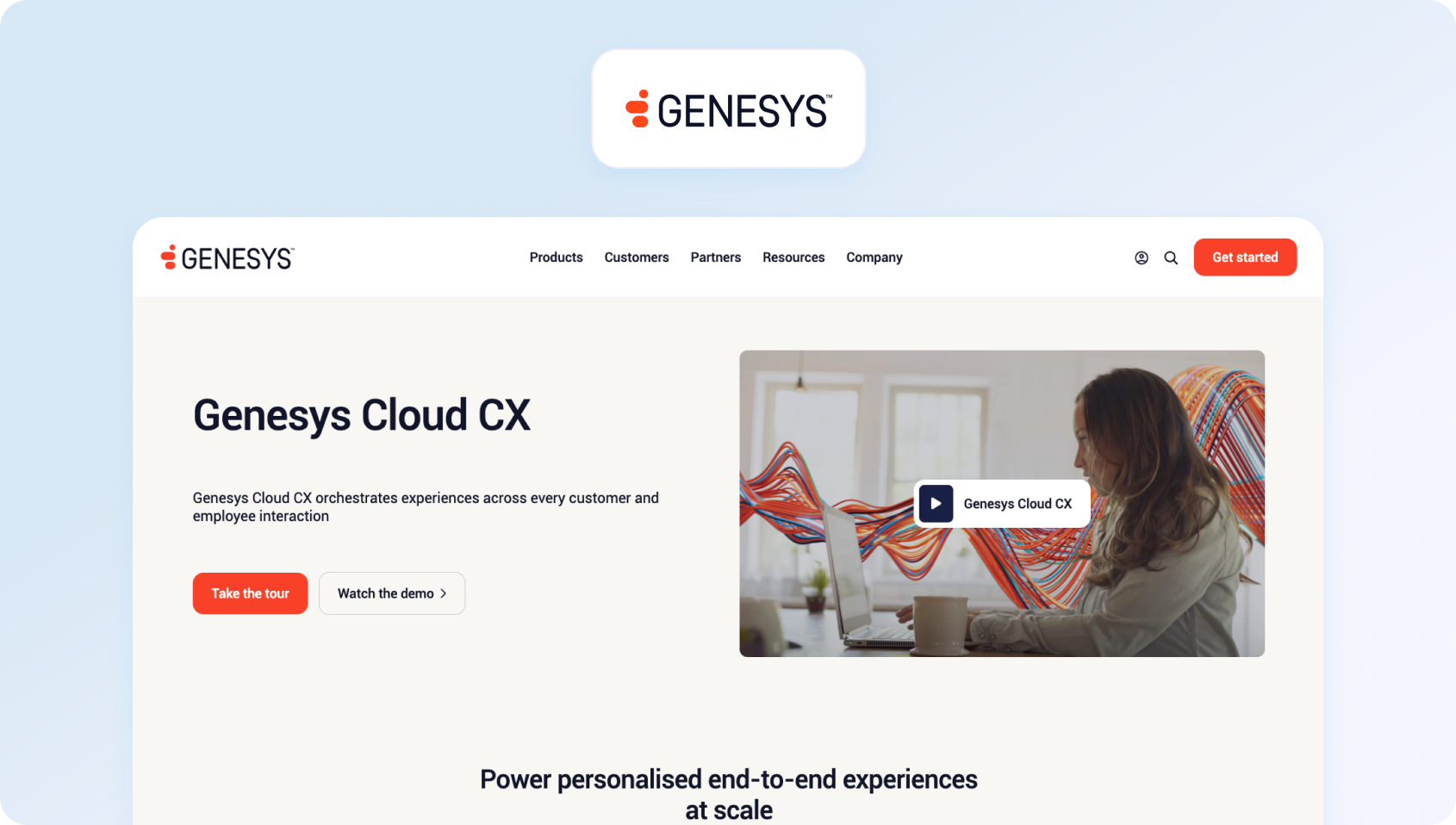
Genesys Cloud CX is a contact-center platform with native voice, digital channels, WFM, QA, and solutions for predictive routing, sentiment analysis, and agent assist.
Best for: Large contact centers that need enterprise-grade voice, omnichannel routing, workforce management, and AI-powered customer engagement.
Who Uses It: Large contact centers (100+ agents) in telecom, financial services, healthcare, utilities.
Key Features:
- Omnichannel (voice, chat, email, SMS, messaging)
- Genesys AI (routing, bots, transcription, analytics)
- Native WFM and QA tools
- Real-time analytics and performance monitoring
- Workforce engagement management
Pricing:
- Genesys Cloud CX 1: ~$75/user/month
- Genesys Cloud CX 2: ~$110/user/month (includes AI features)
- Genesys Cloud CX 3: ~$140/user/month
- Enterprise contracts often require custom quotes
Pros:
- Full contact-center stack with robust voice
- Native WFM/QA included
- Strong compliance controls for regulated industries
Cons:
- Overkill for <100 agents
- Steep learning curve
- Slower time-to-value
- High total investment
7. Ada: Best for AI Chatbot Automation
Ada is a no-code AI chatbot platform (text-only) that automatically handles customer service inquiries via chat and messaging. No native ticketing, voice, or WFM. It integrates with external helpdesks.
Best for: Businesses that want to automate high volumes of customer enquiries with a no-code, AI-powered chatbot.
Who Uses It: E-commerce, fintech, SaaS; companies seeking chatbot-first automation with low IT overhead.
Key Features:
- GPT-powered chatbot (text-only)
- Knowledge-base grounding
- Multilingual support (45+ languages)
- Analytics dashboard
- Integrations (Zendesk, Salesforce, Shopify)
Pricing:
- Custom pricing; typically starts ~$500–$1,000/month base
- Per-resolution fees apply
- No public pricing available
Pros:
- Fast chatbot deployment
- Strong text automation
- Multilingual capabilities
- Easy for non-technical companies
Cons:
- Text-only (no voice or voicebot)
- No native ticketing or WFM
- Must integrate with a separate helpdesk
- Limited visibility into agent workflows or quality assurance
8. Forethought: Best for AI-Powered Support Automation

Forethought is a generative AI platform that focuses on automating customer support, featuring multi-agent capabilities (Discover, Solve, Triage, Assist). It trains on historical tickets to power agentic workflows and agent copilot features.
Best for: Mid-market and enterprise organizations looking to layer generative AI automation onto their existing help desk platform.
Who Uses It: E-commerce, SaaS, and technology companies (mid-market to enterprise) with 20,000+ historical tickets; brands like D2L and Lime.
Key Features:
- Multi-agent system (Discover for insights, Solve for automation, Triage for routing, Assist for agent copilot)
- Omnichannel AI Agent (chat, email, voice)
- Autoflows (no-code workflow automation using natural language)
- AI-powered insights and knowledge gap detection
- Integrates with Zendesk, Salesforce, ServiceNow, Freshdesk, Kustomer, Talkdesk
- Multilingual support (100+ languages)
Pricing:
- Custom pricing based on ticket volume and agents
- Tiered plans: Basic, Professional, Enterprise
- No public pricing; requires sales quote
- Solve/Triage priced by ticket volume; Assist priced per agent
Pros:
- Strong for teams with large historical ticket datasets
- Natural language workflow builder (Autoflows)
- Multi-agent approach covers discovery, automation, routing, and assistance
- High reported ROI (15x average)
Cons:
- Requires ~20,000 past tickets for optimal AI performance
- No public pricing transparency
- Complex implementation for smaller teams
- No native ticketing, voice, or WFM—integrates with external helpdesks
9. Gorgias: Best for Shopify and E-commerce Customer Support
Gorgias is an e-commerce-focused helpdesk with deep integrations for Shopify/BigCommerce/Magento, as well as AI Agent capabilities for order management, refunds, and product recommendations.
Best for: Shopify and e-commerce brands that want AI-powered customer support tightly integrated with order management
Who Uses It: E-commerce brands (especially Shopify stores) with moderate to high order volumes; trusted by 15,000+ brands.
Key Features:
- Deep e-commerce integrations (Shopify, BigCommerce, Magento)
- AI Agent (text-only chatbot) for order tracking, cancellations, and refunds
- Omnichannel inbox (email, chat, SMS, social, voice)
- Automated workflows and macros
- Revenue-driving features (upsells, product recommendations)
- 100+ e-commerce app integrations
Pricing:
- Starter: $10/month (50 tickets included)
- Basic: $60/month (300 tickets included)
- Pro: $360/month (2,000 tickets included)
- Advanced: Custom pricing
- AI Agent resolutions: $0.90 each (annual) or $1.00 each (monthly)
- Overage fees apply beyond plan limits
Pros:
- Best-in-class for Shopify/e-commerce stores
- Order management directly in Helpdesk
- Revenue-focused features (product recommendations, cart recovery)
- Affordable entry point for small e-commerce teams
Cons:
- Primarily Shopify-focused; limited value for non-e-commerce
- AI Agent text-only (no voicebot)
- Double-billing concern (AI resolutions count as both AI charges and billable tickets)
- No native WFM or QA tools
10. Help Scout: Best for Email-First Customer Support
Help Scout is an email-first helpdesk with a shared inbox, knowledge base, and live chat. It has recently shifted to a contact-based pricing model (unlimited users) and includes basic AI features in all plans.
Best for: Customer support teams that prioritize a simple, email-first help desk with built-in AI assistance and unlimited users.
Who Uses It: SMBs and mid-market teams prioritizing simplicity and collaboration; popular with SaaS, professional services, and non-profits.
Key Features:
- Shared inbox with collaboration tools
- Knowledge base (Docs) with AI-powered search
- Live chat (Beacon) with proactive messaging
- AI Assistant (included): summaries, reply drafts, translation, tone adjustment
- Automated workflows and saved replies
- 100+ integrations (Salesforce, Jira, HubSpot, Zapier)
Pricing:
- Free: $0 (up to 2 mailboxes, 25 contacts, 30-day data retention)
- Standard: $50/month base (includes 1,000 contacts, unlimited users)
- Plus: $100/month base (includes 2,000 contacts, unlimited users)
- Pro: $200/month base (includes 5,000 contacts, unlimited users)
- Pricing scales by 3-month average contacts, helped (not per-seat)
Pros:
- Unlimited users on all paid plans
- AI features included (no usage fees)
- Simple, email-centric interface
- Strong for teams valuing ease of use over feature depth
- 24/6 support included
Cons:
- Contact-based pricing is unpredictable for growing or seasonal teams
- No native voice or voicebot
- No native WFM or QA
- Limited AI customization (only trains on Help Scout content)
- Analytics limited (2-year data retention on Standard)
11. Ultimate (Ultimate.ai): Best for Automating Existing Support Platforms

Ultimate.ai is an AI-powered customer support automation platform specializing in virtual agents for chat, email, and social channels. It integrates with existing helpdesks (Zendesk, Salesforce, Freshdesk) to automate support requests.
Best for: Businesses that want to automate repetitive support requests without replacing their existing help desk platform.
Who Uses It: E-commerce, SaaS, and enterprise brands seeking to automate 60-80% of repetitive support inquiries across digital channels.
Key Features:
- AI-powered virtual agents (chat, email, social media)
- No-code conversation builder
- Seamless CRM integration (Zendesk, Salesforce, Intercom, Freshdesk)
- Multilingual support (20+ languages with native fluency)
- Analytics and reporting (automation rates, resolution tracking)
- Knowledge base integration
- Automated ticket triage and routing
Pricing:
- Custom pricing only (no public plans)
- Average annual cost: ~$47,000 (based on industry data)
- Range: $47,000–$200,000 annually, depending on scale
- Priced by automated resolution (AR)
- No free plan; contact sales for a quote
Pros:
- Strong automation rates (60-80% of inquiries)
- No-code platform accessible to non-technical teams
- Multilingual capabilities with native fluency
- Integrates with major helpdesks without replacing them
- Fast deployment (minutes to hours)
Cons:
- No public pricing transparency
- No native ticketing, voice, or WFM—requires external helpdesk
- Text-only (no voicebot capability)
- Limited to augmenting existing platforms rather than replacing them
- Smaller feature set compared to full CCaaS platforms
12. NICE CXone: Best for Enterprise Contact Centers at Scale
NICE CXone (formerly NICE inContact) is an enterprise cloud contact center platform with omnichannel routing, AI-powered automation (Enlighten AI), native WFM, QA, and analytics.
Best for: Large enterprise contact centers that require advanced AI, compliance, workforce management, and omnichannel customer engagement.
Who Uses It: Enterprise contact centers (500+ agents) across healthcare, finance, retail, telecom, and government requiring compliance and scale.
Key Features:
- Omnichannel (voice, digital, social, SMS, chat, email)
- Enlighten AI (routing, sentiment analysis, agent assist, real-time guidance)
- Native WFM and QA with automated evaluation scoring
- CXone Mpower (unified AI + CXone platform)
- Real-time and historical analytics with dashboards
- Agent Assist Hub with in-conversation coaching
- Compliance tools (GDPR, HIPAA, PCI DSS)
- Journey orchestration across touchpoints
Pricing:
- Digital Agent: $71/user/month (digital channels only)
- Voice Agent: $94/user/month (voice + basic digital)
- Omnichannel Agent: $110/user/month
- Essential Suite: $135/user/month (adds WFM/QA)
- Core Suite: $169/user/month
- Advanced Suite: $209/user/month
- Ultimate Suite (Mpower): $249/user/month
- Custom enterprise pricing available
Pros:
- Gartner Magic Quadrant Leader (11+ consecutive years)
- Full CCaaS stack with robust voice and AI
- Native WFM/QA included in higher tiers
- Substantial compliance and security for regulated industries
- Proven scalability (handles billions of interactions)
Cons:
- Overkill and expensive for <500 agents
- Complex configuration; steep learning curve
- Slow implementation (months)
- High TCO with a tiered pricing model
- Users report pricing complexity and unexpected costs
13. Sprinklr Service: Best for Enterprise Social Customer Service

Sprinklr Service is an enterprise unified CXM platform designed for large organizations managing customer service across 30+ digital and social channels with AI automation and analytics.
Best for: Global enterprises managing customer service across social media, messaging apps, and digital channels.
Who Uses It: Enterprise brands (Fortune 500) across retail, telecom, hospitality, and financial services, managing high-volume social/digital support.
Key Features:
- Omnichannel (30+ channels: email, voice, social media, messaging, review sites)
- Conversational AI bots (handle complex scenarios)
- Unified agent desktop with case management
- Blended contact center (voice + digital)
- LiveChat and self-service tools
- Premium analytics with custom dashboards
- Social listening and sentiment analysis
- Integration with Sprinklr Social, Marketing, and Insights suites
Pricing:
- Advanced (Self-Serve): $249/seat/month (billed annually)
- Enterprise: Custom pricing (contact sales)
- Average annual cost: ~$61,000+ based on enterprise deals
- No free plan; 30-day free trial available
- Setup/onboarding fees apply
Pros:
- Best for enterprise teams managing high-volume social/digital support
- Deep social media and review site integrations
- Unified CXM approach (service, social, marketing, insights)
- Strong analytics and reporting
- Handles complex, multi-brand operations
Cons:
- No transparent pricing (requires sales contact)
- Expensive for mid-market ($249/seat minimum)
- Complex setup and onboarding
- Primarily digital/social-focused; voice is an add-on
- Long sales cycles; 90-day contract change notice
14. Talkdesk CX Cloud: Best for Voice-First Enterprise Contact Centers
Talkdesk is an enterprise cloud contact center platform with native voice, omnichannel routing, AI automation, WFM, and industry-specific solutions for healthcare, retail, and financial services.
Best for: Mid-market and enterprise contact centers that prioritize AI-powered voice support, workforce optimization, and industry-specific solutions.
Who Uses It: Mid-market to enterprise contact centers (100+ agents) across healthcare, retail, financial services, and hospitality.
Key Features:
- Native voice with advanced telephony
- Omnichannel (voice, email, chat, SMS, WhatsApp, social)
- AI-powered routing and sentiment analysis
- Agent Assist with real-time recommendations
- Native WFM (forecasting, scheduling, adherence monitoring)
- Native QA (automated scoring, feedback)
- Industry-specific solutions (healthcare, retail, finance)
- Real-time and historical analytics
- Compliance (HIPAA, PCI, GDPR)
Pricing:
- CX Cloud Essentials: ~$75/user/month
- CX Cloud Elevate: ~$95/user/month
- CX Cloud Elite: ~$125/user/month
- Custom enterprise pricing
- Industry add-ons are priced separately
Pros:
- Full enterprise CCaaS with strong voice
- Native WFM/QA in all tiers
- Industry-specific pre-built solutions
- Strong compliance for regulated industries
- Flexible integrations (Salesforce, Zendesk, Microsoft)
Cons:
- Expensive for <100 agents
- Complex implementation
- Steep learning curve
- High TCO at enterprise scale
15. LivePerson: Best for Messaging-First Customer Engagement
LivePerson is a conversational AI platform that specializes in messaging-first customer engagement across web, mobile, SMS, and social channels, utilizing generative AI and LLM orchestration.
Best for: Enterprise organizations focused on AI-powered messaging, conversational commerce, and digital customer engagement.
Who Uses It: Enterprise brands (retail, telecom, finance, hospitality) prioritizing digital-first, messaging-based customer engagement over voice.
Key Features:
- Conversational Cloud platform (messaging-first)
- Omnichannel messaging (SMS, WhatsApp, Apple Business Chat, Facebook, web, app)
- Generative AI and LLM orchestration (Bring Your Own AI)
- Intent Manager and Conversation Builder (no-code bot builder)
- Agent Assist and Conversation Copilot
- Analytics Studio (voice + text conversation analysis)
- Integration with Apple Pay for in-chat transactions
- Compliance (GDPR, HIPAA, PCI DSS, CCPA)
Pricing:
- Custom pricing only (no public plans)
- Average annual cost: ~$61,000 (based on Vendr data)
- Range: $61,000–$110,000 annually, depending on scale
- Usage-based fees for AI resolutions
- No free plan; free trial available
Pros:
- Messaging-first platform (ideal for digital-first brands)
- Handles 1 billion+ conversations monthly
- Strong LLM/generative AI capabilities
- BYOAI (Bring Your Own AI) flexibility
- Deep social and messaging integrations
Cons:
- No transparent pricing (requires sales contact)
- Expensive for SMBs
- Messaging-focused; limited native voice
- Complex setup and navigation
- Not ideal for voice-heavy contact centers
How We Evaluated Each AI Customer Support Platform
We evaluated each platform using publicly available documentation, product demonstrations, pricing pages, analyst reports, and customer case studies. Our goal was to identify the best AI customer support software for businesses that need scalable automation, omnichannel support, and transparent pricing.
Our ranking criteria will help you find the right solution with confidence. We focused on identifying software that meets basic requirements, deciding to focus on the following:
- Features: Checked against the must-have checklist below; marked Meets / Partial / Not evident using public documentation and demos.
- Who uses it: Drawn from public case studies and customer logos; noted TBD if unclear.
- Pricing: From published pricing pages; if absent, we note the stated model and flag contact sales.
- Pros/cons: Evidence-based strengths and gaps tied to checklist criteria. No marketing superlatives, just what teams at 20–100 agents will encounter.
Must-Have Capability Checklist

- Omnichannel: Email, chat, voice, web forms, social messaging (WhatsApp, Facebook Messenger), AI chatbot, and AI voicebot on the same AI agent platform.
- Multilingual AI (voice + text) & grounding: Conversations in multiple languages; KB-aware answers using embeddings + LLM; API pulls for external data.
- WFM & QA: Native workforce management (forecasting, real-time monitoring, shift scheduling) and quality assurance (scoring, feedback loops, performance reviews).
- Analytics & dashboards: Real-time KPIs (SLA, CSAT, NPS, FCR, AHT) with drill-down by agent, channel, or topic; role-based access.
- Security & compliance: MFA, audit logs, role-based permissions, data-location options (on-prem or regional cloud).
- APIs & integrations: Unlimited SaaS connectors (Salesforce, SAP, Outlook/Teams, WhatsApp/Messenger, Power BI, UiPath); chatbot API hooks for external databases.
- Pricing clarity: Single all-in price covering ticketing, messaging, help center, voice, AI features, analytics, integrations, and SLAs—no hidden add-ons.
- AI voicebot: Full conversational IVR replacement with LLM-powered intent recognition, dynamic responses, and seamless agent handoff.
- Suggested reply: Contextual reply drafts (email/chat) pulled from KB and past tickets to accelerate agent responses.
Scoring Rubric
- Fit for 20–100 agents: Pricing and complexity scaled for mid-market; not SMB-only or enterprise-mandatory.
- Omnichannel depth (incl. voice): Native telephony/voice channel, not bolted-on partner integrations.
- AI coverage (agentic + copilot + KB-grounding): Both autonomous bots and agent-assist tools; solve problems tied to your content.
- WFM/QA native: Built-in workforce planning and quality scoring—no third-party add-ons required.
- Time-to-value: Weeks to go live, not months of professional services.
- Total cost to operate (TCO): Transparent per-agent or tiered pricing; minimal hidden fees.
- Security & control: MFA, granular permissions, audit trails, data residency options.
Technology Overview: From Point Tools to AI-Assisted CX Platforms (2018→2026)
What changed: Teams transitioned from using separate helpdesk, bot, QA, and WFM vendors to a unified customer service software that combines LLM-assisted workflows (agent copilot, summaries, and canned responses) with knowledge-grounded automation and omnichannel coverage.
Why it changed: Rising volumes in messaging and voice, multi-brand complexity for BPOs, and CFOs focusing on TCO rather than business feature checklists. Older stacks required custom connectors, siloed analytics, slow handoffs, and inconsistent tagging.
How older stacks worked: One vendor for ticketing, another for chat, a third for voice/telephony, separate QA scorecards, and spreadsheet-based workforce forecasting. Data rarely flowed cleanly, agents toggled between five tabs, and analytics lagged by days.
Buyer implications in 2026: Prioritize KB-grounded AI (voice + text), clean handoffs into your ticketing system, native WFM and quality assurance, role-based analytics, and transparent pricing. Confirm security controls (MFA, audit logs, data-location options) and avoid platforms that gate voice or AI features behind enterprise SKUs.
[/fus[/fusion_text]
The Best AI Customer Support Software for 2026
Choosing the best AI customer support software for 2026 comes down to more than comparing features. The right platform should help your customer support team automate repetitive support tasks, improve customer satisfaction, and give support agents the tools they need to deliver faster, more personalized support across every customer touchpoint.
While some AI customer support tools excel in specific areas such as chatbot automation, enterprise contact centers, or e-commerce support, many businesses are now looking for unified AI customer support solutions that combine omnichannel communications, advanced AI capabilities, workforce management, quality assurance, analytics, and seamless integrations in a single platform. This approach helps optimize support operations, improve agent productivity, and maintain high service quality as customer expectations continue to grow.
For mid-market organizations managing increasingly complex support operations, BlueTweak stands out as the best AI customer support software because it brings together AI chatbots, AI voicebots, agent assist, omnichannel ticketing, workforce management, quality assurance, and real-time analytics without relying on multiple vendors or costly add-ons. The result is a platform that helps support teams resolve customer inquiries faster, gain better visibility into key support metrics, and deliver exceptional customer experiences at a predictable cost.
Ready to see BlueTweak in action? Book a demo and learn how one platform helps you connect systems, streamline processes, and deliver measurable improvements across your customer service operations.
Intercom vs Kustomer vs BlueTweak: Which CS Platform Is Best? (2026)
Choosing between Intercom, Kustomer, and newer alternatives such as BlueTweak is no longer just a question of comparing features.
Today's customer support teams are under pressure to manage growing interaction volumes, deliver personalized support across multiple channels, improve agent productivity, and introduce AI-powered automation without sacrificing service quality.
For many businesses, the challenge is not finding a platform that can manage customer conversations. It is finding one that can support the entire operation, from customer data and workflow automation to voice support, quality assurance, and performance visibility.
While Intercom and Kustomer remain popular choices, an increasing number of organizations are also evaluating platforms like BlueTweak as they look to consolidate tools and build a more scalable support function.
Why Businesses Are Reassessing Customer Support Platforms in 2026
Customer support platforms are evolving from simple ticketing and chat tools into AI-powered systems that help businesses manage customer interactions, automate workflows, and improve customer experience across every channel.
Historically, businesses evaluated customer support software based largely on channel coverage. If a platform could successfully manage email, chat, social media, and phone interactions from a unified inbox, it was often considered sufficient.
Today, support leaders face a much broader set of requirements. They are expected to improve efficiency, increase agent productivity, implement AI automation, and maintain personalized human support, often without increasing headcount. At the same time, customers expect faster responses and seamless experiences regardless of channel.
According to PwC's 2025 Customer Experience Survey, 80% of consumers say speed, convenience, knowledgeable help, and friendly service are the most important elements of a positive customer experience. At the same time, customers continue to place significant value on human interactions, creating pressure on organizations to balance automation with personalized support while still meeting rising expectations for fast, seamless service.
As a result, comparisons such as Intercom vs Kustomer are increasingly focused on capabilities beyond traditional ticket management. Businesses are evaluating AI agents, customer data integration, omnichannel support, voice capabilities, quality assurance, and operational visibility alongside more familiar customer service features.
The sections below compare Intercom, Kustomer, and BlueTweak across the areas that matter most to modern support organizations, helping you determine which platform is best aligned with your current requirements and future growth plans.
Intercom vs Kustomer vs BlueTweak at a Glance
The table below provides a high-level comparison of Intercom, Kustomer, and BlueTweak across the criteria most frequently evaluated by customer support leaders.
| Evaluation Criteria | Intercom | Kustomer | BlueTweak |
|---|---|---|---|
| Best For | SaaS companies, early stage startups, digital-first businesses | Customer-centric enterprises needing deep customer insights | Omnichannel AI-powered support teams |
| AI Automation | Strong chatbot automation and AI agents | Strong workflow automation and customer data integration | AI automation across voice, chat, email, and QA workflows |
| Customer Data & Context | Good customer context for support and engagement | Deep customer insights with a complete customer timeline | Unified operational and interaction insights |
| Voice Support | Available, but not a core strength | Available through Kustomer Voice | Native voice AI capabilities |
| QA & Oversight | Limited native QA capabilities | Some quality monitoring features | 100% automated QA coverage |
| Pricing Approach | Per-seat pricing plus AI resolution-based charges | Custom enterprise pricing | Flexible pricing aligned to operational outcomes |
| Best Avoided By | Teams handling high-volume voice interactions | Smaller teams seeking fast implementation | Organizations seeking a simple live chat solution only |
Key Takeaway: Intercom is strongest for conversational support and customer engagement, Kustomer excels at customer data and omnichannel context, while BlueTweak is designed for organizations that require voice AI, automated quality assurance, and unified operational oversight.
Choosing between these platforms depends largely on how your support operation is structured today and where you expect it to be in the next few years.
Intercom vs Kustomer vs BlueTweak - What Each Platform Is and Isn’t
BlueTweak
BlueTweak is an AI-powered customer support platform designed for organizations that need to unify voice, chat, quality assurance, and operational insights.
Most Kustomer vs Intercom comparisons focus on messaging channels, automation workflows, or customer data management. Increasingly, however, support leaders face a different challenge. The problem is not managing conversations; it’s managing quality, consistency, and performance across every channel simultaneously. This is where BlueTweak steps in.
Rather than focusing exclusively on chat or customer records, BlueTweak combines:
- Native voice AI capabilities
- Automated quality assurance with 100% interaction coverage
- Omnichannel support management
- Unified reporting across channels
- AI-powered coaching and operational insights
This approach addresses a growing reality for customer service leaders. According to PwC's 2025 Customer Experience Survey, 70% of executives say customer expectations are evolving faster than their organizations can adapt, while 86% of consumers still consider human interaction moderately or very important to their brand experience. The challenge is no longer choosing between AI and people. It is orchestrating both effectively.
The future of customer support isn’t about replacing agents with AI. It’s about giving every interaction, whether voice or digital, the same level of visibility, consistency, and intelligence. That’s where most support platforms still fall short

BlueTweak is particularly well-suited to organizations managing high-volume customer interactions, contact centers, and support operations where quality assurance and operational visibility are business-critical. However, it is less suited to businesses simply looking for a standalone live chat widget or basic messaging platform.
The benefits of this approach can be seen in BlueTweak's work with Conectys, a global outsourcing provider that was struggling with fragmented data, reporting inefficiencies, and limited visibility across support operations.
By implementing BlueTweak, Conectys reduced data retrieval times by 30%, increased reporting efficiency by 40%, improved customer satisfaction scores by 35%, and reduced resolution times by 25%. More importantly, the project highlights a broader shift taking place across customer support: organizations are increasingly prioritizing unified operational visibility and actionable insights over adding more standalone tools to an already complex tech stack.
Start your free trial now! No credit card required.
Get StartedIntercom
Intercom is a customer service platform focused on conversational support, customer engagement, and AI-powered messaging.
Intercom has built its reputation around creating seamless customer conversations through live chat, in-app messaging, help centers, and AI-powered chatbots. For many software companies, Intercom became the default platform for combining customer support and customer engagement within a single interface.
One of Intercom's biggest strengths is its user experience. The platform offers intuitive collaboration tools, strong knowledge base functionality, and AI agents that can resolve routine customer support requests. Businesses that prioritize digital channels often find that Intercom enables efficient customer support without significant complexity.
Intercom also offers strong integration capabilities, allowing support teams to connect customer data from various business systems and maintain context across customer interactions.
The limitation is that Intercom's core DNA remains rooted in messaging. As support operations expand into voice channels, quality assurance programs, and omnichannel support environments, many organizations find themselves supplementing Intercom with additional tools to fill operational gaps.
Kustomer
Kustomer is a customer service platform built around unified customer data and omnichannel customer support.
Unlike Intercom, which began with messaging, Kustomer was designed around creating a complete customer timeline. Every customer interaction, regardless of channel, contributes to a full view of the customer journey.
Kustomer excels in environments where customer data integration is a priority. Support agents can access detailed customer history, previous customer conversations, and behavioral data from a single interface. This makes personalized support easier to deliver at scale.
The platform also provides robust workflow automation, advanced routing, and omnichannel support capabilities across email, chat, social media, SMS, and phone channels.
However, Kustomer's strength in customization can also create a steeper learning curve. Organizations often require more implementation effort and administrative resources to fully realize the platform's capabilities.
For enterprises with complex customer journeys, this investment can pay dividends. For smaller teams, it may feel heavier than necessary.
Customer Support Platforms Go Head-to-Head Across Five Criteria
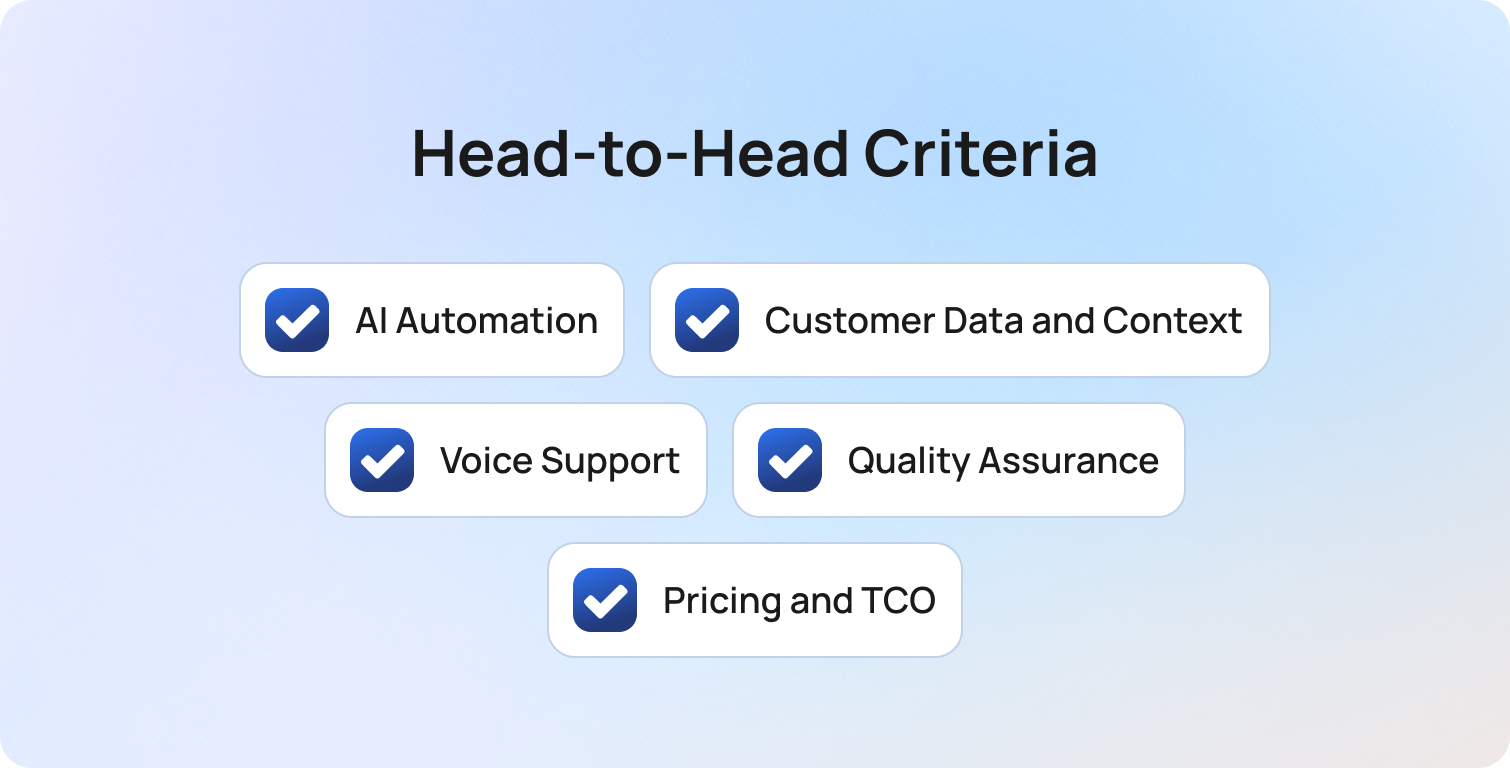
Comparing Intercom, Kustomer, and BlueTweak across core evaluation criteria helps clarify which platform aligns best with specific support requirements.
While all three platforms support customer service operations, they take very different approaches to automation, customer context, voice capabilities, and operational oversight. Looking beyond feature lists and marketing claims can help reveal which solution is best suited to your team's workflows, support channels, and growth plans.
The following comparison breaks down five of the most important decision-making criteria, highlighting where each platform stands out and where it may be less suitable depending on your needs.
AI Automation
AI automation refers to the ability to resolve customer requests, automate workflows, and improve support efficiency without increasing agent workload.
Intercom's AI capabilities are largely focused on customer-facing interactions. Its AI agents, chatbot automation, and in-app messaging tools help digital-first businesses deflect routine support requests and improve response times. Kustomer takes a more workflow-oriented approach, using customer data, automated routing, and omnichannel processes to streamline internal operations and support more complex customer journeys.
BlueTweak expands automation beyond conversations alone. In addition to supporting customer-facing automation, it applies AI to voice interactions, quality assurance, performance monitoring, and operational optimization. For organizations looking to automate not only customer support, but also the processes that sit behind it, this creates a broader operational impact.
Verdict: Intercom is strong for chatbot automation, Kustomer excels at workflow automation, and BlueTweak offers the most comprehensive approach to operational automation.
Customer Data and Context
Customer data and context determine how effectively support teams can deliver personalized support and maintain continuity across customer interactions.
Kustomer was built around a customer-centric model, giving agents a complete timeline of interactions, transactions, and engagement history. This makes it particularly strong for organizations that prioritize customer data integration and deep customer insights. Intercom also provides valuable customer context through conversation history and behavioral data, but its focus remains more closely tied to engagement and communication workflows.
BlueTweak takes a broader view by combining customer interaction data with operational insights, QA findings, and performance metrics. For businesses that want visibility into both the customer journey and how support teams are performing, this provides a different layer of intelligence beyond traditional customer records.
Verdict: Kustomer remains the strongest option for customer data and context, while BlueTweak offers additional operational visibility that many growing support teams value.
Voice Support
Voice support refers to how effectively a platform manages phone-based customer interactions and voice automation.
Both Intercom and Kustomer support voice channels, but neither platform was originally built around voice as a core capability. Intercom's strengths remain rooted in messaging and customer engagement, while Kustomer integrates voice interactions into its broader omnichannel customer timeline to provide additional context for agents.
BlueTweak positions voice as a central component of the support experience. Its native voice AI capabilities help automate routine interactions, improve call handling efficiency, and surface insights from customer conversations. For contact centers and teams handling large call volumes, this can reduce reliance on separate voice technology providers.
Verdict: Intercom and Kustomer support voice effectively, but BlueTweak is the stronger option for organizations where voice plays a significant role in customer service delivery.
Quality Assurance
Quality assurance helps organizations maintain service quality, identify coaching opportunities, and ensure consistency across customer interactions.
Intercom and Kustomer both provide reporting and monitoring capabilities that support QA initiatives, but quality assurance is not a primary focus of either platform. As a result, many organizations still rely on manual reviews, additional tools, or sampling methods to evaluate performance.
BlueTweak places QA at the center of its offering. Automated quality assurance enables organizations to review 100% of customer interactions rather than small samples, creating greater visibility into agent performance, compliance risks, and customer experience trends. For larger support operations, this can significantly reduce management overhead while improving consistency.
Verdict: BlueTweak stands out as the clear leader for organizations that view quality assurance as a strategic priority rather than a reporting function.
Pricing and TCO
Pricing and total cost of ownership (TCO) should be evaluated based on more than subscription fees alone. Implementation effort, scalability, and the number of additional tools required can have a significant impact on long-term costs.
Intercom offers relatively accessible pricing for digital-first businesses, although costs can increase as AI usage and team size grow. Kustomer's custom enterprise pricing provides flexibility but can make direct cost comparisons more difficult. Both platforms may require additional solutions for areas such as voice technology, quality assurance, or operational reporting, depending on business requirements.
BlueTweak takes a more transparent approach; its public pricing of €65 per agent/month allows organizations to understand costs upfront. In addition, the platform's combination of voice AI, automated QA, reporting, workforce management, and operational oversight can reduce reliance on multiple standalone tools. For support leaders evaluating both software spend and operational efficiency, this can make forecasting and scaling significantly easier.
Verdict: The best value depends on your requirements, but BlueTweak's transparent pricing model and broader feature coverage can deliver a lower long-term TCO for organizations seeking a more unified support technology stack
Before making a decision, it's worth calculating the potential return. BlueTweak's Customer Support ROI Calculator can help you estimate the impact that AI automation, automated QA, and operational efficiencies could have on your support costs and team performance.
Which Customer Support Platform Is Right for Your Business?
The best customer support platform isn’t necessarily the one with the most features; it’s the one that aligns most closely with your support channels, customer expectations, operational complexity, and long-term growth plans.
After comparing Intercom, Kustomer, and BlueTweak across automation, customer data, voice support, quality assurance, and pricing, a clear pattern emerges: each platform is designed to solve a different problem. So, the decision becomes much easier when you focus on the primary challenge your support team is trying to solve today, as well as the challenges you expect to face in the next two to three years.
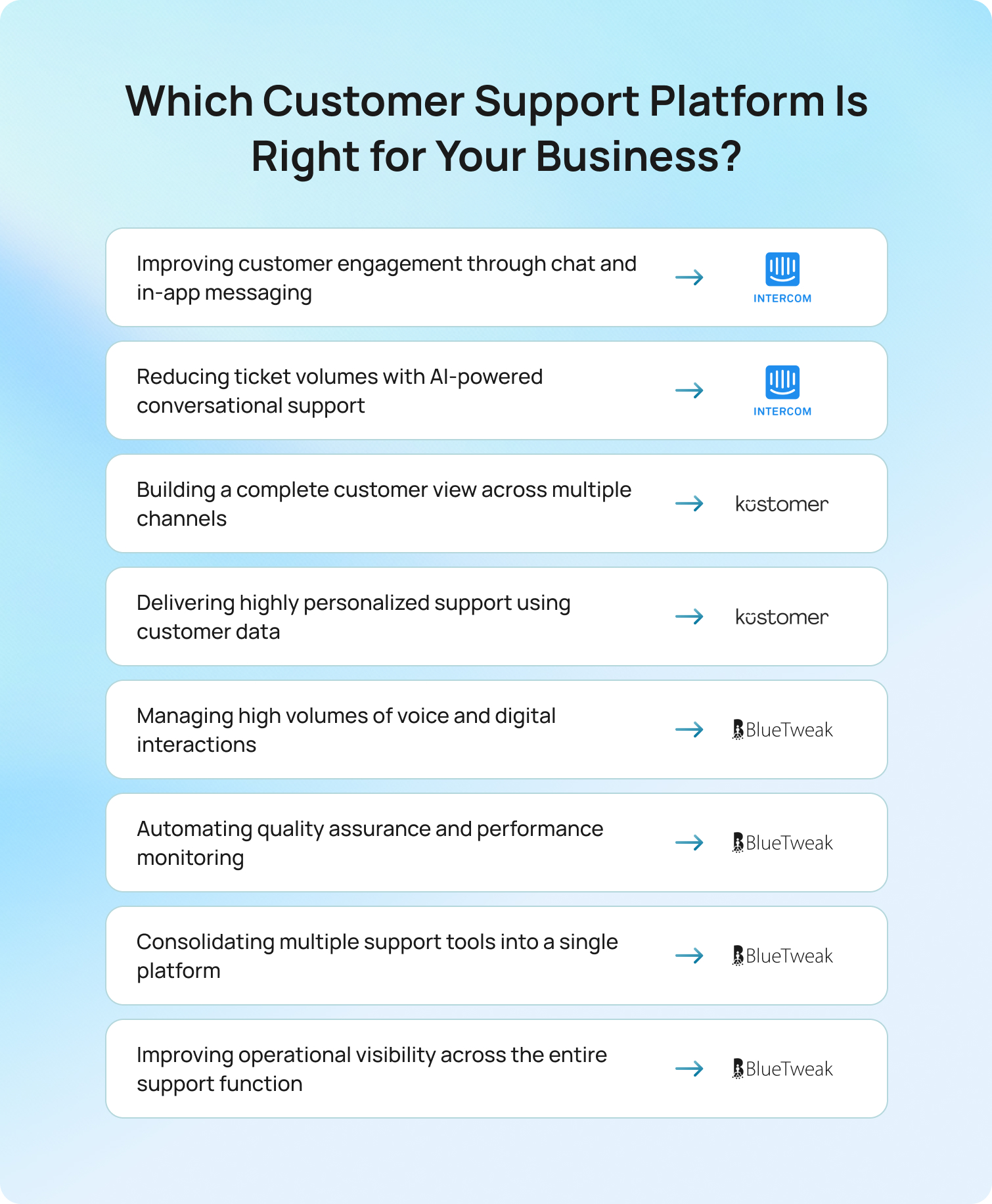
Choose Intercom if...
Intercom is often the better choice for SaaS companies, product-led businesses, and digital-first organizations that want to improve customer engagement and provide fast, efficient support through chat and in-app messaging.
If most of your customer interactions take place through digital channels, and your priority is reducing ticket volumes through AI-powered chat, self-service resources, and proactive customer support, Intercom offers a mature and user-friendly platform. It is particularly well-suited to smaller teams and growing businesses that want strong functionality without significant implementation complexity.
Intercom may become less suitable, however, as support operations expand into more complex voice environments or require dedicated quality assurance and operational oversight capabilities.
Choose Kustomer if...
Kustomer is often the stronger choice for organizations that view customer data as the foundation of their support strategy. Its customer-centric architecture makes it particularly valuable for businesses managing large customer bases, complex customer journeys, or multiple support channels. Teams that need deep customer insights, detailed interaction histories, and a complete customer view will often find Kustomer's approach more powerful than traditional ticket-based systems.
For enterprises focused on creating highly personalized support experiences across multiple customer touchpoints, Kustomer's customer data capabilities remain one of its strongest differentiators. The trade-off is that implementation and ongoing administration can require greater investment than simpler support platforms.
Choose BlueTweak if...
BlueTweak is best suited to organizations that have moved beyond basic chat and ticket management and are looking to optimize the entire support operation.
If your team manages high volumes of customer interactions across voice and digital channels, struggles with manual quality assurance processes, or lacks visibility into operational performance, BlueTweak addresses challenges that traditional customer service platforms often leave unresolved.
Rather than focusing solely on customer conversations, BlueTweak helps organizations understand how effectively those conversations are being handled. Native voice AI, automated quality assurance, operational reporting, and AI-powered performance insights provide support leaders with a more complete picture of customer experience delivery.
For organizations where customer support has become a strategic business function rather than a simple service desk, BlueTweak offers capabilities that extend well beyond conventional customer support software.
The Bottom Line:
- If your priority is customer engagement and conversational support, Intercom is likely the better fit.
- If your priority is customer data, customer context, and omnichannel relationship management, Kustomer is difficult to overlook.
- If your priority is scaling customer support quality, operational visibility, voice AI, and automation across the entire support function, BlueTweak is the strongest option of the three.
Final Thoughts: Choosing the Right Platform for Long-Term Customer Experience Success
Intercom and Kustomer both solve important customer support challenges, but for organizations that need voice AI, automated quality assurance, omnichannel support, and greater operational visibility, neither platform was built to deliver all of those capabilities within a single solution.
BlueTweak closes that gap, helping support teams automate more processes, improve quality at scale, and gain a clearer view of performance across every customer interaction.
If you're evaluating alternatives to Intercom or Kustomer, start a 14-day free BlueTweak trial (no credit card required) or book a personalized demo to see how AI-powered voice support, automated QA, and unified operational visibility can help your team deliver better customer experiences at scale.
Sign up for your free trial now!
Get Started
15 Tidio Alternatives to Consider in 2026, Ranked and Reviewed
Tidio is an excellent starting point for businesses that need live chat, chatbot automation, and a simple way to engage website visitors. But as support operations grow, customer communication rarely stays confined to chat alone. Teams often find themselves managing conversations across voice, email, social messaging, and AI-powered self-service channels while maintaining consistent service levels and reporting.
At that point, many organizations begin looking for platforms that offer deeper automation, stronger analytics, and a more unified customer support environment. Solutions such as BlueTweak, Zendesk, and Intercom are increasingly being evaluated by businesses that want to consolidate channels, reduce operational complexity, and scale customer support without relying on multiple disconnected tools.
Why Businesses Look for Tidio Alternatives in 2026
Tidio is a customer service platform focused on live chat, chatbot automation, and SMB-friendly support workflows.
Its user-friendly interface, fast setup process, free plan, and approachable live chat tools have made it a popular choice for smaller support teams. However, businesses evaluating Tidio alternatives in 2026 are often facing a different set of operational requirements.
As support teams grow, customer interactions become more complex, communication channels expand, and customer service leaders require deeper analytics, stronger AI capabilities, and greater operational visibility. Several recurring themes appear across public reviews, feature documentation, and customer feedback.
Tidio Is Still Primarily Chat-Focused
Tidio supports multiple channels, including live chat, Facebook Messenger, Instagram, WhatsApp, and email. However, its core positioning remains centered around chat-first support workflows.
For businesses that require native voice support, advanced omnichannel routing, workforce management, or tightly unified customer communication across multiple channels, teams often need additional support tools outside the platform.
This creates operational fragmentation as businesses scale.
Advanced AI Capabilities Are Limited Compared to Enterprise Platforms
Tidio's Lyro AI agent is designed to automate common customer queries using knowledge base content and conversational AI. While effective for repetitive requests and FAQ workflows, scaling teams increasingly want more advanced AI capabilities across the full support lifecycle, including:
- Real-time agent coaching
- Post-interaction summarisation
- Advanced sentiment analysis
- QA scoring
- Workflow orchestration
- RAG-grounded knowledge retrieval
- AI-assisted voice support
Many enterprise-focused customer service software platforms now treat these capabilities as core operational features rather than optional AI add-ons.
Deloitte noted in 2025 that many contact centers struggle to integrate new AI technologies with existing platforms, creating operational inefficiencies and limiting customer service performance. At the same time, fragmented customer service environments continue to increase licensing complexity, operational overhead, and reporting fragmentation.
Reporting and Analytics Become More Important at Scale
Tidio provides analytics dashboards and conversation reporting tools. However, several public reviews from growing businesses mention limitations around advanced filtering, operational visibility, and reporting depth.
As support teams expand, customer service leaders typically require more detailed analytics, including:
- First contact resolution (FCR)
- Average handling time (AHT)
- Containment rate
- SLA adherence
- Real-time performance tracking
- Workforce forecasting
- QA monitoring
- Cross-channel reporting
These reporting requirements often exceed the needs of SMB teams, but they become essential for medium sized businesses and enterprise operations.
Scaling Costs and Operational Complexity Increase Over Time
Tidio's free plan and entry pricing remain attractive for smaller organizations.
However, support teams scaling beyond basic live chat support often discover additional costs tied to AI conversation limits, advanced automation features, higher usage tiers, or third-party integrations.
For CFOs and COOs, the total cost of ownership becomes more important than the initial monthly subscription.
A fragmented support stack typically includes:
- Live chat software
- Separate voice systems
- External analytics platforms
- AI add-ons
- Workforce management software
- QA tooling
- Knowledge base tools
The result is higher operational complexity, disconnected customer data, and slower support processes.
What many teams discover after implementing chat-first platforms is that support complexity grows faster than expected. Once customer interactions expand across voice, messaging, email, and AI automation, fragmented tooling starts creating operational drag. Businesses increasingly want one AI-native ecosystem instead of five disconnected support tools.
Support teams that have outgrown chat-first platforms often find that adding separate tools for voice, analytics, QA, workforce management, and AI automation creates unnecessary complexity. BlueTweak brings these capabilities together into a single AI-native customer support platform, helping businesses streamline operations and deliver consistent experiences across every customer channel.
Explore how BlueTweak unifies voice, chat, email, messaging, AI automation, analytics, and workforce management in one platform.
Sign up for a free trial! No credit card required.
Get StartedTidio Competitors at a Glance
Tidio alternatives vary significantly in AI depth, omnichannel coverage, scalability, and pricing transparency.
The table below compares the best Tidio alternatives based on public documentation, pricing pages, feature pages, and published product positioning as of Q2 2026.
| Platform | Best For | Native Voice Support | AI Included in Base Plan | Omnichannel Support | Starting Price* |
| BlueTweak | AI-native omnichannel support | Yes | Yes | Yes | Pricing from €65/agent/month |
| Zendesk Suite | Enterprise ticket management | Partial | Partial | Yes | Custom pricing |
| Intercom | SaaS and product-led support teams | Partial | Partial | Yes | Tiered pricing |
| Freshdesk (Freshchat) | Budget-conscious growing teams | Partial | Partial | Yes | Tiered pricing |
| HubSpot Service Hub | Sales-led organizations | Partial | Partial | Yes | Free and paid plans available |
| Crisp | Startups wanting flat-rate pricing | No | Partial | Partial | Free and paid plans available |
| Help Scout | Small and mid-size support teams | No | Partial | Partial | Free and paid plans available |
| LiveChat | Sales and engagement-focused live chat | No | Partial | Partial | Tiered pricing |
| Gorgias | Ecommerce support teams | Partial | Partial | Yes | Tiered pricing |
| Drift (Salesloft) | Conversational sales and marketing teams | Partial | Partial | Partial | Custom pricing |
| Olark | Lightweight live chat with visitor tracking | No | No | No | Tiered pricing |
| Zoho Desk | Teams in the Zoho ecosystem | Partial | Partial | Yes | Tiered pricing |
| ManyChat | Social messaging and WhatsApp automation | No | Partial | Partial | Free and paid plans available |
| Kustomer | CRM-native customer conversations | Partial | Partial | Yes | Custom pricing |
| Chatwoot | Open-source omnichannel support | Partial | Partial | Yes | Free and paid plans available |
15 Best Tidio Alternatives for 2026
The best Tidio alternatives differ depending on your customer support model, AI requirements, channel complexity, and growth stage.
This list was evaluated using public documentation, pricing pages, published case studies, and feature availability as of Q2 2026. BlueTweak leads as the editor's choice because of its AI-native omnichannel architecture and operational breadth.
1. BlueTweak: Best Tidio Alternative for AI-Native Omnichannel Support
BlueTweak is an AI-powered omnichannel customer support platform designed for businesses that want to unify voice, live chat, email, messaging, workforce management, QA, analytics, and AI automation into a single operational workspace.
Unlike many alternatives to Tidio that still rely on fragmented tooling, BlueTweak positions itself as an AI-native customer support ecosystem built for modern support operations.
BlueTweak's platform integrates voice, chat, email, and social messaging into a single interaction timeline, powered by cloud-native infrastructure and enterprise-grade AI workflows.
Best for: Medium sized businesses and enterprise support teams that need:
- AI-powered omnichannel customer communication
- Native workforce management
- Real-time analytics
- AI proposed replies
- RAG-grounded knowledge base workflows
- Scalable customer service operations
Key BlueTweak Features:
- Omnichannel inbox across voice, chat, email, and social media
- AI proposed replies grounded in knowledge base content
- AI interaction summarisation
- Automatic sentiment detection
- Workforce management and QA tooling
- Real-time analytics and reporting
- Smart knowledge base with AI retrieval
- Interaction automation and chat routing
- Built-in translation support across 100+ languages
- AI automation for repetitive customer inquiries
BlueTweak Pricing: BlueTweak operates a transparent pricing system of €65 per agent, per month, including all core features (Email, Chat, and Voice) + AI.
BlueTweak Pros:
- True omnichannel support platform rather than chat-first architecture
- AI capabilities included across workflows instead of isolated chatbot functionality
- Multi-brand visibility with granular reporting and performance insights
- Strong operational tooling for support teams
- Native QA and workforce management features
- Unified customer conversations and customer data
- Advanced automation features for scaling teams
- Trusted by global brands and BPO providers managing high-volume, multilingual customer support operations
BlueTweak Cons:
- More feature-rich than smaller businesses may initially require
- Requires a more strategic implementation approach than lightweight live chat tools
Free Trial Availability: 14-day free trial, no credit card details required.
Ready to see BlueTweak in action? Start a free 14-day trial and explore AI-powered omnichannel support, advanced automation, real-time analytics, workforce management, and QA tools—all included in a single platform.
BlueTweak Case Study Spotlight:
One example of BlueTweak in action comes from its work with global BPO provider Conectys, which needed to improve reporting visibility, reduce operational complexity, and streamline customer support workflows across a large-scale multilingual operation
After implementing BlueTweak’s AI-powered omnichannel customer support platform, Conectys achieved a 25% reduction in resolution times, a 20% reduction in operational costs, a 35% improvement in customer satisfaction scores, and a 40% increase in reporting efficiency.
The deployment also helped centralize customer conversations, improve agent productivity, and reduce data retrieval time across support operations.
The results achieved by Conectys demonstrate what's possible when customer support teams move beyond fragmented tooling.
Book a personalized BlueTweak demo to see how AI-powered automation, omnichannel customer communications, workforce management, analytics, and QA tools can work together in a single platform to improve efficiency, customer satisfaction, and operational performance.
2. Zendesk Suite: Best Tidio Alternative for Enterprise-Scale Ticket Management

Zendesk Suite is an enterprise customer service platform designed for businesses managing high volumes of customer interactions across multiple support channels. Compared to Tidio’s chat-first architecture, Zendesk focuses more heavily on large-scale ticket orchestration, advanced routing, operational reporting, and enterprise support governance.
Zendesk combines ticketing, AI support tools, workflow automation, analytics, and omnichannel customer communication into a centralized support environment for growing customer service teams.
Best for: Enterprise organizations and scaling support operations that need advanced ticket management, detailed reporting, SLA workflows, and omnichannel customer support across large agent teams.
Key Zendesk Suite Features:
- Omnichannel ticketing and customer conversations
- AI-powered suggested replies and automation
- Advanced chat routing and workflow automation
- Knowledge base and self service tools
- Detailed analytics and reporting dashboards
- SLA management and escalation workflows
- Voice, email, social media, and live chat support
- Workforce management integrations
- QA and performance monitoring tools
Zendesk Suite Pricing: Zendesk operates a custom pricing model; verify for details.
Zendesk Suite Pros:
- Mature enterprise support ecosystem
- Strong analytics and reporting capabilities
- Extensive integration marketplace
- Advanced automation and routing functionality
- Scalable for large customer support teams
- Reliable omnichannel support infrastructure
Zendesk Suite Cons:
- AI capabilities are often segmented into higher-tier plans or paid add-ons
- Pricing can increase significantly as support teams scale
- User interface complexity may require additional onboarding for new agents
Free Trial Availability: Yes
3. Intercom: Best Tidio Alternative for SaaS and Product-Led Support Teams
Intercom is a conversational customer service platform designed primarily for SaaS businesses and product-led growth organizations that prioritize proactive customer engagement, onboarding, and AI-powered support automation.
Compared to Tidio, Intercom places a stronger emphasis on customer lifecycle messaging, product adoption, AI-driven support workflows, and conversational automation across the user journey.
Best for: SaaS companies and digital product businesses that want AI-powered customer engagement, onboarding automation, and proactive support experiences inside web and mobile applications.
Key Intercom Features:
- AI-powered customer support agent
- Omnichannel messaging and live chat support
- Product tours and onboarding workflows
- AI-generated suggested replies
- Automated messaging and customer segmentation
- Integrated knowledge base functionality
- Conversation routing and automation workflows
- Customer engagement tracking
- Mobile app messaging support
Intercom Pricing: Intercom uses a tiered pricing plan based on support volume, seats, and AI functionality. Verify for details.
Intercom Pros:
- Strong AI positioning and automation workflows
- Excellent SaaS and product-led integrations
- Advanced customer engagement functionality
- Powerful onboarding and retention tools
- Good support for proactive messaging strategies
Intercom Cons:
- AI add-ons and usage-based pricing can become expensive quickly
- Pricing structure may feel less transparent for scaling support teams
- Advanced reporting often requires premium plans
Free Trial Availability: Yes
4. Freshdesk (Freshchat): Best Tidio Alternative for Budget-Conscious Growing Teams

Freshdesk and Freshchat combine customer service software, live chat support, ticket management, and AI automation into a broad support platform designed for growing businesses.
Compared to Tidio, Freshdesk offers broader operational tooling and ticketing functionality while still maintaining relatively accessible entry pricing for SMB and mid-market organizations.
Best for: Growing support teams that want more advanced customer support functionality than Tidio without immediately moving into enterprise-level pricing models.
Key Freshdesk Features:
- Omnichannel inbox and messaging channels
- AI-powered customer support automation
- Ticket management and workflow automation
- Chat widget customization
- Self service and integrated knowledge base tools
- Customer satisfaction tracking
- Analytics dashboards and reporting
- Mobile apps for support teams
- Automated responses and canned replies
Freshdesk Pricing: Freshdesk pricing varies across Freshdesk subscription tiers, with additional pricing for more advanced AI capabilities and automation workflows. Verify for details.
Freshdesk Pros:
- Competitive entry-level pricing
- Broad customer support feature availability
- Strong integration marketplace
- Good balance between affordability and scalability
- User friendly interface for support teams
Freshdesk Cons:
- Advanced analytics and automation features are restricted to higher-tier plans
- User interface can feel crowded as workflows become more complex
- AI functionality varies significantly between pricing tiers
Free Trial Availability: Yes
5) HubSpot Service Hub: Best Tidio Alternative for Sales-Led Organizations
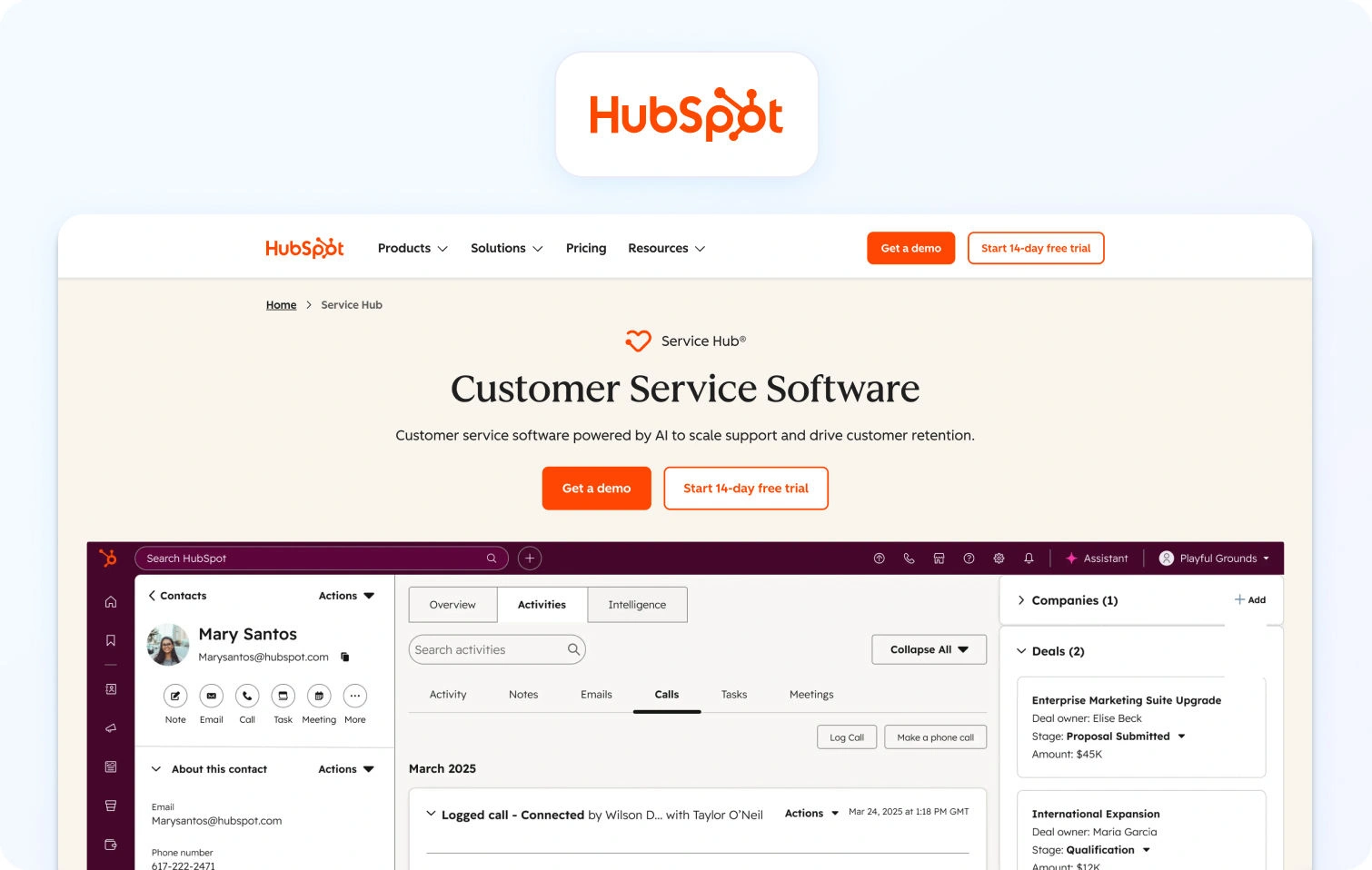
HubSpot Service Hub is a customer service platform tightly integrated into HubSpot’s broader CRM, sales, and marketing ecosystem.
Compared to Tidio, HubSpot Service Hub places greater emphasis on unified customer data, sales alignment, and lifecycle management across customer support and revenue operations.
Best for: Sales-led organizations that want customer support workflows deeply connected to CRM data, marketing automation, and revenue operations.
Key HubSpot Service Hub Features:
- Shared omnichannel inbox
- Native CRM integration
- Live chat and chatbot automation
- Customer satisfaction tracking
- Knowledge base and self service tools
- Customer communication timelines
- AI-powered support automation
- Workflow automation and ticket routing
- Reporting dashboards and customer analytics
HubSpot Service Hub Pricing: Free and paid plans available, tiered within the HubSpot ecosystem. Verify for details.
HubSpot Service Hub Pros:
- Deep CRM and customer data integration
- Strong alignment between sales and support teams
- User friendly interface makes onboarding easier
- Good ecosystem for marketing and customer engagement
- Strong automation workflows
HubSpot Service Hub Cons:
- Costs can rise significantly as feature requirements expand
- Advanced support functionality often locked behind premium plans
- Less operational depth than enterprise-focused customer service platforms
Free Trial Availability: Yes
6. Crisp: Best Tidio Alternative for Startups Wanting Flat-Rate Pricing
Crisp is a multichannel customer messaging platform designed around simplified support workflows and predictable flat-rate pricing structures.
Compared to Tidio, Crisp appeals strongly to startups and smaller support teams that want collaborative live chat tools and customer communication functionality without aggressive per-seat pricing increases.
Best for: Startups and small businesses that want predictable pricing, collaborative customer communication, and simple multichannel support operations.
Key Crisp Features:
- Shared team inbox
- Live chat support and website chat
- Omnichannel messaging support
- Knowledge base functionality
- Chat widget customization
- Automated messaging workflows
- Mobile apps for support teams
- Customer conversation history
- Video chat support
Crisp Pricing: Free and paid plans available; verify for details.
Crisp Pros:
- Flat-rate pricing model helps control scaling costs
- Unlimited seats available on selected plans
- Simple onboarding and deployment
- Clean user interface
- Strong collaborative messaging functionality
Crisp Cons:
- Analytics and reporting are less advanced than enterprise platforms
- AI capabilities are more limited than AI-native competitors
- Operational tooling depth may not suit larger support organizations
Free Trial Availability: Yes
7. Help Scout: Best Tidio Alternative for Small and Mid-Size Support Teams
Help Scout is a customer service platform focused on email support, shared inbox collaboration, and human-centered customer communication.
Compared to Tidio, Help Scout emphasizes simplicity, customer experience quality, and low-friction support workflows rather than aggressive automation complexity.
Best for: Small and mid-size support teams that prioritize simplicity, customer experience, and collaborative support workflows.
Key Help Scout Features:
- Shared inbox and customer conversations
- Knowledge base and self service tools
- Live chat support
- Reporting dashboards and analytics
- Customer satisfaction surveys
- Workflow automation
- Mobile support apps
- Canned responses and saved replies
Help Scout Pricing: Help Scout offers free and paid pricing plans, depending on contact volume and feature requirements. Verify for details.
Help Scout Pros:
- Very easy for support teams to adopt
- Clean and intuitive user interface
- Strong customer experience focus
- Helpful documentation and knowledge base tools
- Good collaboration functionality
Help Scout Cons:
- Less advanced automation than enterprise customer service platforms
- Limited omnichannel functionality compared to broader competitors
- AI support tooling less mature than newer AI-native platforms
Free Trial Availability: Yes
8. LiveChat: Best Tidio Alternative for Sales and Engagement-Focused Live Chat
LiveChat is a live chat software platform designed to help businesses improve website engagement, customer communication, and lead generation through real-time conversations.
Compared to Tidio, LiveChat focuses more heavily on sales engagement workflows, proactive messaging, and customer interaction management rather than broader AI-powered customer service operations.
Best for: Businesses that prioritize website engagement, proactive customer communication, and live chat-driven sales conversations across ecommerce and service environments.
Key LiveChat Features:
- Real-time website chat functionality
- Proactive messaging workflows
- Visitor tracking and engagement monitoring
- Chat routing and agent assignment
- Canned responses and saved replies
- Reporting dashboards and analytics
- Chat history and customer conversation tracking
- Mobile apps for support teams
- Integrations with CRM and ecommerce platforms
LiveChat Pricing: LiveChat offers affordable pricing plans, with additional functionality available in higher-tier subscriptions. Verify for details.
LiveChat Pros:
- Strong live chat experience and reliability
- Excellent customer engagement functionality
- Easy deployment and onboarding
- Good lead generation capabilities
- User friendly interface for support teams
LiveChat Cons:
- Omnichannel support is more limited than broader customer service platforms
- AI capabilities are less advanced than AI-native competitors
- Advanced automation features require additional integrations
Free Trial Availability: Yes
9. Gorgias: Best Tidio Alternative for E-commerce Support Teams
Gorgias is a customer service platform purpose-built for e-commerce businesses that need to manage customer inquiries, order support, and customer engagement across multiple channels.
Compared to Tidio, Gorgias offers deeper e-commerce integrations, stronger automation workflows for online retail operations, and more advanced customer service processes tied directly to ecommerce platforms like Shopify.
Best for: E-commerce support teams that want customer support workflows tightly integrated with online stores, order management, and customer data.
Key Gorgias Features:
- E-commerce-focused omnichannel inbox
- Shopify and ecommerce platform integrations
- AI-powered automated responses
- Customer conversation automation
- Order management workflows inside support tickets
- Chat widget customization
- Customer satisfaction tracking
- Macros and canned responses
- Revenue attribution and ecommerce analytics
Gorgias Pricing: Gorgias pricing varies based on support volume and automation usage. Verify pricing directly with the vendor.
Gorgias Pros:
- Excellent e-commerce-specific workflows
- Deep Shopify and ecommerce integrations
- Strong automation for repetitive customer queries
- Good customer data visibility
- Effective multichannel support for online retailers
Gorgias Cons:
- Pricing can increase significantly as ticket volumes grow
- Less suitable for non e-commerce customer service operations
- Advanced automation functionality may require additional onboarding
Free Trial Availability: Yes
10. Drift (Salesloft): Best Tidio Alternative for Conversational Sales and Marketing Teams
Drift, now positioned within the Salesloft ecosystem, is a conversational AI and customer engagement platform designed primarily for sales and marketing workflows.
Compared to Tidio, Drift focuses more heavily on conversational lead generation, buyer engagement, and revenue acceleration rather than traditional customer support operations.
Best for: B2B sales and marketing teams that want conversational AI workflows for lead qualification, pipeline acceleration, and customer engagement.
Key Drift Features:
- Conversational AI chatbots
- Lead qualification automation
- Real-time website engagement
- Meeting scheduling workflows
- Personalized messaging campaigns
- Conversational routing and automation
- CRM integrations
- Customer engagement analytics
- Revenue-focused reporting dashboards
Drift Pricing: Drift uses custom enterprise pricing based on deployment requirements and support functionality.
Drift Pros:
- Strong conversational sales functionality
- Effective lead generation workflows
- Good B2B personalization capabilities
- Advanced customer engagement tools
- Tight alignment with revenue operations
Drift Cons:
- Less focused on customer support operations than dedicated service platforms
- Enterprise pricing may not suit SMB organizations
- Omnichannel support functionality is narrower than broader CX platforms
Free Trial Availability: Not advertised.
11. Olark: Best Tidio Alternative for Lightweight Live Chat With Visitor Tracking
Olark is a lightweight live chat platform focused on simple customer communication, visitor tracking, and website engagement.
Compared to Tidio, Olark prioritizes simplicity and ease of deployment over broader automation, AI capabilities, or omnichannel customer support functionality.
Best for: Small businesses that want straightforward live chat support and visitor tracking without the complexity of enterprise customer service software.
Key Olark Features:
- Website chat functionality
- Visitor tracking and monitoring
- Automated messaging workflows
- Chat transcripts and conversation history
- Basic reporting dashboards
- Customer engagement analytics
- Team management functionality
- CRM integrations
Olark Pricing: Olark plans start from approximately $29 per month.
Olark Pros:
- Simple setup and deployment
- Easy for smaller teams to manage
- Lightweight user interface
- Strong visitor tracking functionality
- Low operational complexity
Olark Cons:
- Limited omnichannel support capabilities
- Minimal advanced AI functionality
- Reporting depth less comprehensive than larger competitors
- Fewer advanced automation features
Free Trial Availability: Yes
12) Zoho Desk: Best Tidio Alternative for Teams in the Zoho Ecosystem
Zoho Desk is a customer service platform designed to integrate tightly with Zoho’s broader business software ecosystem, including CRM, analytics, finance, and operational applications.
Compared to Tidio, Zoho Desk offers broader operational workflows, stronger ticket management, and deeper business software integration for organizations already invested in the Zoho environment.
Best for: Businesses already using Zoho products that want unified customer support workflows connected to CRM, analytics, and operational systems.
Key Zoho Desk Features:
- Omnichannel customer support
- Ticket management workflows
- AI-powered assistant functionality
- Workflow automation and routing
- CRM integration
- Analytics and reporting dashboards
- Knowledge base and self service tools
- Role-based permissions and admin controls
- Mobile support apps
Zoho Desk Pricing: Affordable tiered pricing with AI features available in higher plans. Verify for details.
Zoho Desk Pros:
- Strong integration across the Zoho ecosystem
- Competitive pricing for growing businesses
- Broad operational customization options
- Good ticketing and workflow automation functionality
- Flexible support management capabilities
Zoho Desk Cons:
- User interface can feel inconsistent between modules
- Advanced configuration may require admin support
- AI functionality is less advanced than AI-native competitors
Free Trial Availability: Yes
13. ManyChat: Best Tidio Alternative for Social Messaging and WhatsApp Automation
ManyChat is a messaging automation platform focused primarily on social media messaging, WhatsApp automation, and conversational marketing workflows.
Compared to Tidio, ManyChat places greater emphasis on marketing automation, social messaging campaigns, and lead generation through messaging channels rather than broader customer service operations.
Best for: Businesses prioritizing WhatsApp automation, Instagram messaging, Facebook Messenger workflows, and social customer engagement.
Key ManyChat Features:
- WhatsApp automation
- Facebook Messenger integration
- Instagram messaging automation
- Automated messaging campaigns
- Lead generation workflows
- Chatbot automation
- Customer segmentation tools
- Drag and drop automation builder
- Marketing-focused customer engagement tools
ManyChat Pricing: ManyChat offers a free plan alongside paid plans with more advanced automation features and messaging limits.
ManyChat Pros:
- Strong social messaging automation
- Easy campaign and chatbot setup
- Excellent WhatsApp and Facebook Messenger support
- User friendly drag and drop interface
- Good lead generation functionality
ManyChat Cons:
- Not a full customer service platform
- Limited operational tooling for support teams
- Omnichannel customer support functionality is narrower than broader competitors
Free Trial Availability: Yes
14. Kustomer: Best Tidio Alternative for CRM-Native Customer Conversations
Kustomer is a CRM-native customer service platform designed around unified customer timelines and persistent customer conversations across support channels.
Compared to Tidio, Kustomer focuses more heavily on customer data visibility, CRM-driven workflows, and unified interaction histories across the entire customer journey.
Best for: Businesses that want customer conversations tightly connected to CRM data, customer histories, and omnichannel support operations.
Key Kustomer Features:
- Unified customer timeline
- Omnichannel inbox and messaging channels
- Workflow automation and routing
- AI-powered customer support tools
- CRM integrations
- Customer history tracking
- Reporting and analytics dashboards
- Chat and email support workflows
- Customer engagement automation
Kustomer Pricing: Kustomer uses custom pricing based on deployment size and support requirements. Verify for details
Kustomer Pros:
- Strong customer data visibility
- Unified customer conversation management
- Good omnichannel support architecture
- Enterprise-ready workflow functionality
- Advanced customer history tracking
Kustomer Cons:
- Implementation complexity higher than SMB-focused platforms
- Pricing less transparent than some competitors
- May require more technical onboarding resources
Free Trial Availability: Not advertised
15. Chatwoot: Best Tidio Alternative for Open-Source Omnichannel Support
Chatwoot is an open-source customer support platform designed for businesses that want flexible omnichannel customer communication with self-hosted deployment options.
Compared to Tidio, Chatwoot appeals strongly to technical teams that want greater customization, infrastructure control, and open-source flexibility for customer support operations.
Best for: Technical teams and growing businesses that want open-source omnichannel support with customizable deployment and workflow flexibility.
Key Chatwoot Features:
- Omnichannel inbox and messaging support
- Open-source deployment options
- Live chat and website chat functionality
- Knowledge base tools
- Workflow automation
- Customer conversation management
- Team collaboration functionality
- Chat widget customization
- CRM and third-party integrations
Chatwoot Pricing: Chatwoot offers free and paid plans; verify for details.
Chatwoot Pros:
- Open-source flexibility and customization
- Cost-efficient deployment options
- Good omnichannel customer communication
- Strong control over infrastructure and customer data
- Active developer community
Chatwoot Cons:
- Requires technical resources for self-hosting and maintenance
- Enterprise operational tooling less mature than larger commercial platforms
- Advanced AI capabilities more limited than AI-native competitors
Free Trial Availability: Yes.
What to Look For in a Tidio Alternative
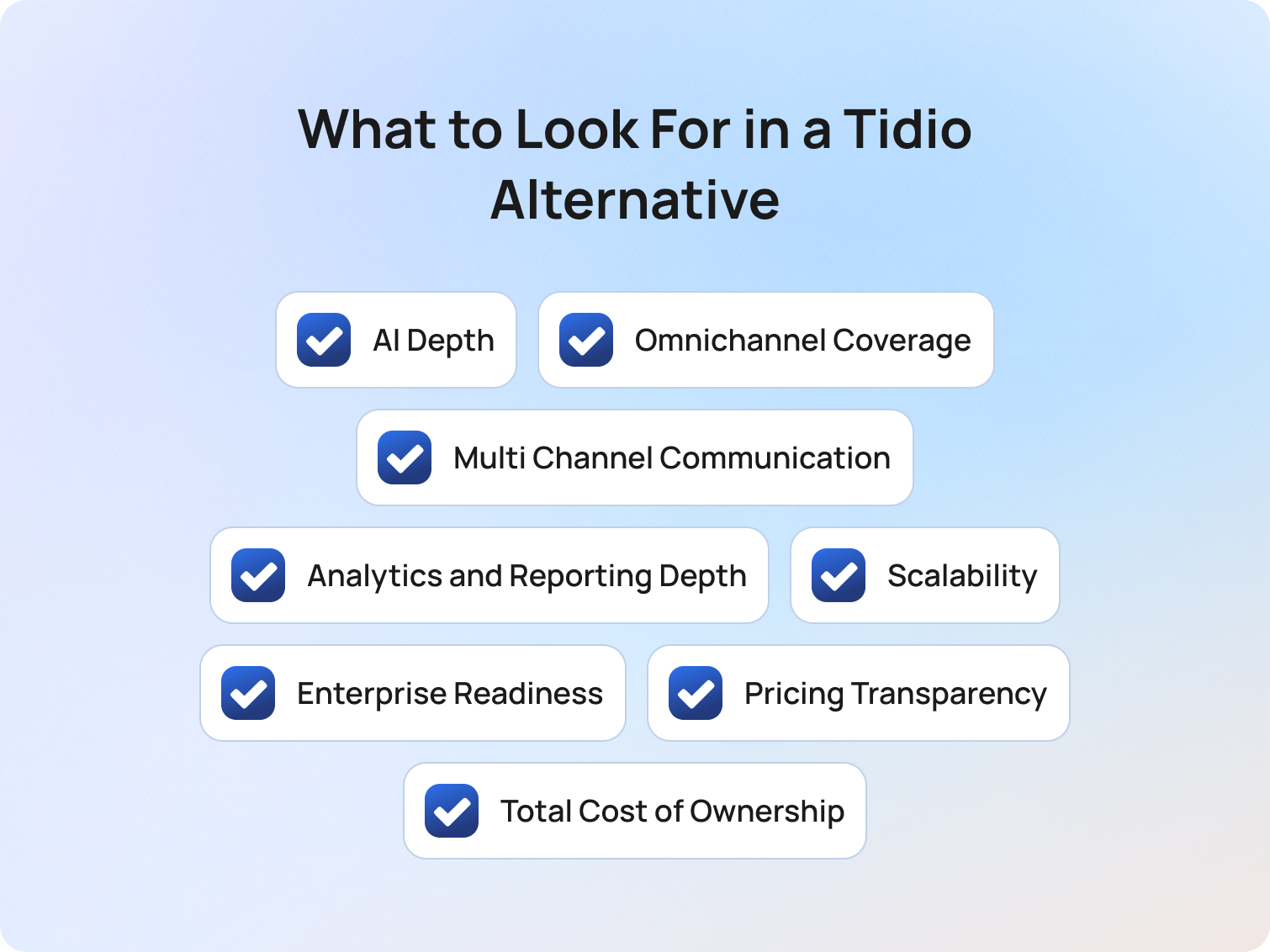
A Tidio alternative should support far more than basic live chat functionality. As customer service operations grow more complex in 2026, businesses increasingly need platforms that can automate support across multiple channels while delivering stronger analytics, AI automation, and a more unified customer service experience.
Many teams initially choose Tidio because of its free plan, user friendly interface, and customizable chat widget. However, as support requirements evolve, businesses often begin looking for more advanced features, deeper multi channel support, and better operational visibility across customer conversations.
AI Depth Beyond Basic Chatbot Functionality
In 2026, the meaningful AI differentiator is not whether a platform includes a chatbot. The real differentiator is whether AI capabilities support the entire customer interaction lifecycle.
That includes:
- RAG-grounded knowledge base responses
- Real-time agent coaching
- AI-generated suggested replies
- Post-interaction summarisation
- Sentiment analysis
- Autonomous resolution workflows
- AI QA scoring
- AI-powered customer communication automation
Businesses evaluating Tidio alternatives should verify whether these advanced features are included natively in the platform or locked behind additional AI add-ons.
Many customer service platforms still offer only basic features at entry-level pricing, requiring businesses to purchase separate AI modules or other tools to fully automate support processes at scale.
Omnichannel Coverage and Multi Channel Communication
Modern customer support no longer happens exclusively through website chat.
Businesses increasingly need multi channel communication across:
- Voice support
- Social messaging
- SMS
- Video chat
- Website chat
- Facebook Messenger
Tidio is still primarily positioned around chat-first support workflows. Businesses with more advanced operational roadmaps should verify whether platforms offer native multi channel support or rely heavily on third-party integrations with existing tools.
Fragmented support environments often create disconnected customer data, inconsistent reporting, and operational inefficiencies for customer support agents.
Platforms that unify customer conversations into a single omnichannel inbox typically provide a stronger customer service experience and better long-term scalability.
Analytics and Reporting Depth
Detailed analytics become significantly more important as support operations grow.
Many businesses searching for alternatives to Tidio cite reporting limitations as one of the primary reasons for switching platforms. Businesses should verify whether customer service software provides operational KPIs natively, including:
- First contact resolution (FCR)
- Average handling time (AHT)
- CSAT tracking
- Containment rate visibility
- Sentiment analysis
- Real-time reporting dashboards
- Historical reporting
- Team performance tracking
Advanced reporting capabilities are particularly important for medium sized businesses managing larger customer support teams and more complex customer interactions.
Scalability and Enterprise Readiness
Tidio is designed primarily for SMB teams focused on live chat support and lightweight automation.
For businesses scaling beyond 50 customer support agents, additional operational tooling becomes increasingly important, including:
- Workforce management functionality
- QA scoring workflows
- Advanced chat routing
- Audit logs and security controls
- Role-based permissions
- Forecasting and scheduling tools
- Unlimited chat history
- Omnichannel interaction management
Businesses evaluating Tidio alternatives should also consider how easily platforms integrate with existing tools and operational workflows as support complexity increases.
Pricing Transparency and Total Cost of Ownership
Many businesses initially compare customer service platforms based on entry-level pricing alone.
However, long-term operational costs often depend on:
- AI add-on pricing
- Automation usage limits
- Agent seat pricing
- Omnichannel functionality
- Reporting access
- Integration requirements
- Additional support tools
Businesses should calculate the projected 12-month operational cost of ownership based on expected support growth rather than current team size alone.
According to Deloitte research published in 2025, organizations continuing to operate fragmented customer support ecosystems often face higher operational overhead, slower resolution times, and increased integration complexity compared to businesses using unified AI-enabled customer service platforms.
Platforms that include AI capabilities inside the base seat pricing typically deliver faster ROI, lower budget risk, and fewer dependencies on other tools.
How We Evaluated These Tidio Alternatives
This evaluation framework was designed to assess Tidio alternatives based on operational maturity, AI capabilities, scalability, and long-term customer support value rather than entry-level chatbot functionality alone.
Our analysis reviewed public documentation, pricing pages, company websites, G2 and Capterra review summaries, and published feature documentation as of Q2 2026. No vendor paid for placement in this article.
AI capability claims were verified against publicly available feature pages and customer feedback rather than vendor marketing alone. However, businesses should still verify platform fit through vendor demos and operational testing before committing to a customer service platform.
Must-Have Capability Checklist
Businesses evaluating the best Tidio alternatives in 2026 should verify whether platforms include the following capabilities natively rather than requiring multiple third-party integrations or additional paid modules.
AI and Automation
- AI chatbot or virtual agent functionality included in the base plan
- RAG-grounded knowledge base responses
- Real-time agent assist and suggested replies
- AI-powered automated responses
- Post-interaction summarisation
- AI tools for customer communication workflows
Omnichannel and Customer Communication
- Native omnichannel inbox across chat, email, voice, and social channels
- Multi channel support without excessive reliance on other tools
- Website chat and customizable chat widget functionality
- Unified customer conversations and customer data
- Mobile apps for support teams
- Social messaging and messaging channel support
Analytics and Operational Visibility
- FCR, AHT, CSAT, and containment reporting
- Real-time analytics dashboards
- Historical reporting functionality
- QA scoring for AI and human interactions
- Team performance monitoring
- Unlimited chat history availability
Scalability and Security
- Workforce management or first-party WFM functionality
- CRM and ecommerce integrations
- MFA, RBAC, and audit logs
- Advanced routing and operational workflows
- Support for growing customer service teams
Businesses evaluating BlueTweak should verify that all checklist items align with the platform’s current deployment configuration and operational requirements before implementation.
BlueTweak Tidio Alternatives Scoring Rubric
The BlueTweak Tidio Alternatives Scoring Rubric was developed to evaluate customer service software platforms based on operational maturity, AI depth, scalability, and long-term support efficiency.
| Criterion | Weight | What “High” Looks Like |
| AI coverage (native, not add-on) | 25% | RAG-grounded KB responses, AI suggested replies, sentiment analysis, and post-interaction summarisation included in the base plan |
| Channel depth beyond chat | 20% | Native voice, email, social messaging, SMS, and unified multi channel communication |
| Analytics and reporting | 15% | Real-time and historical reporting for FCR, AHT, CSAT, containment rate, and team performance |
| Scalability (50+ agents) | 15% | Workforce management, QA tooling, advanced routing, unlimited chat history, and operational visibility |
| Time-to-value | 10% | Fast deployment, intuitive onboarding, and user friendly interface for support teams |
| TCO / pricing transparency | 10% | Transparent per-seat pricing with AI included and fewer dependencies on existing tools |
| Security and admin | 5% | MFA, RBAC, audit logs, admin controls, and enterprise-grade security standards |
Final Thoughts: Choosing the Right Tidio Alternative for Long-Term Customer Support Growth
Tidio remains a strong choice for businesses that need simple live chat and chatbot functionality. However, as support operations grow, many teams need more than a chat-first platform can provide. Advanced AI, omnichannel customer communication, workforce management, QA tooling, analytics, and operational visibility are becoming essential requirements for modern customer service teams.
Among the leading Tidio alternatives, BlueTweak stands out for businesses that want AI-native omnichannel customer support and are looking to consolidate into a single AI-powered platform. By bringing together voice, chat, email, social messaging, automation, reporting, workforce management, and quality assurance, BlueTweak helps eliminate the complexity and inefficiencies created by fragmented support tools.
If you're looking for a Tidio alternative that can scale with your business while delivering stronger automation, deeper insights, and a more connected customer experience, start a free 14-day trial or book a personalised demo to see BlueTweak in action.
AI Customer Support Multilingual Solutions: 12 Best Platforms for CS Teams In 2026
Supporting international customers in multiple languages has become one of the biggest operational challenges facing customer support teams. Customers expect fast, accurate answers in their preferred language, whether they contact your business through chat, email, social media, or voice channels. At the same time, hiring multilingual support staff for every market is expensive, difficult to scale, and increasingly inefficient as customer expectations continue to rise.
This is why AI customer support multilingual solutions have moved from a niche capability to a business necessity. Modern AI customer support software is increasingly helping organizations deliver multilingual customer service without the cost and complexity of maintaining large multilingual teams. The right platform can help support teams automate routine interactions, remove language barriers, maintain a consistent brand voice, and deliver exceptional service across global markets without relying solely on additional headcount.
However, not all multilingual AI support platforms solve the same problem. Translation is only one piece of the puzzle. The real challenge is ensuring customer interactions are routed correctly, grounded in accurate knowledge, and measured consistently across every language market.
Why Multilingual Customer Support Is an AI Problem Now
Multilingual customer support is the ability to provide accurate, consistent, and efficient service to customers in their preferred language across every support channel.
For years, multilingual support was treated primarily as a staffing challenge. Businesses expanding into new markets would hire bilingual agents, build regional support teams, or outsource customer support operations to multilingual providers. While effective in some situations, these approaches become increasingly difficult to scale as organizations grow their global operations.
Many organizations are now reassessing the traditional outsourcing model as conversational AI becomes a viable alternative for handling routine multilingual customer interactions at scale.
Deloitte Digital's 2026 Global Contact Center Survey signals that AI has moved from experimentation to scalable operational impact in contact centres. Sixty-four percent of service leaders report higher agent productivity as a result of AI, and 39% report lower cost per contact; evidence that, as support volumes grow, teams are increasingly using AI to handle routine interactions, streamline workflows, and reduce operational complexity.
At the same time, customer language preferences remain a critical driver of customer satisfaction. CSA Research’s global consumer study found that, given the choice between two similar products, 76% of consumers will choose the one with information in their own language; a finding that has remained widely cited as a benchmark across the localisation industry since its publication.
The technology has also changed. Modern natural language processing and machine learning models deliver significantly higher-quality AI translation than earlier rule-based systems. For major languages such as English, Spanish, French, and German, AI-powered support can now handle many common customer interactions with a high degree of accuracy. Yet translation alone does not solve multilingual support.
Support teams must still identify a customer's language automatically, route conversations to the appropriate workflow, provide responses grounded in trusted knowledge sources, and measure customer satisfaction across different language markets. Cultural nuances, dialect variations, and long-tail language coverage continue to require careful oversight.
This shift has fundamentally changed the problem. Multilingual support is no longer primarily a translation challenge. It is now a routing challenge, a containment challenge, a knowledge management challenge, and a quality assurance challenge.
The organizations delivering the strongest multilingual customer experiences in 2026 are not simply translating conversations. They are building multilingual support systems that combine AI translation, automatic language detection, intelligent routing, knowledge-grounded responses, and human oversight into a single operational framework.
What Makes a Good AI Multilingual Customer Support Solution?
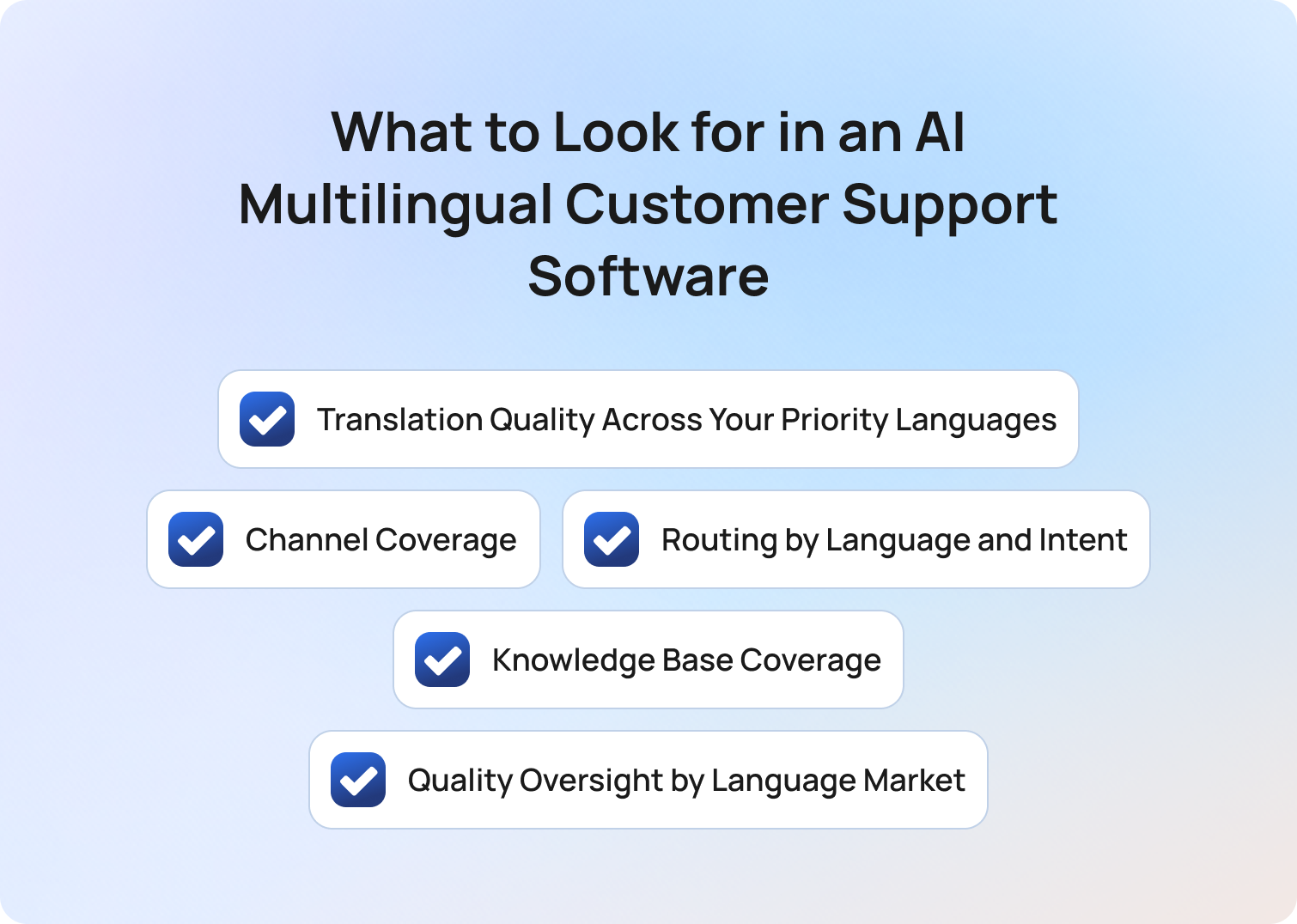
An AI multilingual customer support solution is a platform that enables businesses to deliver consistent customer service across different languages while maintaining quality, efficiency, and operational control.
Many vendors focus heavily on translation capabilities when discussing multilingual support. Translation matters, but it is only one part of the equation. The strongest platforms combine language support with intelligent routing, knowledge management, quality assurance, and omnichannel customer engagement.
When evaluating AI customer support multilingual solutions, support leaders should assess providers against the following five criteria.
1. Translation Quality Across Your Priority Languages
Translation quality refers to how accurately a platform can understand and respond to customers across the languages that matter most to your business.
Performance is typically strongest for widely used languages such as English, Spanish, French, and German, where language models have access to large volumes of training data. Long-tail languages, regional dialects, and market-specific terminology often produce more variable results.
Rather than focusing on the number of supported languages advertised by a vendor, organizations should evaluate how well the platform performs in the specific language markets they serve. A platform supporting 100 languages is less valuable than one that performs exceptionally well in the 10 languages your customers actually use.
Before selecting a multilingual support platform, validate translation quality using real customer conversations and support scenarios.
2. Channel Coverage
Channel coverage refers to the ability to deliver multilingual support consistently across every customer touchpoint. Many platforms offer multilingual chat support but provide limited capabilities for voice, email, social media, or messaging applications. This creates fragmented customer experiences and increases operational complexity for support teams.
Voice support introduces additional challenges because the platform must accurately process speech recognition, transcription, accents, dialects, and text-to-speech generation before responding. As a result, multilingual voice AI remains one of the clearest differentiators between leading and average solutions.
3. Routing by Language and Intent
Language-aware routing is the ability to automatically identify a customer's language and direct them to the correct workflow, automation, or support resource. Asking customers to manually select their language adds friction and increases abandonment rates; automatic language detection removes that step and creates a more seamless support experience.
However, language identification alone is not enough and the platform must also understand customer intent. A billing issue submitted in Spanish should be routed to the same workflow as a billing issue submitted in English. The most powerful AI support platforms combine language detection with multilingual intent classification to ensure accurate routing regardless of customer language.
4. Knowledge Base Coverage
Knowledge base coverage refers to the quality and accessibility of the information the AI uses to generate customer responses. But even the most advanced AI models can only provide accurate answers if they have access to reliable knowledge sources. Organizations should evaluate whether multilingual content is maintained natively within the knowledge base or generated through real-time translation from a primary language source.
Both approaches can be effective, but consistency is critical. Outdated translations, missing articles, or incomplete documentation can quickly undermine customer trust.
Platforms that ground responses in approved knowledge sources are typically better positioned to deliver accurate, compliant, and brand-aligned multilingual support.
5. Quality Oversight by Language Market
Quality oversight is the ability to measure support performance separately across different languages and regions. Many support organizations track overall customer satisfaction scores without understanding how performance varies between language markets. Blended reporting can mask significant issues in specific regions and make quality improvement difficult.
The best multilingual support platforms allow teams to monitor customer satisfaction, quality assurance metrics, containment rates, and operational performance at a language-specific level. This makes it easier to identify weaknesses, improve AI performance, and maintain consistent service standards across global operations.
Effective customer service analytics help support leaders identify performance trends, uncover language-specific issues, and continuously improve customer experiences across global markets.
Together, these five criteria form the framework for evaluating AI multilingual support solutions. Any platform that cannot demonstrate strength across translation quality, channel coverage, language-aware routing, knowledge management, and quality oversight is likely to create operational challenges as multilingual support volumes grow.
The Best AI Customer Support Multilingual Solutions for Global Teams
AI customer support multilingual solutions help organizations support customers across multiple languages while maintaining service quality, operational efficiency, and consistent customer experiences.
The platforms below were assessed against the five criteria for evaluating AI multilingual support solutions: translation quality, channel coverage, language-aware routing, knowledge base coverage, and quality oversight.
| Platform | Best For | Voice Support | Language-Aware Routing | Per-Language QA | Key Limitation |
|---|---|---|---|---|---|
| BlueTweak | Omnichannel multilingual AI support | Yes | Yes | Yes | Some long-tail language limitations |
| Zendesk | Enterprise ticketing environments | Limited | Yes | Partial | Voice capabilities depend on integrations |
| Intercom | SaaS support teams | Limited | Partial | Partial | Less suitable for voice-heavy operations |
| Freshdesk | Mid-market customer service teams | Limited | Yes | Partial | Advanced AI features vary by plan |
| Language I/O | Translation within existing support stacks | No | Limited | No | Primarily focused on translation |
| DeepL for Business | High-accuracy translation | No | No | No | Not a complete support platform |
| Helpshift | Mobile app support | Limited | Yes | Partial | Mobile-first focus may not suit all teams |
| Kustomer | High-volume B2C support | Limited | Yes | Partial | Advanced AI requires configuration |
| Avaamo | Enterprise conversational AI | Yes | Yes | Partial | Enterprise implementation complexity |
| Google Cloud CCAI | Custom AI ecosystems | Yes | Yes | Custom | Requires technical resources |
| Salesforce Service Cloud | Salesforce-centric organizations | Limited | Yes | Partial | Cost and complexity |
| Smartling | Multilingual content management | No | No | No | Not a dedicated support platform |
The right solution depends on your language requirements, support channels, and operational goals. However, platforms that combine multilingual AI, intelligent routing, voice support, and language-specific quality assurance are typically best positioned to support large-scale global operations.
Start your free 14 day free trial now! No credit card required.
Get Started1. BlueTweak: Best for Omnichannel Multilingual AI with Voice and QA
BlueTweak is an AI-powered customer support platform designed to help organizations deliver multilingual support across chat, voice, email, messaging, and social channels from a single environment. Unlike many multilingual support tools that focus primarily on translation, BlueTweak combines language support, automation, routing, knowledge management, and quality assurance within a single platform. These capabilities are powered by conversational AI that can understand customer intent, automate routine interactions, and support customers across multiple languages.
Strengths:
- Strong multilingual AI performance across key languages: BlueTweak combines natural language processing, AI translation, and language-aware automation to support customer interactions across major global languages. This helps organizations deliver consistent support experiences while reducing the operational complexity of managing multilingual customer service.
- Omnichannel support across voice and digital channels: While many competitors focus primarily on chat and messaging, BlueTweak supports multilingual interactions across voice, email, chat, messaging, and social channels. This allows support teams to maintain a consistent customer experience regardless of how customers choose to engage.
- Language-aware routing and intent recognition: BlueTweak automatically detects customer language and routes interactions to the most appropriate workflow, agent, or automation path. Combined with intent recognition, this helps ensure customers reach the right support process without unnecessary friction.
- Knowledge-grounded AI responses: The platform can surface responses based on approved knowledge sources rather than relying solely on generative AI outputs. This helps improve response accuracy, maintain compliance, and ensure customer interactions remain aligned with company policies and brand standards.
- Language-specific quality monitoring and reporting: Support leaders can track customer satisfaction, quality scores, containment rates, and operational performance by language market. This visibility helps identify underperforming regions and continuously improve multilingual support operations over time.
“For years, multilingual support was treated as a staffing problem. If you needed coverage in another language, you hired more people. The challenge is that headcount does not compound. AI does. Modern support teams are shifting from managing language coverage through staffing to managing language quality through data, workflows, and continuous model improvement.”
BlueTweak in real-world support environments:
BlueTweak's multilingual capabilities are built around the realities of modern global support operations. The platform combines automatic language detection, real-time translation, intelligent routing, voice AI, and knowledge-grounded responses to help organizations deliver consistent support experiences across multiple languages without relying exclusively on dedicated multilingual teams. These capabilities are particularly valuable for businesses managing customer interactions across several markets and communication channels simultaneously.
BlueTweak's approach can be seen in its work with Conectys, where the platform helped streamline customer support operations through AI-powered automation, real-time translation capabilities, and centralized omnichannel support workflows. By reducing language barriers and improving operational efficiency, BlueTweak enabled support teams to deliver more consistent customer experiences across international markets while maintaining visibility into performance and quality.
Limitations:
- Long-tail language validation may be required: Like every multilingual AI platform, performance can vary depending on the language, dialect, and industry-specific terminology involved. Organizations should test their highest-priority languages before deployment.
- Integration ecosystem is still expanding: BlueTweak's native integration library is currently more limited than those of longer-established platforms. Organizations with complex existing technology stacks should validate that their core CRM, ticketing, or workforce management tools are supported before deployment.
Best for: Global support teams that need multilingual AI support across chat and voice channels with unified quality assurance and operational visibility.
Start a free 14-day trial with no credit card required, or book a personalized demo to see how BlueTweak supports multilingual customer service at scale.
2. Zendesk: Best for Enterprise Multilingual Ticketing at Scale
Zendesk is a customer service platform that helps organizations manage multilingual customer support through AI-powered ticketing, automation, and self-service capabilities. It is particularly popular among large enterprises that need to coordinate support across multiple teams and regions.
Strengths:
- Enterprise-grade ticket management: Zendesk excels at organizing high volumes of support tickets across different languages. This helps larger support teams maintain consistency and accountability across global operations.
- Workflow automation: The platform includes automation tools that can help categorize, prioritize, and route support requests. This reduces manual effort and improves response times.
- Extensive integration ecosystem: Zendesk integrates with a wide range of business applications, making it easier to incorporate multilingual support into existing workflows.
Limitations:
- Voice support may require additional tooling: While Zendesk supports voice channels, advanced multilingual voice AI capabilities often depend on integrations or third-party solutions.
- Limited language-specific QA visibility: Monitoring customer satisfaction and quality performance by language market can require additional reporting configuration.
Best for: Enterprise organizations managing large volumes of multilingual support tickets across multiple teams and regions.
Considering Zendesk? If you're weighing Zendesk against other multilingual customer support platforms, our guide to the best Zendesk alternatives explores how leading solutions compare across AI capabilities, omnichannel support, automation, and scalability.
3. Intercom: Best for SaaS Teams Needing Multilingual Chat and Messaging
Intercom is a conversational customer support platform that combines live chat, AI assistance, and customer messaging tools. It is particularly well-suited to SaaS companies looking to scale multilingual customer interactions through digital channels.
Strengths:
- Strong conversational experience: Intercom's chat-first approach creates a seamless experience for customers seeking support in different languages.
- AI-powered support automation: The platform can automate routine customer interactions, helping support teams handle higher volumes without increasing headcount.
- Modern user experience: Intercom offers a clean interface for both customers and support teams, reducing complexity during implementation and adoption.
Limitations:
- Limited voice capabilities: Organizations with significant phone support requirements may need additional platforms to support multilingual voice interactions.
- Less visibility into language-specific performance: Reporting is not as focused on language-level quality assurance as some specialist multilingual support platforms.
Best for: SaaS businesses prioritizing multilingual chat, messaging, and self-service experiences.
If your priority is conversational AI, chat automation, and multilingual messaging, it's worth considering Intercom alternatives designed for growing support teams.
4. Freshdesk: Best for Mid-Market Teams Wanting Multilingual Breadth at Lower Cost
Freshdesk is a customer support platform that provides multilingual capabilities alongside ticket management, automation, and omnichannel customer service features. It is often chosen by mid-market organizations seeking a balance between functionality and affordability.
Strengths:
- Broad multilingual support: Freshdesk supports customer interactions across multiple languages, helping businesses serve international customers from a single platform.
- Accessible pricing: Compared with some enterprise-focused alternatives, Freshdesk offers a lower barrier to entry for growing support teams.
- Omnichannel capabilities: Teams can manage customer conversations across email, chat, phone, and social channels within a unified environment.
Limitations:
- Advanced AI features vary by plan: Some multilingual AI capabilities may only be available within higher-tier subscriptions.
- Voice AI functionality is less mature: Businesses with complex multilingual voice requirements may require additional solutions.
Best for: Mid-market support teams seeking broad multilingual functionality without enterprise-level complexity.
Freshdesk offers broad functionality for growing support teams, but it may not be the right fit for every multilingual support strategy. Our guide to the best Freshdesk alternatives compares other leading options across AI, automation, and customer experience capabilities.
5. Language I/O: Best for Teams Adding Translation to an Existing Support Stack
Language I/O focuses on helping organizations add multilingual translation capabilities to their existing customer support tools. Rather than replacing a support platform, it acts as a translation layer across customer interactions.
Strengths:
- Real-time translation: Customer messages can be translated automatically within existing support workflows, reducing the need for dedicated multilingual agents.
- Platform flexibility: Language I/O integrates with a range of popular customer service platforms, allowing organizations to extend existing systems.
- Agent productivity gains: Teams can communicate across languages without constantly switching between translation tools.
Limitations:
- Translation-focused approach: Language I/O primarily addresses translation rather than routing, quality assurance, or broader support operations.
- Limited voice support: Organizations seeking multilingual voice AI will need complementary technologies.
Best for: Businesses that already have a customer support platform and want to add multilingual translation capabilities.
6. DeepL for Business: Best for High-Accuracy Translation of Support Content
DeepL is a translation platform known for producing highly accurate machine translations across many major languages. It is often used to support multilingual content creation and customer communication.
Strengths:
- Strong translation quality: DeepL is widely regarded for producing natural-sounding translations across major language pairs.
- Useful for knowledge management: Businesses can use DeepL to translate help center articles, documentation, and support content.
- Simple deployment: The platform is straightforward to implement for translation-related workflows.
Limitations:
- Not a complete support platform: DeepL focuses on translation rather than customer support workflows, routing, or quality management.
- No native customer support infrastructure: Organizations still need a separate platform for handling customer interactions.
Best for: Organizations prioritizing translation quality for multilingual support content and documentation.
7. Helpshift: Best for Multilingual Mobile App Support
Helpshift is a customer support platform designed primarily for mobile apps, gaming companies, and digital-first businesses. It combines in-app messaging, automation, and multilingual support capabilities to help organizations engage users directly within their applications, making it particularly popular among gaming studios and businesses with large mobile user bases.
Strengths:
- Mobile-first experience: Helpshift is designed around in-app support, making it particularly effective for mobile products.
- AI-powered automation: The platform helps reduce support workloads by automating common customer requests.
- Multilingual messaging: Businesses can support customers across multiple languages without leaving the app environment.
Limitations:
- Narrower use case: Organizations with significant email, voice, or contact center requirements may need broader support tooling.
- Language-specific analytics are limited: Deep multilingual quality oversight may require additional reporting tools.
Best for: Gaming companies, mobile app providers, and digital-first businesses looking to deliver multilingual support directly within their products.
8. Kustomer: Best for High-Volume B2C Teams Needing Multilingual CRM Context
Kustomer combines customer support capabilities with CRM functionality, giving agents access to detailed customer history during multilingual support interactions.
Strengths:
- Customer-centric support model: Agents can access customer context alongside support conversations, improving personalization.
- Automation capabilities: AI-powered workflows help reduce manual effort and improve response times.
- Omnichannel support: Customer interactions from different channels are consolidated into a single view.
Limitations:
- Implementation complexity: Advanced multilingual workflows may require significant configuration.
- Voice AI is less prominent: Organizations focused on multilingual voice automation may need additional tools.
Best for: High-volume B2C organizations seeking multilingual support with deeper customer context.
Businesses that value customer context and CRM-driven support may benefit from comparing Kustomer against other AI-powered support platforms. Read our guide on the best Kustomer alternatives to explore the differences.
9. Avaamo: Best for Enterprise Multilingual Conversational AI
Avaamo is a conversational AI platform designed to help enterprises automate customer service and employee support across multiple languages and channels.
Strengths:
- Advanced conversational AI: Avaamo provides sophisticated automation capabilities for customer-facing interactions.
- Multilingual voice and chat support: The platform supports both text and voice-based customer experiences.
- Enterprise scalability: Avaamo is built for large organizations managing complex support operations.
Limitations:
- Complex implementation: Enterprise deployments often require significant planning and technical resources.
- Potentially higher costs: Smaller organizations may find the platform more than they require.
Best for: Large enterprises implementing conversational AI across multilingual customer support operations.
10. Google Cloud CCAI: Best for Enterprises Building Custom Multilingual AI Stacks
Google Cloud Contact Center AI (CCAI) provides a suite of AI tools that organizations can use to build customized multilingual customer service environments.
Strengths:
- Highly flexible architecture: Organizations can tailor solutions to specific support requirements and workflows.
- Strong AI and language capabilities: Google's machine learning expertise supports a wide range of multilingual use cases.
- Voice and virtual agent support: The platform includes tools for building advanced voice and chat experiences.
Limitations:
- Requires technical expertise: Successful deployments often depend on internal development resources or implementation partners.
- Longer time to value: Customization can extend deployment timelines compared with turnkey solutions.
Best for: Enterprises seeking maximum flexibility when building multilingual AI support ecosystems.
11. Salesforce Service Cloud: Best for Salesforce-Native Teams Expanding to Multilingual Support
Salesforce Service Cloud extends the Salesforce ecosystem into customer support, helping organizations manage multilingual service operations alongside sales and customer data.
Strengths:
- Deep Salesforce integration: Customer service teams benefit from access to broader CRM data and workflows.
- Automation and AI capabilities: Salesforce provides tools for routing, workflow management, and customer support automation.
- Enterprise scalability: The platform is designed to support large, complex organizations.
Limitations:
- Complex setup: Organizations may require dedicated resources to configure and maintain multilingual support environments.
- Cost considerations: Advanced functionality can become expensive as requirements grow.
Best for: Organizations already invested in Salesforce that want to extend multilingual support capabilities.
Already using Salesforce? Service Cloud can be a natural choice for Salesforce-centric organizations, but it is not the only option available. Our guide to the best Salesforce Service Cloud alternatives examines other platforms that support multilingual customer service, automation, and AI-driven support workflows.
12. Smartling: Best for Multilingual Knowledge Base and Content Management

Smartling is a translation and localization platform that helps organizations manage multilingual content across websites, documentation, and support resources.
Strengths:
- Content localization expertise: Smartling excels at translating and managing customer-facing content across multiple languages.
- Workflow management: Translation projects can be coordinated efficiently through centralized workflows.
- Consistency across markets: Businesses can maintain brand voice and terminology across translated assets.
Limitations:
- Not a dedicated support platform: Smartling focuses on content and localization rather than customer support operations.
- Limited routing and QA capabilities: Organizations still require separate tools for multilingual support workflows and performance management.
Best for: Organizations focused on multilingual content, localization, and knowledge base management rather than end-to-end customer support.
While the platforms above vary significantly in their multilingual capabilities, choosing the right technology is only part of the decision. Many support leaders are now asking a broader question: can AI realistically replace multilingual support teams, or does effective customer service still require human expertise?
The answer is more nuanced than many vendors suggest. Modern AI can handle a growing share of multilingual customer interactions, particularly across high-volume languages and routine support requests. However, there are still areas where human judgment, cultural awareness, and language expertise remain essential. Understanding where AI excels and where human intervention adds value is critical when building a scalable multilingual support strategy.
Why Most Multilingual Support Platforms Fall Short
Multilingual support platforms are designed to help organizations serve customers across different languages, but many solutions focus too narrowly on translation.
This is where evaluation becomes important. A platform may support dozens of languages, yet still struggle to deliver a consistent customer experience if it cannot route conversations correctly, surface accurate knowledge, or measure quality across language markets.
Many vendors position multilingual support as a translation problem. In reality, translation is only one layer of the customer support experience. Organizations also need language-aware routing, omnichannel coverage, quality oversight, and knowledge management capabilities that scale across global operations.
This distinction explains why two platforms with similar language coverage can deliver dramatically different business outcomes. One may simply translate customer messages. Another may automate, route, monitor, and continuously improve multilingual support interactions across every channel.
AI Multilingual Support vs. Human Multilingual Teams

AI multilingual support is the use of artificial intelligence to understand, translate, route, and respond to customer interactions across different languages. Human multilingual support relies on bilingual or multilingual agents to deliver customer service directly.
For many organizations, the question is not whether AI can support multilingual customer service; technology has matured significantly across major languages and customer support channels. The real question they’re facing today is, where does AI deliver the most value and where does human expertise remain essential?
Where AI Excels…
AI multilingual support performs particularly well in high-volume environments where consistency, speed, and scalability are priorities. As AI capabilities continue to mature, more organizations are discovering how AI improves customer support through faster response times, improved consistency, and round-the-clock availability.
Key advantages include:
- 24/7 availability: AI can support customers around the clock without requiring regional staffing coverage.
- Consistent responses: AI-powered support systems deliver the same approved answers regardless of language, helping maintain compliance and brand consistency.
- Scalability across global markets: Expanding into new regions does not necessarily require hiring dedicated multilingual support staff for every language.
- Lower operational costs: AI can handle routine enquiries at scale, reducing the need for additional headcount as support volumes grow.
For common support requests, order updates, account questions, password resets, billing enquiries, and knowledge-based interactions, AI can often deliver a faster and more consistent experience than traditional support models.
Where Human Agents Still Matter…
But human agents continue to outperform AI in situations that require judgment, empathy, or deep cultural understanding. Examples include:
- Complex customer complaints: Sensitive situations often benefit from human communication and problem-solving skills.
- Cultural nuance and regional context: Certain phrases, references, and expectations vary significantly between markets.
- Long-tail languages and dialects: AI performance can be less predictable in lower-volume languages where training data is more limited.
- High-value customer relationships: Strategic accounts and business-critical interactions may require a personal touch that AI cannot fully replicate.
As AI translation quality improves, these gaps continue to narrow, but they have not disappeared entirely.
The Hybrid Multilingual Model
The most effective approach for global support teams in 2026 is what many organizations now use as the hybrid multilingual model. In this model, AI handles the majority of routine multilingual support interactions, including language detection, translation, routing, self-service, and first-line customer support. Human agents then focus on escalations, sensitive conversations, complex problem-solving, and language markets where AI performance requires additional oversight.
This approach allows organizations to combine the scalability of AI with the expertise of human agents while controlling costs and maintaining service quality.
For most support teams, the future is not AI versus humans. It is AI and humans working together within a multilingual support strategy designed around the strengths of both.
How to Choose the Right AI Multilingual Customer Support Solution

Choosing an AI multilingual customer support solution starts with understanding your customer base, support channels, and operational goals. Before making a decision, work through the following five-step evaluation process.
1. Map Your Language Requirements by Volume
Not every language requires the same level of investment. Start by identifying which languages generate the highest support volumes and which markets are most important to your business. This helps prioritize evaluation efforts and avoids overpaying for language coverage that may never be used.
2. Identify Your Priority Support Channels
Voice support, live chat, email, messaging apps, and social media all present different multilingual challenges. If phone support plays a major role in your operation, voice AI capabilities should be a key consideration. If most interactions occur through digital channels, chat and messaging automation may be a higher priority.
3. Assess Knowledge Base Readiness
Even the most advanced multilingual AI relies on accurate source material. Review whether your knowledge base exists in all required languages or whether the platform will need to translate content dynamically. Gaps in documentation can quickly affect customer satisfaction and support accuracy.
4. Define Your Quality Assurance Requirements
Determine how you will measure success across different language markets. Customer satisfaction scores, containment rates, escalation rates, and quality assurance metrics should ideally be tracked at a language-specific level rather than blended into a single global report.
5. Calculate Total Cost of Ownership
Compare platform costs against the cost of hiring and managing multilingual support staff. Include software licensing, implementation, ongoing management, training, and potential efficiency gains. The most affordable platform is not always the lowest-cost solution over time.
Organizations that want a clearer picture of potential savings can use a customer support ROI calculator to compare platform investment against staffing, operational, and support costs.
Organizations that follow this process are more likely to select a multilingual support platform that aligns with both current requirements and future growth plans.
Final Thoughts: Building a Scalable Multilingual Support Strategy
AI customer support multilingual solutions have reached the point where they are no longer a future consideration for global support teams. For organizations serving customers across multiple languages, they are increasingly becoming the standard approach to delivering scalable, high-quality customer service.
The challenge is not in deciding whether to use AI, but in choosing a platform that can consistently support your language markets, channels, knowledge sources, and quality requirements.
While every solution in this guide offers value in specific scenarios, BlueTweak stands out for organizations that need multilingual support across both voice and digital channels, combined with language-aware routing, knowledge-grounded AI, and language-specific quality monitoring.
If you're looking to reduce language barriers, improve operational efficiency, and deliver more consistent support experiences across global markets, start a free 14-day BlueTweak trial with no credit card required, or book a personalized demo to see how multilingual AI support can work within your organization.
Sign up for your free trial now!
Get Started
Hiver Alternatives: 7 Best Options to Consider in 2026
Many teams start with Hiver because it offers a simple way to manage shared inboxes inside Gmail. But as customer support operations grow, what once felt efficient can quickly become limiting.
Support teams today are expected to manage conversations across email, chat, voice, social media, and messaging apps while maintaining fast response times, consistent service quality, and operational visibility. At the same time, AI-powered automation is becoming a competitive requirement rather than a nice-to-have feature.
That's why more organizations are evaluating Hiver alternatives. Some need greater flexibility outside the Google ecosystem, while others need advanced automation, omnichannel support, and deeper operational insights. Platforms such as BlueTweak are designed specifically for this next stage of growth, helping teams move beyond shared inbox management and build a more scalable customer support operation.
Why Teams Look for a Hiver Alternative
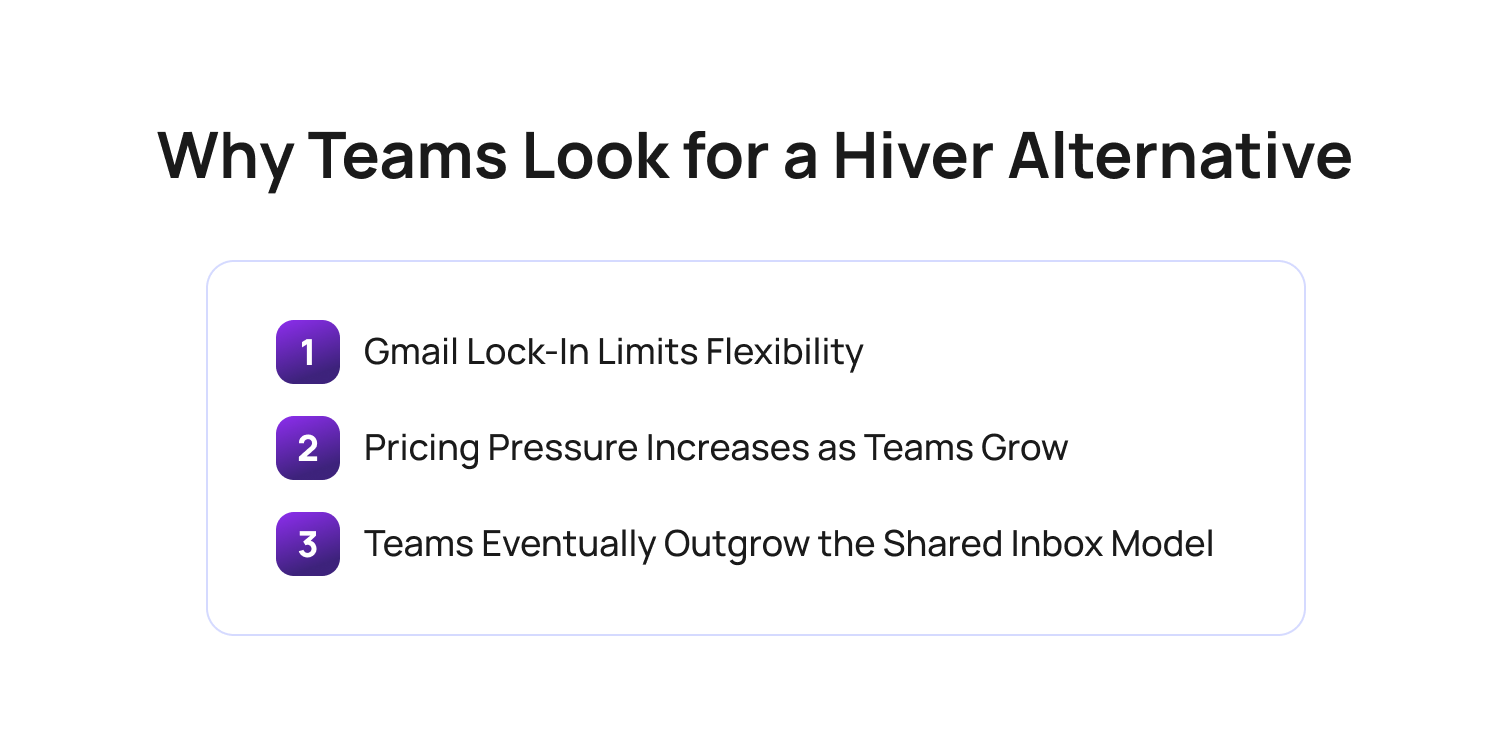
Most searches for a Hiver alternative happen when a team's customer support requirements have outgrown the shared inbox model that Hiver was built around.
Hiver remains a popular choice for small teams using Google Workspace as its user-friendly interface, collaborative shared inbox functionality, and seamless Gmail integration make it an attractive starting point for customer support teams that primarily handle email-based customer communication.
However, most searches for a Hiver alternative are driven by three common challenges. As support teams grow, customer expectations change, and support channels multiply, many organizations find that Hiver's strengths become limitations.
Gmail Lock-In Limits Flexibility
Hiver is built directly inside Gmail as a Chrome extension. While this approach makes onboarding simple for Google Workspace users, it also creates dependency on Google's ecosystem.
Teams using Microsoft Outlook, or organizations considering a move away from Google Workspace, cannot simply take Hiver with them. The platform's functionality is fundamentally tied to Gmail accounts, Gmail labels, and the Google environment.
For support leaders evaluating long-term customer support software investments, this can create unnecessary restrictions. A platform decision should support future business needs, not dictate which productivity suite the organization must use.
As companies expand, merge with other organizations, or introduce new customer support operations, flexibility often becomes more important than convenience.
Pricing Pressure Increases as Teams Grow
Pricing scalability is another common reason teams begin exploring Hiver alternatives.
Hiver's pricing model is based on per-agent subscriptions, with additional costs for AI capabilities. While this may be manageable for very small teams, costs can rise quickly as support teams expand from five agents to 20 or more.
This creates a challenge for growing organizations. Support leaders are not simply evaluating software costs today; they are forecasting what customer support software will cost 12 to 24 months from now.
Many modern help desk software providers now include AI features, automation capabilities, advanced reporting, and workflow management tools within their core offerings. As a result, organizations often find themselves comparing Hiver's add-on costs against platforms that bundle advanced functionality into a more comprehensive package.
Teams Eventually Outgrow the Shared Inbox Model
The biggest reason organizations search for an alternative to Hiver is that they have outgrown the shared inbox model entirely.
Hiver was designed around collaborative email management. It helps multiple team members manage shared inboxes, assign tasks, leave internal notes, and track incoming requests without leaving Gmail. For many teams, that works perfectly.
However, modern customer support rarely happens through email alone.
Today's customer support teams often manage conversations across live chat, voice, SMS, social media, messaging apps, self service portals, and knowledge base channels. They also need AI tagging, advanced automation, AI agents, collision detection, proactive messaging, and advanced analytics to maintain efficiency as volumes increase.
According to PwC's 2025 Customer Experience Survey, 70% of executives believe customer expectations are evolving faster than their organizations can adapt. This helps explain why many support teams begin searching for a Hiver alternative. As customer interactions spread across chat, voice, social media, messaging apps, and self-service channels, a shared inbox alone often struggles to provide the visibility, automation, and consistency needed to keep pace.
This is where many teams discover that a basic shared inbox is no longer enough. They need omnichannel support, automation rules, workflow orchestration, and AI-powered customer service capabilities that extend far beyond email collaboration tools.
As a result, the search for a Hiver alternative is often less about replacing Hiver itself and more about finding a platform that can support the next stage of growth.
Hiver Alternatives at a Glance
A Hiver alternative comparison helps support leaders quickly identify which platform best aligns with their team's size, support channels, AI requirements, and long-term growth plans.
The market offers everything from lightweight Gmail-based collaboration tools to enterprise-grade customer service software with AI automation, omnichannel routing, and advanced reporting capabilities.
The comparison below provides a high-level overview of the leading Hiver alternatives available in 2026. Pricing should always be verified directly with each vendor before making a purchasing decision, as plans and included features can change.
BlueTweak Hiver Alternatives Comparison Table
| Tool | Best For | Starting Price* | AI Included | Omnichannel |
|---|---|---|---|---|
| BlueTweak | AI-powered omnichannel customer support | €65/agent/month | Yes (included) | Yes |
| Zendesk | Enterprise teams needing scale | Custom pricing | Yes (higher tiers/add-ons) | Yes |
| Freshdesk | Mid-market breadth | Free plan; paid from $15/agent/month | Yes (add-on) | Yes |
| Help Scout | Small teams, email-first simplicity | From $25/user/month | Yes | Email + Chat |
| Front | Collaborative inbox and internal/external communication | From $25/seat/month | Yes | Yes |
| Missive | Gmail and Outlook teams wanting collaborative email | From $14/user/month | Limited | Email + SMS |
| Gmelius | Lightweight Gmail power users | From $19/user/month | Limited | Gmail-based |
*Pricing verified at the time of writing and subject to change. Always confirm current pricing, AI feature availability, and billing terms directly with the vendor before making a purchasing decision.
While feature checklists are useful, they rarely tell the whole story. The real question is not which platform has the most features, but which platform aligns with how your customer support operation will evolve over the next 12 to 24 months.
The sections below provide a more detailed breakdown of each platform, including where it excels, where it falls short, and the types of teams most likely to benefit from switching.
7 Best Hiver Alternatives in 2026
A Hiver alternative can range from a simple shared inbox replacement to a fully featured customer support platform with AI automation and omnichannel capabilities.
The tools below represent the strongest Hiver alternatives in 2026. Each assessment covers what the platform does well, where it falls short, pricing considerations, and the type of team it is best suited for. Pricing was verified at the time of writing but should always be confirmed directly with the vendor before making a purchasing decision.
1. BlueTweak: Best for AI-Powered Omnichannel Customer Support
BlueTweak is an AI-powered customer support platform designed for organizations that need to manage customer interactions across voice, email, live chat, social media, and messaging channels from a single workspace. Unlike a basic shared inbox, it combines customer support operations, AI automation, workforce management, and quality assurance in one platform.
Why it beats Hiver for growing teams: Hiver is fundamentally a shared inbox layer built inside Gmail. BlueTweak is a complete customer support platform built for teams that have outgrown email-centric support and need a unified approach to customer communication across multiple channels.
Key capabilities:
- Conversational AI agents for tier-one support - automatically resolve common customer enquiries, reducing ticket volumes and freeing agents to focus on more complex issues.
- AI ticket triage and intelligent routing - categorise, prioritise, and assign support tickets automatically so customers reach the right team faster.
- AI-generated ticket summaries and suggested replies - reduce manual admin work and help agents respond more quickly with relevant, context-aware recommendations.
- Multi-brand support from a single workspace – manage customer interactions across multiple brands, business units, or product lines without switching platforms, giving agents a unified view while maintaining separate brand experiences.
- Real-time knowledge base retrieval for agents - surface accurate information during live interactions, improving consistency and reducing resolution times.
- Workforce management and scheduling tools - forecast demand, optimise staffing levels, and improve operational efficiency across support teams.
- 100% automated QA coverage and performance monitoring - review every customer interaction automatically to identify coaching opportunities and maintain service quality at scale.
- Advanced analytics and reporting across channels - track performance, customer satisfaction, and operational trends through a single reporting environment
The biggest mistake support leaders make is treating AI as an add-on rather than an operating model. Shared inboxes solve collaboration challenges, but they don’t fundamentally transform customer support. The organizations seeing the strongest results are using AI across routing, quality assurance, knowledge retrieval, workforce optimization, and customer interactions in a single ecosystem.

The honest limitation: BlueTweak is not the right fit for a three-person team looking to manage a Gmail account collaboratively with minimal setup. The platform is built for organizations that need automation, omnichannel support, quality oversight, and operational scalability.
Pricing: BlueTweak operates a transparent pricing model of €65 per agent, per month, all-in (including ticketing, omnichannel, AI chatbot, AI voicebot, copilot tools, WFM, QA, analytics, integrations). This pricing model is designed to keep things simple, affordable, and easy to scale as your team does.
Best for: Mid-market and enterprise support teams that need AI automation, omnichannel routing, and operational visibility beyond a traditional shared inbox.
If you're evaluating Hiver alternatives and want to see what a fully integrated AI-powered customer support platform looks like in practice, start a free BlueTweak trial and explore the platform firsthand.
2. Zendesk: Best for Enterprise Teams Needing Scale and Ecosystem Breadth
Zendesk is one of the most established customer service software platforms on the market. It combines ticketing, self-service portals, workflow management, reporting, AI capabilities, and one of the largest integration marketplaces in the industry.
Why teams choose it: Zendesk's greatest strength is scale; large support organizations can manage customer support operations across multiple channels while integrating deeply with CRM systems, e-commerce platforms, and business applications. Its AI capabilities have matured considerably in recent years, transforming Zendesk from a traditional ticketing system into a broader customer experience platform.
Key capabilities:
- Omnichannel customer support and ticketing
- AI-powered agent assistance and automation
- Extensive integration marketplace
- Advanced workflow management and automation rules
- Self-service portals and knowledge base functionality
- Enterprise-grade reporting and analytics
- Support for large-scale customer service operations
The honest limitation: Zendesk is significantly more complex than Hiver. While that complexity unlocks flexibility, it also increases implementation effort, administration requirements, and overall cost.
Teams that already feel overwhelmed by customer support software may find Zendesk introduces more functionality than they realistically need. Organizations seeking simplicity often face a steep learning curve and higher ownership costs than expected. If you value simplicity, it’s worth looking into Zendesk alternatives.
Pricing: Zendesk uses a custom pricing model, but costs can become difficult to predict as teams add advanced functionality. Many AI features, automation capabilities, and enterprise-level tools are only available on higher-tier plans or through additional add-ons, which can significantly increase the total cost of ownership.
Best for: Large support teams that need enterprise scalability, deep integrations, and sophisticated workflow management.
3. Freshdesk: Best for Mid-Market Teams Wanting Breadth at Lower Cost
Freshdesk is a popular help desk software platform that offers a broad range of customer support features at a lower entry price than many enterprise competitors. It is often considered by teams that need more than a shared inbox but are not yet ready for enterprise-grade complexity.
Why teams choose it: Freshdesk strikes a balance between affordability and functionality. Teams can start with a free plan and gradually add capabilities as support operations become more sophisticated. Its Freddy AI suite, omnichannel support options, and modular pricing structure make it attractive to growing customer support teams that need flexibility.
Key capabilities:
- Omnichannel support across email, chat, phone, and messaging
- Freddy AI tools for automation and agent assistance
- Ticketing system and workflow automation
- Knowledge base and self-service portals
- Team inbox management and collaboration tools
- Advanced reporting and customer satisfaction tracking
- Free plan for small support teams
The honest limitation: Freshdesk's breadth can become complex. Teams looking for a simple customer support solution may find the number of features, menus, and configuration options overwhelming during implementation. Additionally, many advanced AI capabilities require higher-tier subscriptions or add-ons, which can increase costs significantly as teams grow.
Pricing: A limited free plan is available, with paid plans typically starting from around $15 per agent, per month (billed annually). Pro and Enterprise tiers are priced at $49 and $79 per agent, per month, respectively. Freddy AI functionality may require additional investment; verify with the vendor for details.
Best for: Growing mid-market teams that want a wide feature set and are comfortable investing time in setup and configuration.
4. Help Scout: Best for Small Teams That Want Email-First Simplicity

Help Scout is an email-first help desk platform designed for organizations that want a cleaner, more structured approach to customer support without the complexity of larger enterprise systems.
Why teams choose it: Many organizations choose Help Scout because it delivers a genuine help desk experience while remaining remarkably easy to use. Teams can move beyond a shared inbox without facing the steep learning curve often associated with larger customer service software platforms. Its combination of shared inboxes, live chat, and knowledge base functionality makes it a strong fit for growing support teams.
Key capabilities:
- Shared inbox and team inbox management
- Live chat and customer messaging
- Knowledge base creation and management
- AI Assist and AI Summarize features
- Internal notes and collision detection
- Email assignments and workflow automation
- Customer conversation history tracking
The honest limitation: Help Scout is not designed for voice support, advanced AI automation, or highly complex routing scenarios. While it excels at email and chat-based support, organizations requiring sophisticated omnichannel customer support may eventually outgrow the platform.
Pricing: Pricing is positioned toward teams that want a dedicated support platform without enterprise-level complexity. Plans have historically started around $25 per user, per month, for core shared inbox and collaboration features, with higher tiers adding capabilities such as advanced automation, reporting, and AI tools. Pricing is available on monthly or annual billing cycles.
Best for: Small to mid-sized support teams that prioritize simplicity, quick deployment, and email-first customer support.
5. Front: Best for Teams Blending Internal and External Communication
Front is a collaborative inbox platform that combines customer-facing communication with internal team collaboration. It is designed for organizations where customer conversations often involve multiple departments and stakeholders.
Why teams choose it: Front helps teams manage both internal discussions and external customer communication within the same workspace. This makes it particularly useful for organizations where support, sales, operations, and account management frequently collaborate on customer issues. Its collaborative approach feels familiar to teams moving from email management software and shared inbox tools.
Key capabilities:
- Shared inboxes for team collaboration
- Internal commenting and conversation threads
- Email, SMS, and social media support
- AI drafting and response assistance
- Workflow automation and routing rules
- Team assignments and collaboration features
- Customer communication tracking
The honest limitation: Front can become expensive as team sizes increase. While its collaboration features are strong, its AI capabilities are generally less advanced than platforms built specifically around AI-powered customer support operations. Organizations looking for advanced automation or AI agents may find themselves needing additional tools.
Pricing: Front offers several pricing tiers depending on team size and workflow complexity:
- Starter plans begin at approximately $25 per seat, per month (capped at 10 seats) and include core shared inbox and collaboration features.
- Growth plans start around $65 per seat, per month and add more advanced automation, workflow management, and reporting capabilities.
- Scale plans begin at roughly $105 per seat, per month and introduce enterprise-focused features, governance controls, and enhanced support options.
Best for: Teams that need to manage internal collaboration and external customer communication from a single platform.
6. Missive: Best for Gmail and Outlook Teams Wanting Collaborative Email
Missive is a collaborative email platform that supports both Gmail and Outlook environments. It is often considered the closest direct alternative to Hiver for teams focused primarily on email collaboration.
Why teams choose it: Unlike Hiver, Missive is not tied exclusively to Google Workspace. Teams can manage shared inboxes, communicate internally, and collaborate on customer conversations across both Gmail and Outlook accounts. This flexibility appeals to organizations that want collaborative email management without committing to a Gmail-only workflow.
Key capabilities:
- Shared inbox management for Gmail and Outlook
- Team chat and internal collaboration
- Email assignments and ownership tracking
- Basic workflow automation
- Support for SMS communication
- Team inbox visibility and accountability
- Shared drafts and collaborative responses
The honest limitation: Missive is fundamentally a collaborative email client rather than a true help desk platform. It lacks the advanced ticketing, omnichannel routing, workforce management, and AI automation capabilities that larger customer support operations often require. Teams can outgrow Missive quickly as customer support complexity increases.
Pricing: Missive uses tiered pricing that starts at approximately $14 per user per month, with higher plans adding advanced collaboration, administration, and workflow capabilities. The entry-level plan includes core features such as shared inboxes, team chat, internal comments, assignments, and collaborative drafting, but costs increase as teams require increased automation, permissions, analytics, and/or security controls.
Best for: Small teams using Gmail or Outlook that want collaborative email management without moving to a full help desk platform.
7. Gmelius: Best for Lightweight Gmail Power Users

Gmelius is a Gmail-native collaboration tool designed to enhance email productivity through shared inboxes, automation, and lightweight workflow management.
Why teams choose it: For organizations deeply invested in Google Workspace, Gmelius provides many of the collaboration features found in Hiver at a competitive price point. Its lightweight approach appeals to teams that want better email management without introducing a dedicated customer support platform.
Key capabilities:
- Shared inboxes inside Gmail
- Gmail sequences and email automation
- Kanban-style workflow management
- Team collaboration and assignments
- Basic reporting and analytics
- Gmail labels and workflow organization
- Lightweight automation capabilities
The honest limitation: Gmelius shares many of the same limitations as Hiver because it remains heavily dependent on Gmail. Teams looking to move beyond Google Workspace, introduce voice support, or adopt advanced AI capabilities will likely need a more comprehensive solution. Its AI features and omnichannel capabilities are limited compared to every other platform in this roundup.
Pricing: Tiered pricing plans start at approximately $19 per user, per month. Gmelius offers several plan levels, including Meli, Growth, Pro, and custom Enterprise pricing. The Meli plan focuses on core shared inbox and collaboration features for small teams, while Growth adds more advanced automation, reporting, and workflow capabilities. The Pro plan is designed for larger or more sophisticated teams that need enhanced productivity tools, deeper automation, and greater operational flexibility.
Best for: Very small Gmail-based teams that want affordable shared inbox functionality and have no immediate need for advanced customer support software.
What to Look for in a Hiver Alternative
A Hiver alternative should solve not only today's customer support challenges, but also the challenges your team is likely to face as it grows over the next 12 to 24 months. Many teams begin evaluating Hiver alternatives because they have outgrown a shared inbox model. The most important question is not which platform has the longest feature list, but which platform can support your future customer support operation without requiring another migration a year from now.
Omnichannel Support Beyond Email
Hiver is built around Gmail, making it an excellent solution for email-centric teams. However, many customer support organizations now manage interactions across live chat, voice, SMS, social media, and self-service portals.
When evaluating alternatives, consider:
- Whether all customer interactions are visible in a single workspace
- How easily agents can move conversations between channels
- Whether customer history remains intact across touchpoints
- If channels are native to the platform or reliant on third-party integrations
As support operations become more complex, fragmented customer communication can create inefficiencies, duplicated work, and inconsistent customer experiences.
AI That Delivers Operational Value
AI capabilities are now available in most customer support software, but the depth of those capabilities varies significantly. Many platforms offer basic AI features such as reply drafting or ticket summaries. More advanced platforms use AI to automate workflows, route conversations intelligently, retrieve knowledge base content in real time, and reduce repetitive tasks for agents.
When assessing AI capabilities, look for:
- AI ticket triage and routing
- Suggested replies grounded in a knowledge base
- Automated summaries and tagging
- Agent assistance during live interactions
- AI agents that can resolve simple customer issues independently
The goal should be measurable productivity improvements, not simply adding AI features to a workflow.
Scalability and Operational Visibility
The requirements of a five-person support team are very different from those of a 25-person support team. As organizations grow, visibility becomes increasingly important. Reporting, workforce management, quality assurance, and performance monitoring all play a larger role in maintaining customer satisfaction and operational efficiency.
Consider whether a platform provides:
- Advanced reporting and analytics
- Customer satisfaction tracking
- Quality assurance capabilities
- Workforce management tools
- Visibility into team performance across channels
These capabilities may not be essential today, but they often become critical as support volumes increase.
Pricing Beyond the Starter Plan
Many support platforms appear affordable at first glance. However, costs can change significantly as teams grow, add channels, or enable advanced functionality.
Before choosing a Hiver alternative, evaluate:
- Current cost per user
- Projected cost at your expected team size
- AI feature pricing
- Omnichannel support costs
- Add-on requirements for reporting or automation
The most affordable platform today may not be the most cost-effective platform 12 months from now.
The Bottom Line
The best Hiver alternative is the one that aligns with your future operating model. Some teams simply need a more capable shared inbox. Others need a complete customer support platform with AI automation, omnichannel routing, analytics, and operational oversight.
Understanding where your support organization is heading will make it much easier to identify which solution is the right long-term fit.
How to Choose the Right Hiver Alternative for Your Team
The right Hiver alternative depends on your team's size, support model, growth plans, and customer communication requirements. While feature comparisons are useful, the most successful software decisions are based on where your support operation needs to be in 12 months, not where it is today.
A platform that works well for a five-person support team may become a limitation when that team grows to 25 agents managing multiple channels.
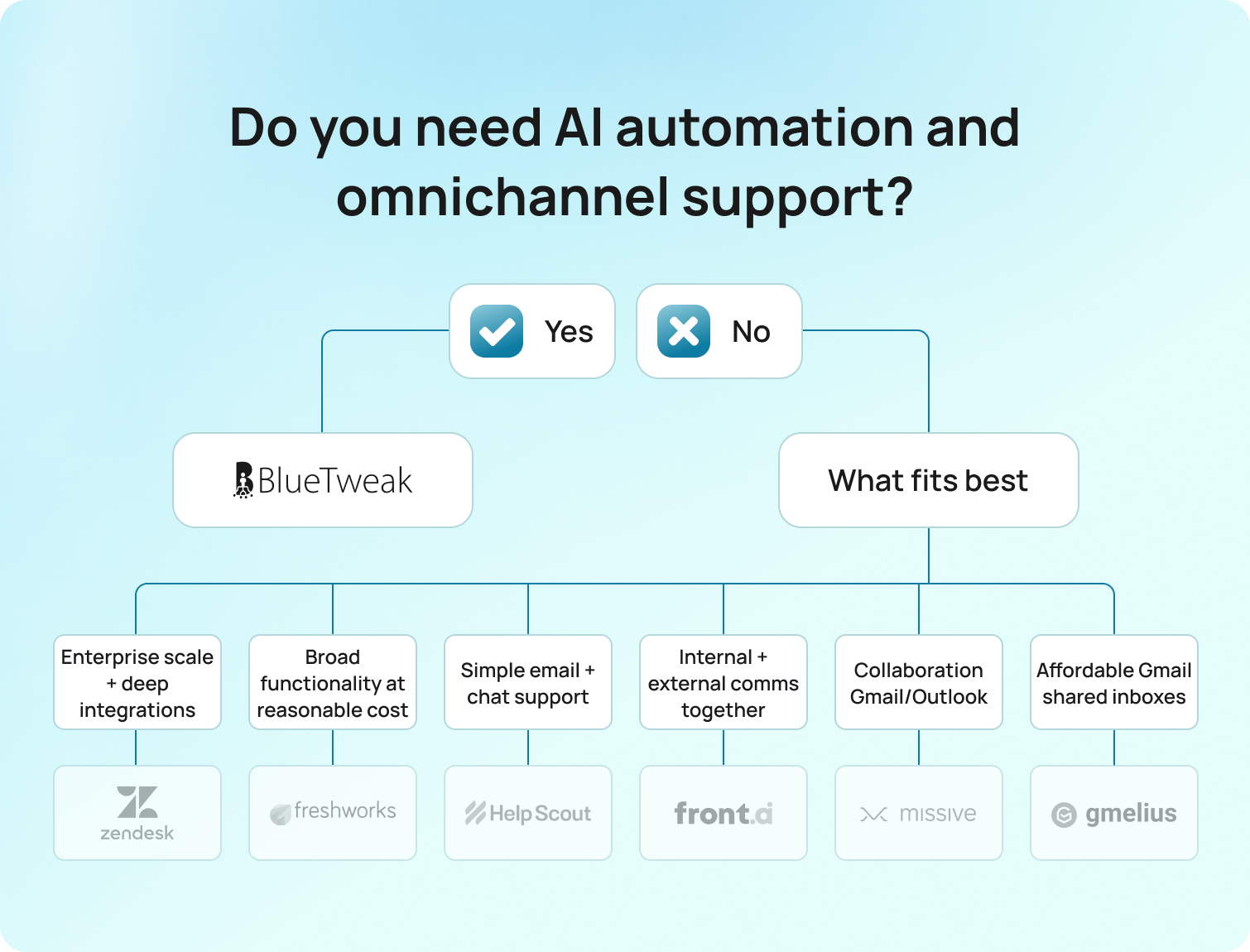
The most important consideration is scalability; before making a decision, evaluate how your customer support operation is likely to evolve over the next year. If your roadmap includes additional support channels, AI automation, advanced reporting, or larger support teams, it is worth choosing a platform that can grow with those requirements rather than switching tools again in the near future.
Final Thoughts: Choosing a Hiver Alternative That Supports Long-Term Growth
Most teams start looking for a Hiver alternative when a shared inbox is no longer enough. As support volumes increase and customer conversations expand across multiple channels, teams often need stronger automation, deeper visibility, and more scalable workflows.
If your goal is simply to improve collaborative email management, several options in this guide can help. However, for organizations that need AI automation, omnichannel support, workforce management, quality assurance, and advanced analytics in a single platform, BlueTweak stands out as one of the strongest Hiver alternatives available in 2026.
If you'd like to explore how BlueTweak can help your team automate workflows, improve customer satisfaction, and manage customer interactions across every channel, why not book a personalized demo or start a free 14-day trial to see the platform in action.
Start your free trial now!
Start Now
Gladly vs Zendesk vs BlueTweak: Which Support Platform Should You Choose in 2026?
Gladly, Zendesk, and BlueTweak at a Glance
Gladly, Zendesk and BlueTweak are customer support platforms designed to help businesses manage customer interactions across multiple communication channels, but each platform is built around a fundamentally different operational philosophy.
For businesses evaluating Gladly vs Zendesk in 2026, the decision is no longer just about managing support tickets. Modern customer service operations now depend on how effectively platforms combine AI capabilities, omnichannel support, workforce management, reporting, voice, automation, and customer experience into a unified operational model. Businesses evaluating modern customer support platforms are also increasingly reassessing what they need from a traditional help desk software environment as AI and omnichannel expectations continue to evolve.
Zendesk remains one of the most established platforms in the market, known for its enterprise-grade ticketing system, advanced workflows, and extensive integration ecosystem. Gladly differentiates itself through a person-centric approach that replaces traditional tickets with lifelong customer conversations designed to improve personalized service and customer loyalty.
At the same time, AI-native platforms like BlueTweak are increasingly entering the same evaluation process, particularly among businesses looking to consolidate AI, voice, quality assurance, workforce management, and omnichannel support into a single platform experience rather than layering multiple third-party tools together.
IN 2026, that difference matters more than ever. According to PwC’s 2025 Customer Experience Survey, 29% of consumers stopped buying from a brand because of poor service experiences, while 70% of executives admit customer expectations are evolving faster than their companies can adapt. The findings highlight a growing gap between how businesses think they deliver customer experience and how customers actually perceive it.
The BlueTweak Gladly vs Zendesk Comparison Table
| Comparison Area | Gladly | Zendesk | BlueTweak |
|---|---|---|---|
| Core Philosophy | Person-centric — no tickets | Ticket-centric — case management | AI-native omnichannel support |
| Best For | High-touch consumer brands, luxury retail, hospitality | Enterprise support teams need scale, governance, and integrations | Teams needing AI, voice, WFM, and QA in one platform |
| AI Native | Partial | Add-on dependent | Yes |
| Voice | Yes | Yes | Yes |
| WFM Native | No | Limited / Add-on | Yes |
| Starting Price | Verify / Contact Sales | From ~$55 per agent/month annually | Transparent custom pricing |
| Unique Edge | Full customer conversation history in one view without ticket IDs | Largest ecosystem and integration marketplace | Native AI, voice, WFM, and KB-grounded responses included in the base platform |
The biggest mistake businesses make during the Gladly comparison process is evaluating customer support platforms purely on features rather than operational fit.
Organizations prioritizing structured workflows, SLA governance, and advanced reporting often lean toward Zendesk. Businesses focused on relationship building, customer lifetime value, and personalized service frequently prefer Gladly. Meanwhile, teams looking to reduce operational complexity by combining AI, voice, QA, WFM, and omnichannel support inside a unified environment are increasingly evaluating platforms like BlueTweak alongside both vendors.
The Three Operational Models Behind Modern Customer Support
Modern customer support platforms are no longer differentiated purely by features. Gladly, Zendesk, and BlueTweak each represent a different operational model for managing customer interactions, customer service performance, and long-term customer experience at scale.
Most Gladly vs Zendesk comparisons oversimplify the decision into a feature checklist. In reality, the bigger distinction is how each platform structures customer service operations behind the scenes, because that operational philosophy directly impacts agent efficiency, reporting, AI adoption, customer satisfaction, and service quality.
Zendesk: The Ticket-Centric Operations Model
Zendesk represents the traditional ticket-centric model built around structured case management and operational governance. Every customer inquiry becomes a structured case within a ticketing system. Tickets are assigned IDs, statuses, priorities, queues, SLAs, and business rules that help support teams manage high support volumes across multiple channels.
This model gives organizations exceptional operational control. Customer service agents can route tickets automatically, enforce advanced workflows, track escalations, manage compliance requirements, and generate highly granular operational reporting. Zendesk offers one of the most mature ecosystems for organizations that need structured case management, deep integrations, and sophisticated governance across customer support operations.
That structure becomes particularly valuable for enterprise support environments handling large numbers of support tickets across multiple departments, including customer service, IT, operations, and e-commerce support.
The trade-off is that the workflow can become ticket-first rather than customer-first. When customers move between communication channels, interactions may still exist across separate tickets unless workflows are tightly managed. For some businesses, that creates friction within the customer experience and limits relationship continuity between agents and customers.
Gladly: The Person-Centric Conversation Model
Gladly represents a person-centric support model designed around lifelong customer conversations rather than traditional tickets. Rather than organizing support around tickets, Gladly unifies customer interactions into a single conversation history connected directly to the customer profile. Email, chat, SMS, voice, and social messaging all appear within the same timeline, giving agents full visibility into the customer’s history regardless of support channel.
Instead of managing queues of disconnected support tickets, agents manage ongoing customer relationships. The same agent can often continue conversations across multiple communication channels, creating a more personalized experience for the customer while reducing the frustration of repeated context switching.
For brands where customer loyalty and customer lifetime value are operational priorities, this model can improve relationship building and deliver more exceptional customer service experiences. That is why Gladly customers are often concentrated in industries like luxury retail, hospitality, subscription services, and e-commerce brands, where personalized service matters more than rigid case structures.
However, the person-centric model can create limitations for organizations requiring highly structured workflows, advanced SLA governance, or deeply layered operational reporting tied to ticket states and queue management.
BlueTweak: The AI-Native Unified Operations Model
BlueTweak represents an AI-native operational model built around consolidating AI, voice, workforce management, QA, and omnichannel support into a unified customer service environment.
Rather than centering operations around either tickets or conversations alone, BlueTweak focuses on reducing operational fragmentation across the customer support stack.
The platform is designed around the reality that many modern support teams now operate across disconnected systems for voice, digital support, QA reviews, workforce scheduling, knowledge management, coaching, reporting, and AI automation. This fragmentation creates operational inefficiency with agents moving between platforms, managers struggling with disconnected reporting, AI initiatives becoming siloed, and customer experience suffering as operational complexity increases.
BlueTweak’s approach is built around reducing that operational sprawl by combining AI-native workflows, voice support, QA, WFM, intelligent automation, and omnichannel customer interactions inside a unified platform architecture.
The biggest challenge facing customer support teams today is not access to AI or channels. It is operational fragmentation. When agents work across disconnected systems, customer experience becomes inconsistent, reporting becomes unreliable, and scaling service quality becomes significantly harder.
This operational model is becoming increasingly relevant as customer expectations continue to evolve. According to PwC’s 2025 Customer Experience Survey, 70% of executives say customer expectations are evolving faster than their businesses can keep pace with, placing increasing pressure on support teams to deliver faster, more personalized, and more efficient customer experiences across every support channel.
Which Operational Model Fits Your Team Best?
The Gladly vs Zendesk vs BlueTweak decision ultimately comes down to operational priorities rather than feature parity alone.
Businesses prioritizing enterprise governance, advanced reporting, and structured workflows will often lean toward Zendesk. Businesses prioritizing relationship-driven support and lifelong customer conversations may prefer Gladly. Businesses prioritizing operational consolidation, AI-native workflows, unified voice and digital support, and lower operational complexity are increasingly evaluating platforms like BlueTweak alongside both traditional models.
Gladly vs Zendesk vs BlueTweak: Head-to-Head Comparisons
Gladly, Zendesk and BlueTweak all support modern omnichannel customer service operations, but they differ significantly in AI maturity, operational philosophy, reporting depth, workforce tooling, implementation complexity, and long-term total cost of ownership.
For businesses evaluating Gladly vs Zendesk in 2026, the real challenge is in understanding how effectively each platform supports your operational model, customer experience strategy, and long-term scalability goals.
The sections below break down the biggest differences between all three platforms across the areas that matter most to support leaders and customer experience teams.
AI Capabilities
AI capabilities refer to the automation, agent assistance, intelligent workflows, and knowledge management tools that help support teams improve customer service performance while reducing repetitive tasks.
AI has rapidly become one of the most important decision factors in the Gladly vs Zendesk vs BlueTweak conversation, largely because many vendors now separate advanced AI functionality into premium add-on pricing tiers.
Zendesk:
Zendesk has invested heavily in AI capabilities over the last several years. Its platform now includes AI-generated summaries, suggested replies, intelligent triage, generative search, AI agents, automated responses, and Copilot functionality for customer service agents.
However, many of Zendesk’s most advanced AI capabilities still require additional investment beyond the base Zendesk Suite plan. Real-time agent assistance, autonomous resolution workflows, QA automation, and advanced AI orchestration often sit behind premium add-ons.
Gladly:
Gladly also offers AI functionality, including conversation summaries, suggested responses, self-service capabilities, and automation designed to support personalized service and customer continuity. Its AI positioning focuses more heavily on enabling agents and improving customer interactions than on building highly automated support environments.
BlueTweak:
Rather than treating AI as a separate layer added onto existing workflows, BlueTweak positions AI as part of the platform’s operational foundation. AI-powered agent assistance, suggested replies, and KB-grounded responses, intelligent automation, post-interaction summarization, coaching support, and omnichannel AI workflows are integrated directly into the platform experience.
Fragmented AI deployments often create operational inconsistency. Support teams frequently discover that AI tools layered across disconnected systems increase complexity rather than reduce it, particularly when voice, QA, workforce management, and digital channels operate separately.
In summary:
Zendesk currently offers the broadest enterprise AI ecosystem, but reaching full capability often requires significant add-on investment. Gladly delivers a more relationship-focused AI experience centered around customer continuity. BlueTweak stands out for organizations seeking AI-native operational workflows embedded directly across voice, QA, WFM, and omnichannel support from day one.
Channel Coverage
Channel coverage refers to the communication channels a platform supports natively, including voice, email, SMS, live chat, WhatsApp, social messaging, and self-service options.
Modern customer service operations depend heavily on omnichannel support because customers increasingly expect to move between communication channels without losing context.
Zendesk:
Zendesk offers extensive channel coverage across email, voice, live chat, SMS, WhatsApp, social messaging, and community forums. The Zendesk Agent Workspace centralizes these channels into a unified interface, while the broader ecosystem supports extensive third-party integrations.
Gladly:
Gladly also supports voice, email, SMS, live chat, and social channels, but its key differentiator is not simply channel availability. It is how Gladly unifies conversations into a single customer timeline designed around relationship continuity rather than ticket management.
BlueTweak:
BlueTweak positions omnichannel support as part of a broader operational architecture combining voice, AI, QA, WFM, and digital channels within a single environment. Rather than treating voice as a separate integration layer, BlueTweak emphasizes native voice and digital support working together operationally. This operational consolidation is particularly valuable for businesses managing both digital customer interactions and high voice volumes.
In summary:
Zendesk offers the deepest integration ecosystem and channel flexibility. Gladly excels at maintaining conversational continuity across channels. BlueTweak differentiates itself through operationally unified voice and digital support built directly into the platform architecture.
Reporting and Analytics
Reporting and analytics refer to the KPIs, dashboards, operational metrics, forecasting tools, and customer insights that support leaders use to measure service quality and optimizing customer service operations.
This is one of the most significant operational distinctions between Gladly, Zendesk, and BlueTweak.
Zendesk:
Zendesk has long been known for advanced reporting features and operational analytics. Teams can track first contact resolution, average handling time, CSAT, SLA compliance, sentiment, resolution times, ticket backlog, and agent performance through highly customizable dashboards and structured reporting environments. Because Zendesk uses a ticket-centric operational model, reporting structures tend to be highly granular and process-oriented.
Gladly:
Since Gladly organizes support around customer conversations rather than support tickets, reporting focuses more heavily on customer relationships, conversation continuity, and customer experience outcomes. This can be highly effective for brands prioritizing customer loyalty and personalized service, although some operations teams may find the reporting model less granular for queue-level governance.
BlueTweak:
BlueTweak focuses on consolidating operational visibility across AI, voice, QA, workforce management, and digital support within a unified reporting environment. Rather than separating reporting across multiple operational systems, the platform aims to provide broader visibility into customer service performance across the entire support operation.
That becomes increasingly important as support environments grow more operationally fragmented. According to Deloitte’s 2025 Global Business Services Survey, organizations are increasingly prioritizing AI, digital transformation, and more integrated service delivery models to improve customer experience, operational efficiency, and scalability.
In summary:
Zendesk remains strongest for highly structured operational reporting and advanced case management analytics. Gladly delivers stronger visibility into relationship-driven customer experiences. BlueTweak stands out for organizations seeking consolidated reporting across AI, voice, workforce management, QA, and omnichannel support operations.
Pricing and Total Cost of Ownership
Pricing and total cost of ownership refer to the combined software, AI, implementation, integration, support, and operational costs required to run a customer support platform effectively over time. Pricing transparency has become a major factor in the Gladly comparison process as businesses evaluate the long-term operational impact of AI add-ons and fragmented tooling.
Zendesk:
Zendesk pricing is publicly available, with Suite plans starting at roughly $55 per agent, per month, billed annually. Advanced AI capabilities, Copilot functionality, QA tooling, and enterprise workflow requirements can significantly increase overall annual billing with advanced plans reaching up to $219 per agent, per month. For example, a 50-agent support team using advanced Zendesk AI tooling can quickly move into six-figure annual platform costs once AI add-ons, implementation support, and operational modules are included.
Gladly:
Gladly does not publicly display transparent pricing, which can make forecasting more difficult during vendor evaluation. Public discussions generally position Gladly within the mid-market and enterprise pricing category, particularly for businesses prioritizing high-touch support environments.
BlueTweak:
BlueTweak positions itself around operational consolidation and predictable pricing, particularly for businesses that want AI, voice, workforce management, QA, and omnichannel support within a single platform rather than across multiple disconnected vendors.
Rather than charging separately for core operational capabilities, BlueTweak’s model focuses on reducing the need for additional AI add-ons, third-party WFM platforms, standalone QA tools, and separate voice infrastructure. BlueTweak is priced at €65 per agent, per month, with all core features included. For growing support teams, this significantly reduces both software spend and operational complexity over time.
This matters because many businesses underestimate the long-term cost of fragmented customer support operations. While individual platform costs may appear competitive initially, operational overhead often increases once AI tooling, voice integrations, QA software, workforce management systems, implementation services, and ongoing maintenance are layered into the environment.
For teams looking to scale customer service operations efficiently, BlueTweak’s value proposition is not simply lower platform pricing; it is the ability to consolidate critical support operations into a unified environment that reduces complexity, accelerates time-to-value, and improves operational visibility across the entire customer experience function.
In summary:
Zendesk offers the most transparent entry pricing, but costs can scale rapidly as advanced AI and operational tooling are added. Gladly’s pricing opacity may create procurement friction for some buyers. BlueTweak is best suited to organizations prioritizing operational consolidation and reducing dependency on multiple add-on platforms.
Workforce Management and QA
Workforce management and QA refer to forecasting, scheduling, adherence tracking, coaching, scorecards, call reviews, and quality assurance processes that help support teams maintain service quality at scale. As support operations grow, workforce optimization becomes increasingly critical to maintaining customer satisfaction and operational efficiency.
Zendesk:
Zendesk offers workforce management and QA capabilities through a combination of native tooling and integrations. Larger organizations can build sophisticated operational environments around forecasting, QA reviews, coaching workflows, and agent performance management, although some functionality depends on third-party modules.
Gladly:
Gladly’s operational strength remains centered around customer relationships and conversation continuity rather than workforce optimization. Many Gladly deployments rely more heavily on integrations for advanced workforce management and QA capabilities.
BlueTweak:
BlueTweak approaches workforce optimization as part of the core operational environment rather than an external add-on category. The platform combines workforce management, QA, coaching workflows, voice operations, and AI-assisted performance support inside a unified operational model designed to reduce fragmentation between support operations and workforce management processes.
This can simplify operational management for growing support teams that would otherwise need to coordinate multiple disconnected systems.
In summary:
Zendesk offers strong operational flexibility and mature ecosystem support for enterprise workforce optimization. Gladly is better suited to relationship-focused support environments where workforce tooling is less operationally central. BlueTweak stands out for organizations looking to unify QA, WFM, AI, and omnichannel support operations within a single environment.
Implementation and Time-to-Value
Implementation and time-to-value refer to how quickly a platform can be deployed, configured, adopted by agents, and operationalized successfully across the business.
All three platforms require implementation planning, but the complexity profile differs significantly depending on operational requirements.
Zendesk:
Zendesk can deploy relatively quickly for straightforward support environments, but enterprise implementations involving advanced workflows, custom business rules, integrations, and omnichannel routing can become highly complex over time.
Gladly:
Gladly implementations often involve broader operational redesign because the platform changes how support teams fundamentally manage customer interactions. Organizations moving away from traditional ticketing systems may require additional process adaptation, reporting redesign, and agent retraining.
BlueTweak:
BlueTweak positions itself around operational simplicity and faster consolidation by reducing the number of separate systems businesses need to integrate together across AI, voice, QA, WFM, and digital support.
That simplification can accelerate time-to-value for organizations currently operating fragmented support environments across multiple vendors.
In summary:
Zendesk offers flexibility and scalability, but can become operationally complex as environments mature. Gladly may require greater organizational adaptation because of its ticket-free model. BlueTweak is strongest for organizations prioritizing operational consolidation, faster onboarding, and reducing implementation overhead across multiple support systems.
When Gladly Is the Right Fit
Gladly is best suited for businesses that prioritize relationship-driven customer experience over highly structured ticket management workflows.
For teams where customer loyalty, customer lifetime value, and personalized service are operational priorities, Gladly’s person-centric model can fundamentally improve how customer service agents engage with customers across multiple communication channels.
Rather than forcing agents to manage disconnected support tickets, Gladly unifies conversations into a single customer timeline, allowing support teams to deliver more continuous and contextual customer interactions. This approach is particularly effective for brands where emotional connection and long-term relationship building directly influence revenue and retention.
Industries that often align well with Gladly include:
- Luxury retail
- Hospitality
- Subscription services
- Direct-to-consumer ecommerce brands
- Premium customer support environments
Gladly is especially effective when:
- Customer inquiries are high-touch and conversational rather than transactional
- The same agent managing ongoing conversations improves customer satisfaction
- Personalized experience matters more than ticket throughput metrics
- Support teams want to reduce context switching across multiple channels
- Customer experience is positioned as a brand differentiator rather than a cost center
The platform’s user-friendly interface and conversation-first approach can also improve agent efficiency by giving agents immediate access to the customer’s history without requiring ticket merging or manual context gathering.
However, buyers should also evaluate the operational trade-offs carefully. Organizations requiring deeply structured SLA governance, highly granular ticket reporting, or advanced operational workflows may find Gladly’s model less rigid than traditional ticket-centric platforms. Pricing transparency may also be a consideration for procurement teams evaluating long-term scalability and budgeting.
When Zendesk Is the Right Fit
Zendesk is best suited for organizations that require operational scale, structured workflows, and enterprise-grade support governance across complex customer service operations.
Its ticket-centric architecture gives businesses detailed control over support tickets, routing, escalations, business rules, and SLA management, making it particularly effective for organizations handling large support volumes across multiple departments and communication channels.
Zendesk stands out when operational consistency and process control are the primary priorities. This is especially true for:
- Enterprise customer support teams
- IT service environments
- Businesses with complex escalation structures
- Organizations requiring advanced workflows and compliance processes
- Companies needing extensive integrations across their technology stack
Zendesk offers one of the largest integration ecosystems in the customer support market, connecting with platforms like Salesforce, Jira, Slack, e-commerce platforms, and hundreds of third-party applications. This makes Zendesk particularly attractive for organizations with mature operational environments or existing enterprise infrastructure.
The platform also delivers strong reporting features, advanced automation, self-service capabilities, and customizable workflows that help support leaders manage customer service performance at scale.
However, buyers should factor in the platform’s growing operational complexity. As AI capabilities, QA tooling, workforce management, and omnichannel support requirements expand, many organizations discover that achieving a fully unified support environment within Zendesk often requires additional add-ons, integrations, and implementation overhead. Smaller businesses or rapidly growing support teams may also find the platform more operationally complex than necessary for their requirements.
When BlueTweak Is the Right Fit
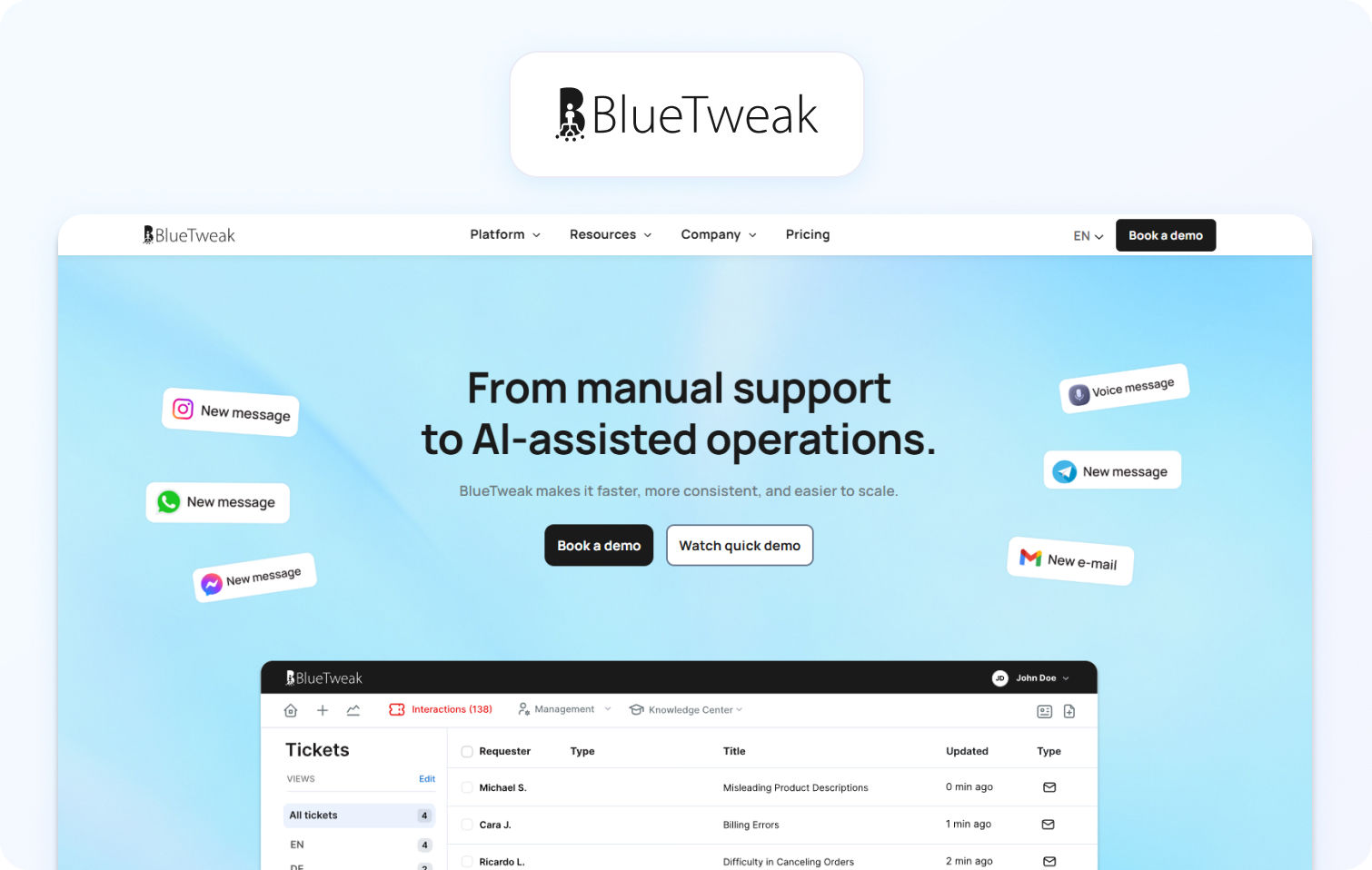
BlueTweak is best suited for organizations that need AI, voice, workforce management, QA, and omnichannel customer support consolidated into a single operational platform without relying heavily on third-party add-ons or disconnected systems.
By the time many businesses reach this stage of the Gladly vs Zendesk evaluation process, the decision has normally moved beyond whether they prefer tickets or conversations and instead focuses on operational complexity.
Some organizations find Zendesk exceptionally powerful, but operationally heavy once AI add-ons, QA tooling, workforce management, voice infrastructure, and advanced workflows are layered into the environment. Others appreciate Gladly’s customer-centric approach, but discover that the ticket-free model can feel too limiting for teams that still require more structured operational workflows, detailed governance, or broader workforce optimization capabilities.
This is where BlueTweak stands out.
Rather than positioning AI, voice, QA, and workforce management as separate operational layers, BlueTweak combines them inside a unified customer service environment designed to reduce fragmentation across the support stack.
That includes:
- Native AI capabilities like suggested replies, KB-grounded responses, post-interaction summarization, intelligent automation, and real-time agent coaching
- Native voice telephony is integrated alongside digital communication channels
- Built-in workforce management and QA tooling without requiring separate third-party modules
- Unified reporting across voice, AI, QA, WFM, and omnichannel customer interactions
- More transparent operational pricing compared to environments heavily dependent on layered add-ons
This operational model can be particularly valuable for growing support organizations that want enterprise-grade functionality without managing multiple disconnected platforms across customer service operations.
Instead of stitching together separate vendors for voice, QA reviews, workforce scheduling, AI tooling, analytics, and omnichannel support, teams can centralize more of the customer experience operation inside a single platform environment.
This reduces implementation overhead, simplifies agent workflows, improves operational visibility, and accelerates time-to-value for support teams scaling across multiple channels.
BlueTweak’s platform architecture is also designed around modern cloud and AI infrastructure, helping organizations operationalize AI-driven customer support without adding unnecessary platform complexity. The platform uses enterprise-grade AI and cloud technologies to support scalable automation, real-time agent assistance, and omnichannel customer interactions within a unified operational model.
Support leaders are no longer evaluating platforms purely on channel coverage or ticket management. They are evaluating how quickly they can operationalize AI, reduce complexity, and create a support environment that scales efficiently across both customer experience and workforce operations.
This is not necessarily about replacing Zendesk or Gladly outright. Zendesk remains highly effective for organizations prioritizing deep governance, structured workflows, and enterprise-scale ticket operations. Gladly remains exceptionally strong for brands focused on high-touch customer relationships and lifelong conversations.
BlueTweak becomes the stronger fit when businesses want operational consolidation, AI-native workflows, integrated voice and digital support, native WFM and QA, and faster time-to-value without building a heavily fragmented support architecture.
One example is BlueTweak’s work with Conectys, where the global outsourcing provider consolidated customer support operations using BlueTweak’s unified platform environment. According to the case study, the business achieved a 40% increase in reporting efficiency, a 35% improvement in customer satisfaction scores, and a 25% reduction in resolution times after centralizing omnichannel support, reporting, and operational workflows inside a single platform.
Final Thoughts: Choosing the Right Customer Support Platform in 2026
Gladly, Zendesk and BlueTweak each solve customer support challenges from a fundamentally different operational perspective.
Gladly is strongest for businesses prioritizing relationship-driven customer experience, lifelong conversations, and personalized service across multiple communication channels. Its person-centric model is particularly effective for premium brands where customer loyalty and customer lifetime value matter more than rigid ticket structures.
Zendesk remains one of the most powerful enterprise customer support platforms available for organizations requiring structured ticket management, advanced workflows, deep integrations, and highly detailed operational reporting. For large-scale support environments with complex governance requirements, Zendesk continues to set the benchmark for operational control and scalability.
BlueTweak, rather than focusing purely on tickets or conversations, is designed for organizations looking to consolidate AI, voice, workforce management, QA, and omnichannel customer support into a unified operational environment. For teams that want native AI capabilities, integrated voice support, transparent operational tooling, and faster time-to-value without relying heavily on disconnected add-ons, BlueTweak offers a compelling alternative operational model.
Ultimately, the right platform depends on how your business wants to scale customer service operations. The most important decision is not simply which platform has the most features. It is the operational model that best aligns with your support team, customer expectations, and long-term customer experience strategy.
If you are currently evaluating Zendesk vs Gladly and want to explore how BlueTweak compares in practice, book a demo or try the platform for free to see how AI, voice, QA, WFM, and omnichannel support can operate inside a single platform environment.
Get your free 14-day BlueTweak free trial
Start Now



