



TL;DR
Front is a collaborative inbox and customer communication platform built around shared inbox features, email, and messaging management, but many teams outgrow it as they scale into omnichannel support, AI-driven workflows, and deeper performance tracking. Leading Front alternatives like BlueTweak (all-in-one omnichannel AI support), Zendesk (enterprise ticketing), and Intercom (product-led messaging) offer more advanced AI features and automation capabilities for modern customer service teams. This guide helps teams, from growing support teams to enterprise support teams, evaluate alternatives to Front based on scalability, automation, and total cost of ownership.
Front works well as a collaborative inbox for managing customer emails, internal conversations, and lightweight team workflows. But as support operations grow more complex, many teams find that shared inbox features alone are no longer enough, especially when they need to support voice, SMS, social channels, AI-driven workflows, and deeper performance management in one place.
That is why more teams are now comparing Front alternatives built for full omnichannel customer support rather than email-first collaboration. Platforms like BlueTweak combine voice, digital channels, AI automation, analytics, and workforce management in a single system, helping support teams reduce tool sprawl and scale without adding more operational overhead.
In this guide, we compare the best Front alternatives in 2026, including platforms designed for enterprise support teams, customer service automation, and cross-channel support, so you can find the right fit based on your workflows, support channels, and budget.
Why Teams Look for Front Alternatives in 2026
As support operations become more complex , the gap between a collaborative inbox and a full customer support platform becomes much more noticeable. Teams that once used Front successfully for shared email workflows often start to hit limits when they add more channels, higher ticket volumes, stricter SLAs, and more pressure to automate repetitive work.
For growing and enterprise support teams, the challenge is not simply managing conversations. It is managing voice, messaging, AI workflows, reporting, and agent performance in one system without creating a fragmented support stack.
Where Front Starts to Break Down
The most common reasons teams move away from Front tend to show up in the same areas: channel coverage, AI capability, operational visibility, and the rising cost of stitching multiple tools together.
Voice and telephony gaps
Front is still rooted primarily in email and messaging. Once teams expand into phone-based support, the lack of native telephony can become a blocker, forcing them to rely on third-party apps that add cost and operational complexity.
Limited AI depth
Front includes AI-powered drafting assistance, but many teams now expect broader AI features such as:
- RAG-grounded knowledge base responses
- Real-time agent coaching
- Autonomous resolution of repetitive tasks
In 2026, these capabilities are increasingly becoming baseline expectations for modern customer service software.
No native WFM or QA
Scaling support teams need built-in workforce management and quality assurance tools to track performance, review interactions, and improve service quality. Without them, teams often end up stitching together separate systems for reporting, QA, and scheduling.
Pricing at scale
Front's per-user pricing can become expensive as teams grow . Once you add extra tools for analytics, automation, telephony, or reporting, the total cost of ownership can rise quickly, especially for teams operating beyond 50 seats.
Most teams underestimate how quickly pricing changes as they scale. Front's pricing starts at $25 per user/month with a two-seat minimum, but higher-tier plans increase significantly, with Enterprise pricing exceeding $105 per user/month. As teams add AI capabilities, analytics, integrations, and additional support channels, the total cost of ownership can rise much faster than expected. When evaluating a Front app alternative, calculate:
- Cost per user month at your current team size
- Projected cost at 12–24 months
Omnichannel limitations
Front handles email well, but true omnichannel support, including voice, SMS, and deep social messaging workflows, often requires workarounds rather than a unified setup.
The Cost of Fragmentation
According to Gartner, over 50% of customer service organisations are expected to double their technology spend by 2028 as AI adoption grows and support stacks become more complex . For teams using multiple add-ons to fill platform gaps, that creates a familiar problem: the more fragmented the stack becomes, the harder it is to control costs, maintain visibility, and deliver consistent support across channels.
Front Competitors at a Glance
Before diving deeper, here's a high-level comparison of leading Front alternatives, including positioning, core strengths, and ideal use cases. All pricing details reflect publicly available documentation as of Q2 2026; where plans vary, you should verify specific pricing and inclusions directly with the vendor.
| Platform | Best For | Key Features | Unique Edge | Pricing (Q3 2026) |
|---|---|---|---|---|
| BlueTweak | Omnichannel AI support | AI, WFM, QA, voice, live chat | All-in-one platform | From €65 per agent/month (all-in) |
| Zendesk Support Suite | Enterprise ticketing | Ticketing, analytics, integrations | Mature ecosystem | Custom pricing (verify) |
| Intercom | SaaS teams | Live chat, bots, messaging | Product-led growth focus | Tiered pricing (verify) |
| Freshdesk | Growing teams | Automation, shared inbox | Strong free plan | Tiered pricing (free + paid plans) |
| Help Scout | SMB support teams | Shared inbox, knowledge base | Ease of use | From $25/user/month |
| HubSpot Service Hub | Sales-led organisations | CRM, ticketing, knowledge base | Unified customer data | Free + paid tiers (no free trial) |
| Kustomer | CRM-native support teams | Customer timeline, automation | Customer-first data model | Custom pricing (verify) |
| Salesforce Service Cloud | Salesforce-based enterprises | Case management, AI, routing | Deep Salesforce integration | From $25/user/month |
| Zoho Desk | Zoho ecosystem users | Ticketing, automation | Cost-effective | From €7/user/month |
| Hiver | Gmail-native teams | Shared inbox in Gmail | Native Google Workspace integration | Free + paid plans |
The 23 Best Front Alternatives for 2026
Each platform below has been evaluated using publicly available documentation, product literature, and case studies as of Q2 2026. All vendors are assessed using a consistent framework covering channel coverage, AI maturity, workflow depth, and total cost of ownership. Ordering reflects feature depth, market presence, and scalability. No vendor has paid for placement in this list, nor has been excluded based on a commercial relationship.
1) BlueTweak: Best for Omnichannel AI Support

BlueTweak is an omnichannel customer service platform designed for support teams that need more than a collaborative inbox. While Front focuses primarily on shared email and messaging workflows, BlueTweak brings customer conversations, AI automation, voice, workforce management, quality assurance, and analytics into a single workspace. That makes it a strong fit for teams that want to replace a fragmented support stack with one platform built for scale.
Best for
BlueTweak is best for growing and enterprise support teams that need to manage customer interactions across email, live chat, voice, and messaging channels while also improving performance visibility and reducing repetitive manual work. Instead of relying on separate tools for telephony, QA reviews, reporting, and automation, teams can manage those workflows inside one system.
Key BlueTweak features
- Omnichannel support in one workspace: Manage email, live chat, voice, and messaging channels from a unified shared inbox, giving agents one place to handle conversations without switching between tools.
- AI-powered support automation: BlueTweak goes beyond basic drafting assistance with AI features such as RAG-grounded knowledge base responses, AI ticket summaries, suggested replies, automated routing, and AI voicebot/chatbot capabilities.
- Native voice and digital support: Unlike Front’s email-first model, BlueTweak includes native voice support alongside digital channels, making it easier to support customers across the channels they actually use.
- Built-in workforce management and quality assurance: BlueTweak includes WFM and QA capabilities for scheduling, performance monitoring, interaction reviews, and service quality tracking, without requiring additional systems.
- Advanced analytics and performance tracking: Teams can track KPIs across channels, monitor agent productivity, and identify workflow bottlenecks using built-in reporting rather than stitching together external analytics tools.
Why BlueTweak is a strong alternative to Front
BlueTweak is a good fit for teams that have outgrown Front’s shared inbox features and need a broader customer service platform. It addresses several of the common reasons teams start looking for Front alternatives, including limited native voice support, lighter AI functionality, no built-in WFM or QA, and the rising cost of managing multiple support tools.
For support leaders trying to consolidate their stack, that difference matters. BlueTweak combines ticketing, omnichannel routing, AI, analytics, workforce management, and quality assurance in one platform, which can reduce both operational complexity and total cost of ownership compared with layering separate tools onto Front.
BlueTweak in action
BlueTweak has also shown strong results for teams looking to improve efficiency and customer experience without adding more complexity. In one e-commerce deployment, BlueTweak helped reduce interaction handling time by 30% and increase ticket deflection by 45%, through AI-driven automation, routing, and better channel management. These kinds of outcomes make it particularly attractive for teams that want to scale support operations while keeping service quality high.
Pros
- True omnichannel support across voice and digital channels
- AI features that go beyond basic reply drafting
- Built-in WFM, QA, and analytics for stronger operational visibility
- Strong fit for teams looking to consolidate multiple support tools into one platform
Cons
- Best suited to teams that want a broader customer support platform rather than a lightweight collaborative inbox
- Full adoption may require onboarding and process changes to take advantage of AI, WFM, QA, and reporting features
Pricing
BlueTweak p: Pricing starts at €65 per agent, per month, with all-in (ticketing, omnichannel support, AI chatbot, AI voicebot, copilot tools, workforce managementWFM, quality assuranceQA, analytics, and integrations included in the platform).
Ready to see what an all-in-one Front alternative looks like in practice? Start a 14-day free trial of BlueTweak to explore omnichannel support, AI automation, WFM, QA, and analytics in one platform, or book a demo to see how it fits your support operation.
2) Zendesk Support Suite: Best for Enterprise Ticketing
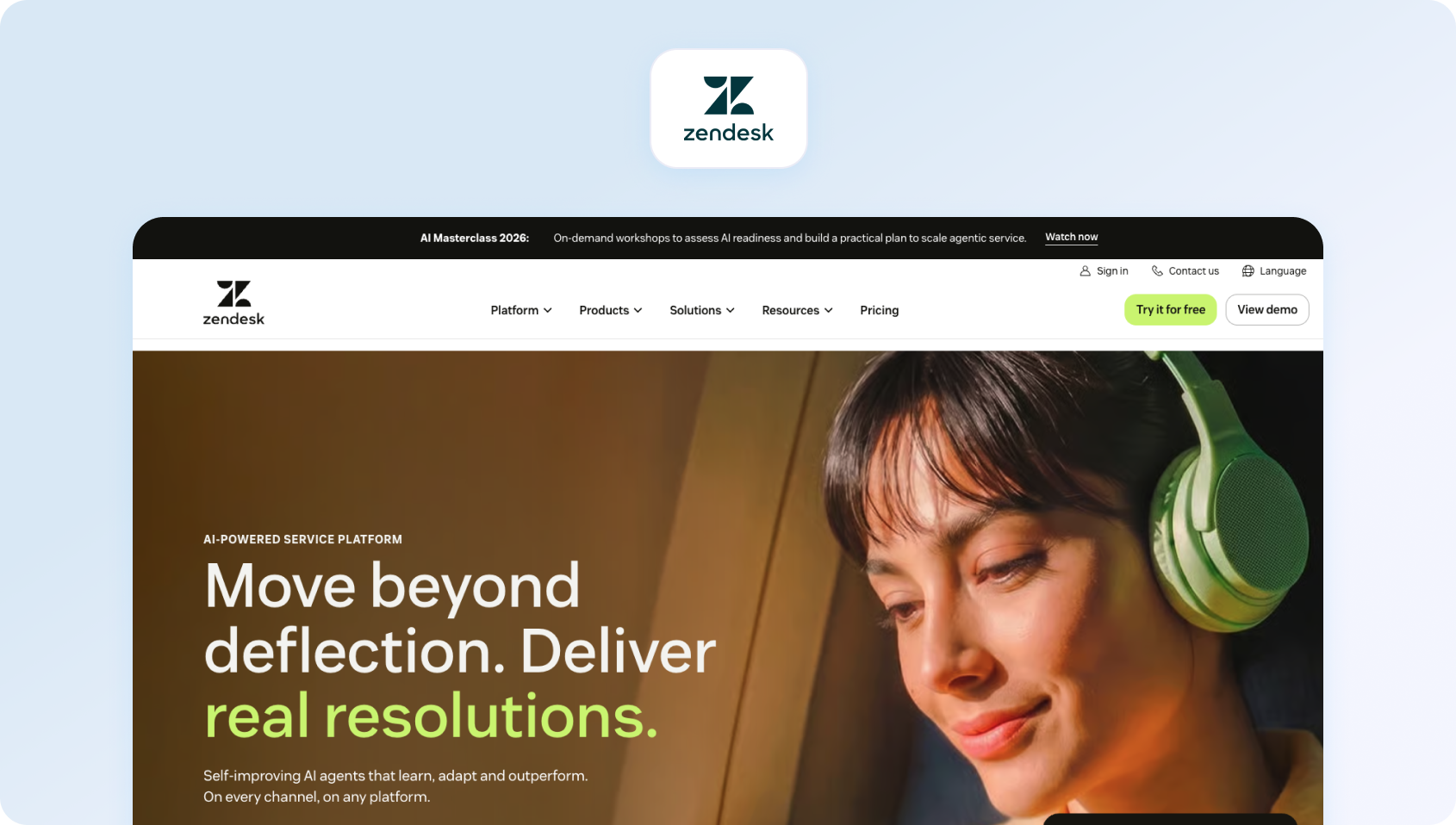
Zendesk Support Suite is an enterprise-grade customer support platform built around structured ticketing and large-scale support operations. While Front is strongest as a collaborative inbox for email and messaging workflows, Zendesk is designed for teams that need more mature ticket management, deeper workflow configuration, and a broader service platform for growing support organisations. .
Best for
Zendesk is best for large or fast-scaling support teams that need mature ticketing workflows, omnichannel support, and a platform that can support more complex service operations over time.
Key Zendesk features
- Structured ticket management: Zendesk is built around a mature ticketing system with views, SLAs, triggers, macros, and routing workflows for high-volume support environments.
- Omnichannel support: Teams can manage email, chat, messaging, help centre interactions, and other channels from one support platform.
- Automation and AI tools: Zendesk includes automation capabilities and AI features, though more advanced AI, workforce management, and QA capabilities may sit behind add-ons or higher plans.
- Reporting and analytics: Zendesk Explore provides dashboards and reporting for ticket volume, agent performance, and service trends.
- Large integration ecosystem: Zendesk has a mature marketplace and broad third-party integration support, making it a flexible fit for larger support stacks.
Pros
- Strong ticketing and workflow management for complex support operations
- Mature ecosystem with extensive integrations and add-ons
- Good fit for enterprise environments with high ticket volumes
- Scales well for teams that need more structure than a shared inbox provides
Cons
- Advanced AI, workforce management, and quality assurance can increase total cost through add-ons
- Configuration and administration can be heavier than lighter-weight Front alternatives
- Better suited to structured ticketing teams than to teams primarily wanting lightweight collaboration
Pricing
Zendesk offers public pricing, with the Support Team plan starting at $19 per agent/month, alongside higher-tier plans. Advanced AI, workforce management, and quality assurance are priced separately, so total cost can rise as teams add more capabilities.
3) Intercom: Best for SaaS and Product-Led Teams

Intercom is a customer messaging platform built for conversational support, onboarding, and product-led engagement. Compared with Front, which is more closely tied to collaborative inbox workflows, Intercom is better suited to teams that want to combine support with proactive messaging, in-app engagement, and AI-driven customer conversations across the customer lifecycle.
Best for
Intercom is best for SaaS and product-led teams that want to combine customer support with onboarding, in-app messaging, and conversational engagement in one platform.
Key Intercom features
- Live chat and messaging: Intercom is built around chat-first support, with messaging tools for support, onboarding, and customer engagement.
- AI agent and automation: Intercom includes Fin AI Agent and automation tools for handling support queries, triaging conversations, and reducing manual work.
- Knowledge base integration: Teams can connect help content and self-service resources into the support experience.
- In-app and lifecycle messaging: Intercom is particularly strong for onboarding flows, product announcements, and proactive customer communication.
- Modern support workspace: The platform is designed for conversational support and product-led customer journeys rather than traditional ticket queues alone.
Pros
- Strong fit for SaaS teams focused on onboarding, engagement, and conversational support
- Modern interface with strong chat and in-app messaging capabilities
- Flexible automation and AI tools for support and lifecycle messaging
- Useful for teams that want support and customer engagement in the same platform
Cons
- Costs can rise quickly as seat counts, AI usage, and messaging usage increase
- Less naturally suited to teams that want classic enterprise ticketing first
- Can become expensive for larger support teams compared with simpler shared inbox tools
Pricing
Intercom uses a mix of seat-based and usage-based pricing. Plans start with Essential, with higher Advanced and Expert tiers available. Fin AI Agent is priced separately on a usage basis, and other channels such as WhatsApp, SMS, or outbound messaging can add extra costs.
4) Freshdesk: Best for Budget-Conscious Growing Teams
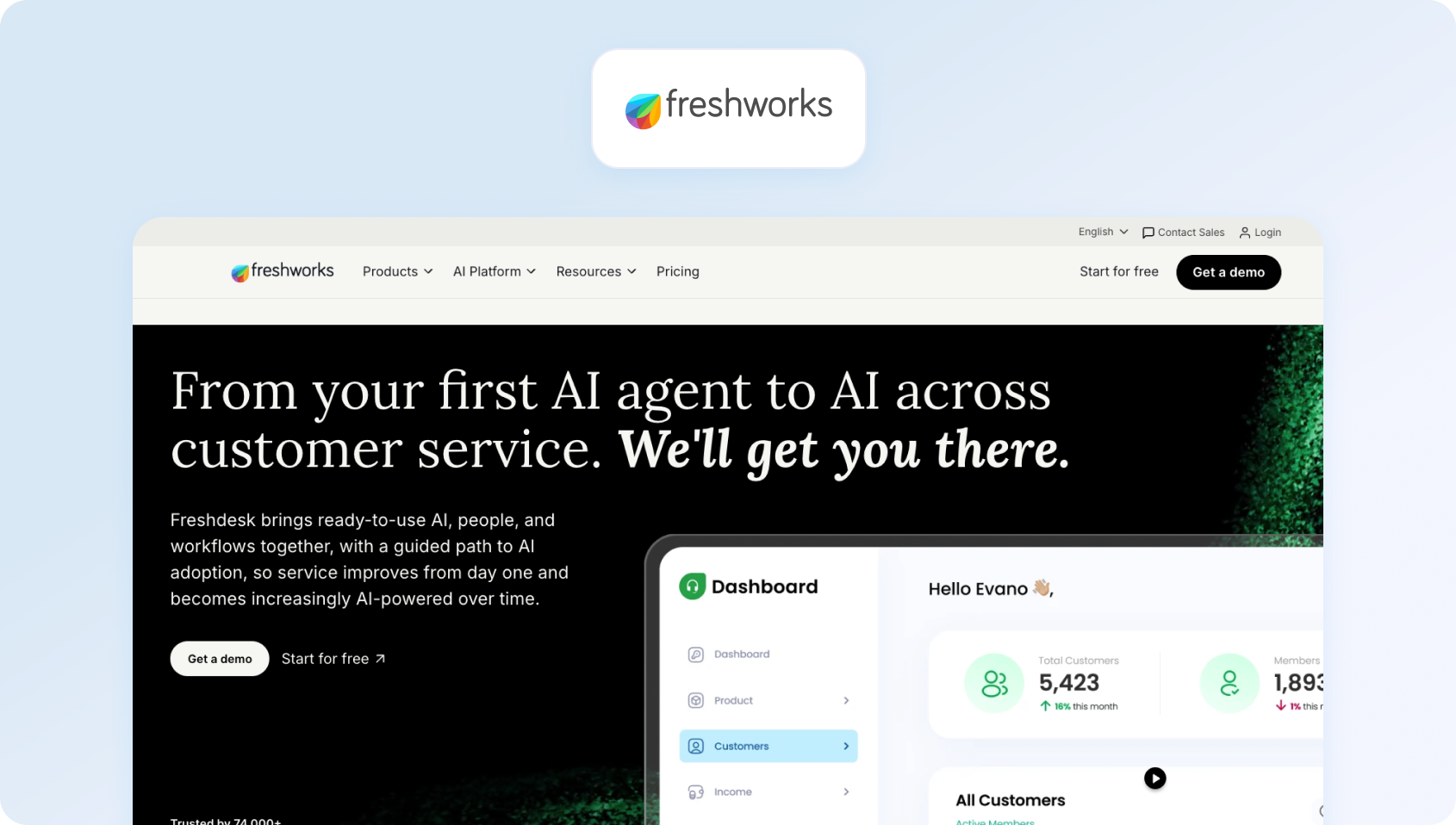
Freshdesk is a cloud-based customer support platform that combines ticketing, automation, and multichannel communication tools at a more accessible price point than many enterprise platforms. It offers a more structured support setup than Front while remaining approachable for growing teams that need shared inbox functionality, ticket management, and automation without moving straight to a higher-cost enterprise stack.
Best for
Freshdesk is best for growing teams that want an affordable, structured support platform with ticketing, automation, and multichannel support capabilities.
Key Freshdesk features
Ticketing and shared support workflows: Freshdesk gives teams a structured ticketing system for managing support requests across channels.
- Automation tools: Teams can use workflow automations, routing rules, canned responses, and service rules to reduce manual work.
- Omnichannel support options: Freshdesk supports email and other customer channels, with broader multichannel capabilities available in higher plans or Freshdesk Omni.
- Reporting and analytics: Built-in dashboards help teams track ticket performance, agent productivity, and service trends.
- Scalable entry point: Freshdesk offers a more accessible route into structured support software for teams moving beyond basic inbox management.
Pros
- Lower-cost entry point than many enterprise customer support platforms
- Easy to set up and use for growing teams
- Strong ticketing and automation fundamentals
- Good balance between affordability and support functionality
Cons
- Advanced AI, deeper omnichannel support, and more sophisticated reporting often require higher-tier plans or add-ons
- Less differentiated for enterprise-scale support than platforms like Zendesk or Salesforce
- Can require plan upgrades as support complexity increases
Pricing
Freshdesk offers a limited free plan (up to two agents for six months) and paid plans starting from Growth, with higher Pro and Enterprise tiers available. Pricing and feature access vary depending on whether teams use Freshdesk or the broader Freshdesk Omni setup, so advanced multichannel and AI capabilities typically sit on higher tiers.
5) Help Scout: Best for Small and Mid-Size Support Teams
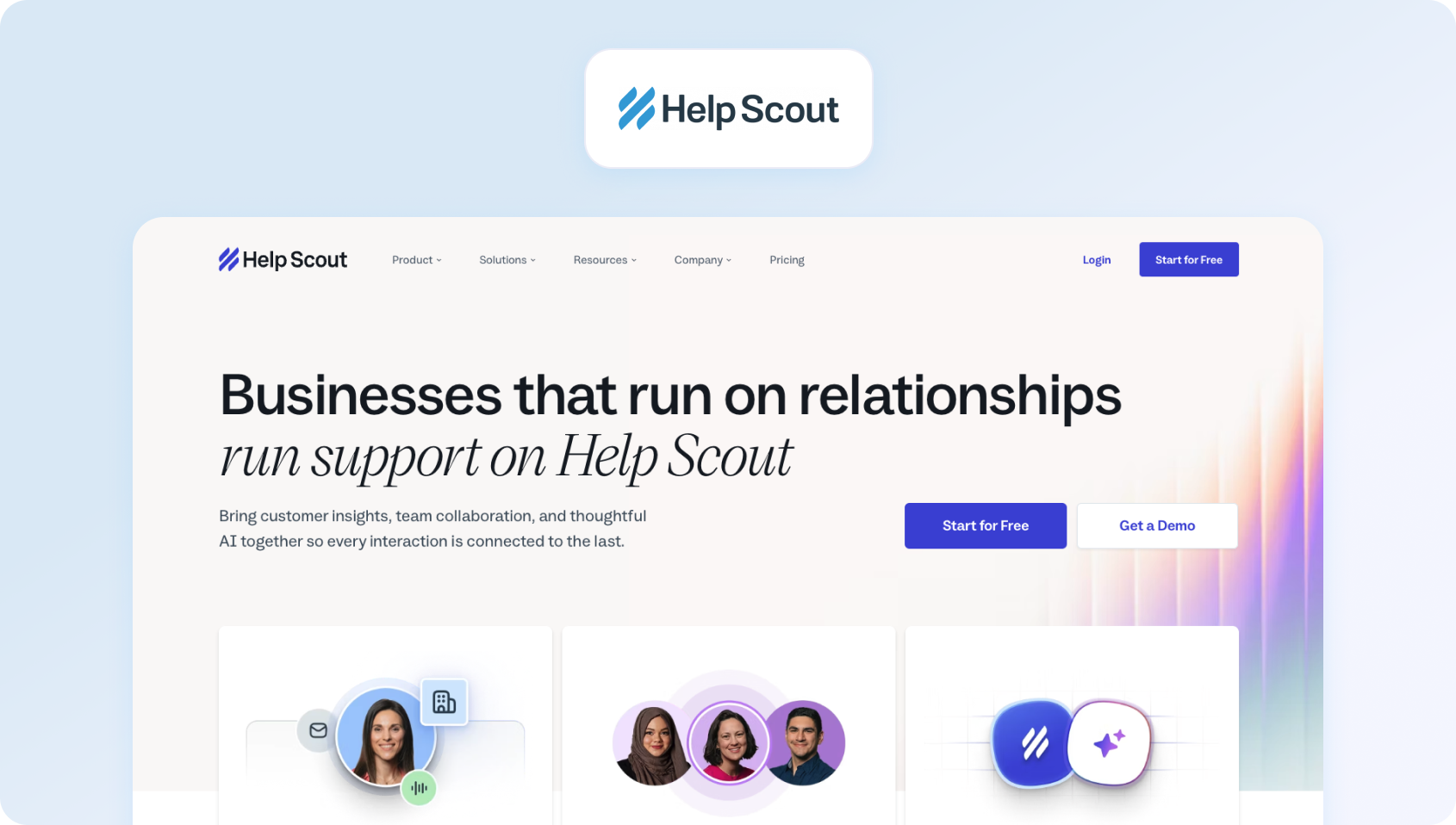
Help Scout is a customer support platform built around a simple shared inbox, knowledge base, and lightweight automation. It shares some of Front’s collaborative inbox appeal, but is more directly focused on customer support use cases rather than broader internal email collaboration. That makes it a good option for teams that want a cleaner, support-first alternative without moving into a much heavier enterprise platform.
Best for
Help Scout is best for small to mid-sized support teams that want a simple, email-first support platform with a shared inbox, knowledge base, and fast onboarding.
Key Help Scout features
- Shared inbox for customer conversations: Help Scout provides a collaborative inbox for managing support emails and customer messages as a team.
- Knowledge base tools: Teams can build self-service help content directly within the platform.
- Light automation: Basic workflows, saved replies, and routing features help teams manage repetitive support tasks.
- Reporting dashboards: Help Scout includes reporting on conversations, response times, and team activity.
- Simple support experience: The platform is designed to stay lightweight and easy to adopt for growing support teams.
Pros
- Clean and intuitive interface with minimal learning curve
- Fast to implement for smaller support teams
- Good fit for email-based customer support and knowledge base workflows
- Simpler and lighter than many enterprise alternatives
Cons
- AI and automation depth are more limited than in larger omnichannel platforms
- Less suitable for teams needing native voice, advanced WFM, or deep support operations tooling
- Best for simpler support environments rather than highly complex service organisations
Pricing
Help Scout offers a limited free plan (up to five users) and paid plans, with paid pricing starting from around $25 per user, per month on annual billing. Higher tiers add more reporting, automation, and AI functionality.
6) HubSpot Service Hub: Best for Sales-Led Organisations

HubSpot Service Hub is a customer service platform tightly connected to Hubspot’s CRM, marketing, and sales ecosystem. For teams already using HubSpot, it can be a more strategic Front alternative because it links support conversations to broader customer data, lifecycle activity, and revenue workflows rather than treating support as a standalone inbox or ticketing function.
Best for
HubSpot Service Hub is best for sales-led organisations already using HubSpot CRM and looking to connect customer support, CRM data, and service workflows in one platform.
Key HubSpot Service Hub features
- Shared inbox and ticketing: Teams can manage support requests through a shared inbox and structured ticketing workflows.
- Native CRM integration: Service interactions connect directly to contact, company, deal, and lifecycle data inside HubSpot.
- Knowledge base and self-service tools: Teams can create support content, help centres, and customer-facing resources.
- Customer feedback tools: HubSpot includes feedback surveys and service insights to help teams measure satisfaction
- Cross-functional visibility: Because Service Hub sits inside the broader HubSpot platform, sales, marketing, and support teams can work from shared customer data.
Pros
- Strong fit for organisations already invested in HubSpot CRM
- Unifies support data with sales and marketing context
- Useful for teams that want service workflows tied to broader customer lifecycle activity
- Good ecosystem fit for HubSpot-led GTM teams
Cons
- Advanced features and deeper service tooling sit on higher tiers
- Better suited to HubSpot-centric teams than to businesses wanting a standalone support platform
- Costs can climb as teams move into Professional or Enterprise plans
Pricing
HubSpot Service Hub offers a Free tier and paid plans including Starter, Professional, and Enterprise. Entry pricing starts low, but the platform becomes significantly more expensive at higher tiers where advanced automation, reporting, and service capabilities are unlocked.
7) Kustomer: Best for CRM-Native Customer Conversations

Kustomer is a customer service CRM platform designed to centralise customer conversations and profile data into a single timeline view. Rather than focusing mainly on shared inbox collaboration, Kustomer is built around a CRM-native model where support agents can see customer context, history, and interactions across channels in one place. That makes it a strong option for teams that want support workflows tightly connected to customer data.
Best for
Kustomer is best for teams that need deeper customer data integration, CRM-style visibility, and omnichannel support workflows tied to a unified customer timeline.
Key Kustomer features
- Unified customer timeline: Kustomer brings conversations, order history, and customer data into a single customer view
- Omnichannel messaging: Teams can manage customer conversations across multiple digital channels from one platform.
- Workflow automation: Automation tools help teams route requests, trigger actions, and streamline repetitive processes.
- CRM-native support model: Kustomer is designed around customer records and journeys rather than only tickets or inboxes.
- Customer context visibility: Agents can work with richer customer history and account information while handling support interactions.
Pros
- Strong customer data unification across support interactions
- Flexible workflow automation and CRM-native support design
- Good fit for brands that want richer customer context than a shared inbox provides
Cons
- Implementation can be more complex than lighter-weight support tools
- Better suited to teams with more mature support operations and CRM needs
- Pricing is typically quote-led rather than lightweight self-serve
Pricing
Kustomer uses custom pricing, with plans tailored to team size, channels, and support requirements following a demo.
8) Salesforce Service Cloud: Best for Salesforce-Embedded Teams
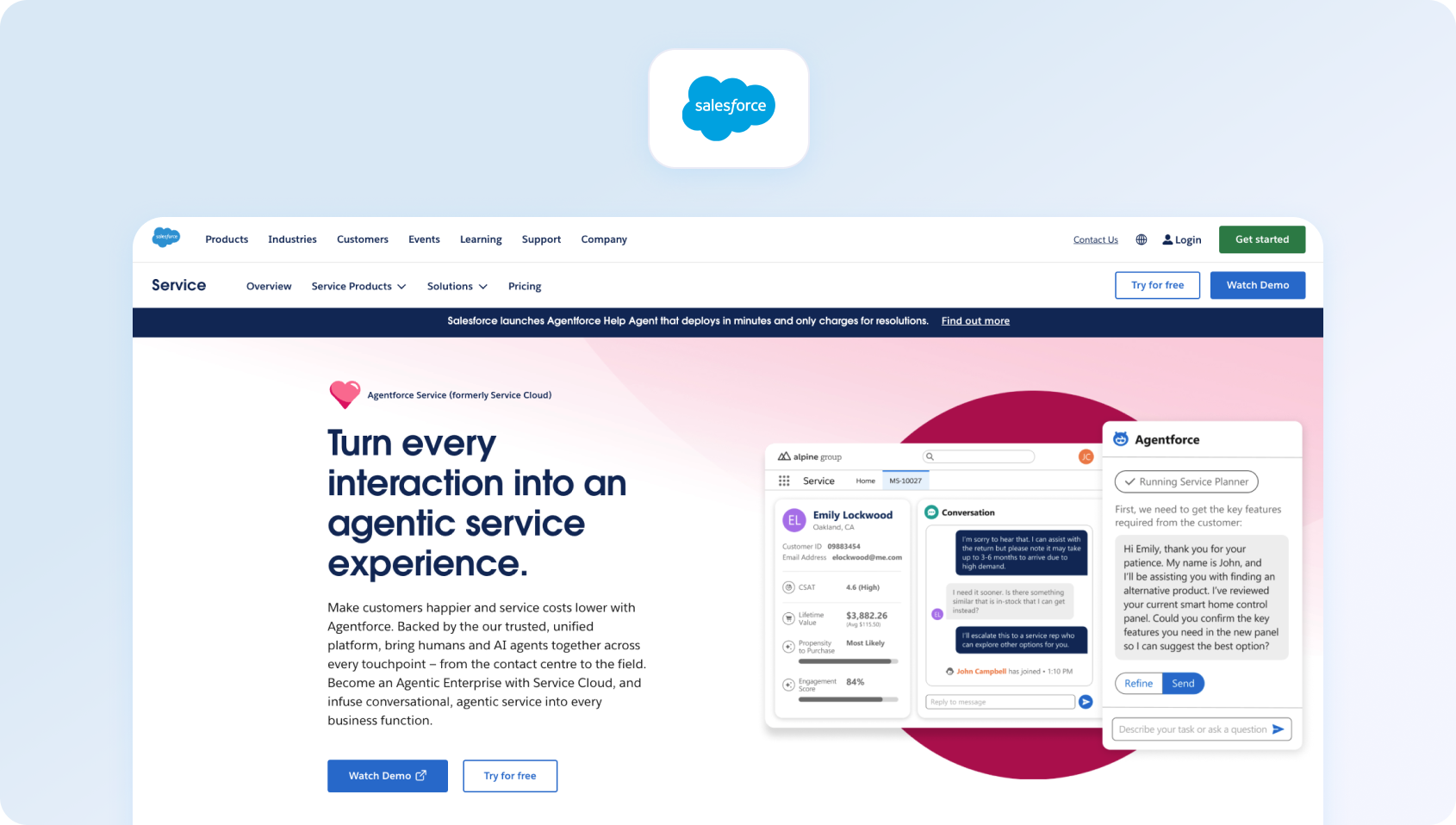
Salesforce Service Cloud is an enterprise customer service platform built on Salesforce infrastructure, combining case management, automation, omnichannel routing, and CRM data in one environment. Compared with Front, it is a much heavier and more configurable platform designed for organisations that need enterprise service workflows, large-scale automation, and deep integration with the Salesforce ecosystem.
Best for
Salesforce Service Cloud is best for large enterprises already embedded in Salesforce that want customer support tightly connected to CRM data, automation, and broader service operations.
- Case management system
- AI-driven service automation
- Omnichannel routing
- Advanced analytics tools
- Extremely powerful enterprise capabilities
- Deep CRM integration
- High complexity and implementation cost
Key Salesforce Service Cloud features
- Case management and service workflows: Service Cloud provides enterprise-grade case handling, routing, and workflow management for support teams.
- AI-powered service automation: Salesforce includes AI-driven service tools, automation, and increasingly agentic support capabilities across the platform.
- Omnichannel routing: Teams can manage service requests across channels with routing and agent assignment workflows.
- Advanced analytics and reporting: Service Cloud supports reporting, dashboards, and enterprise service visibility across large support teams.
- Deep Salesforce integration: For teams already using Salesforce, support data can connect directly to accounts, opportunities, and broader CRM workflows
Pros
- Extremely powerful enterprise service platform with deep customisation options
- Strong fit for Salesforce-centric organisations
- Combines support, CRM, and automation in one ecosystem
- Suitable for complex, large-scale support environments
Cons
- High implementation complexity compared with most Front alternatives
- Costs can escalate quickly with add-ons, advanced editions, and broader Salesforce usage
- Often more platform than smaller teams actually need
Pricing
Salesforce Service Cloud offers public pricing starting from Starter Suite, with higher Pro Suite, Enterprise, Unlimited, and Einstein 1 Service tiers available. Entry pricing starts relatively low, but enterprise deployments typically become much more expensive once advanced automation, AI, and service functionality are added.
9) Zoho Desk: Best for Teams in the Zoho Ecosystem

Zoho Desk is a support platform withinthe broader Zoho ecosystem , combining ticketing,workflow automation, and multichannel support at a relatively accessible price point. It is a stronger fit than Front for teams that want more structured ticketing and automation, particularly if they are already using other Zoho products and want support operations to live inside the same software stack.
Best for
Zoho Desk is best for teams already using Zoho applications and looking for an affordable support platform with ticketing, automation, and multichannel support.
Key Zoho Desk features
- Ticket management system: Zoho Desk helps teams organise, assign, and manage customer support tickets across channels.
- Automation rules and workflows: Teams can automate ticket routing, notifications, and repetitive support actions.
- Multichannel support: Zoho Desk supports email and other customer communication channels within one support environment.
- Reporting dashboards: Built-in reporting gives teams visibility into ticket trends, workload, and service performance.
- Zoho ecosystem integration: It works particularly well for businesses already using Zoho CRM and related Zoho apps.
Pros
- Cost-effective pricing compared with many larger support platforms
- Strong fit for businesses already invested in the Zoho ecosystem
- Offers more structure than a basic shared inbox setup
- Useful balance of ticketing, automation, and reporting for SMBs and mid-market teams
Cons
- Interface and user experience can feel less polished than some newer competitors
- Better suited to Zoho-aligned teams than to organisations wanting a best-of-breed standalone support platform
- Advanced support operations needs may push teams toward higher tiers or different tools
Pricing
Zoho Desk offers tiered pricing plans with entry plans starting from around €7 per user, per month and higher plans adding more automation, AI, and multichannel functionality.
10) Hiver: Best for Gmail-Native Support Teams
Hiver is a shared inbox platform built directly inside Gmail, allowing teams to manage customer support and internal requests without leaving Google Workspace.
Best for
Hiver is best for teams operating primarily within Gmail and Google Workspace that want shared inbox functionality, lightweight support workflows, and minimal change management.
Key Hiver features
- Shared inbox inside Gmail: Hiver turns Gmail into a collaborative support workspace for managing team inboxes and customer requests.
- Assignment and tagging tools: Teams can assign conversations, add notes, and organise work without leaving the Gmail interface.
- Basic automation features: Hiver includes rules and workflow support for common support tasks.
- Analytics reporting: Reporting tools help teams track inbox performance, response times, and workload.
- Google Workspace-native experience: Hiver is designed for teams that want to stay inside the Google ecosystem rather than adopt a separate support platform.
Pros
- Very low learning curve for Gmail-based teams
- Strong fit for shared inbox support inside Google Workspace
- Quick to implement compared with larger support platforms
- Useful for teams that want a lightweight Front alternative without major process change
Cons
- More limited than full omnichannel support platforms
- Better for email-centric teams than for organisations needing voice, advanced AI, or WFM
- Support operations depth is lighter than in dedicated enterprise help desk tools
Pricing
Hiver offers free and paid plans, with paid pricing starting from entry-level shared inbox tiers and increasing for more advanced automation, analytics, and support capabilities.
11) Gorgias: Best for E-commerce Support Teams
Gorgias is a customer support platform built specifically for e-commerce brands, with deep integrations into platforms like Shopify and strong support for order-related customer conversations. While Front can work for general shared inbox collaboration, Gorgias is much more tailored to ecommerce support workflows, making it a better fit for teams that need customer service software tied closely to orders, customer data, and repetitive support automation.
Best for
Gorgias is best for e-commerce support teams handling high volumes of order-related customer inquiries and wanting support workflows closely integrated with platforms like Shopify.
Key Gorgias features
- Shared support inbox across channels: Gorgias centralises customer conversations from email, chat, and social channels in one workspace.
- E-commerce integrations: The platform is built for e-commerce, with strong integrations into Shopify and related commerce tools.
- Automation for repetitive support tasks: Teams can automate common support requests, routing, and repetitive customer service interactions.
- Customer data visibility inside tickets: Agents can see relevant order and customer context while handling support conversations.
- Live chat and support workflows: Gorgias supports both reactive support and ecommerce-specific customer messaging use cases.
Pros
- Strong ecommerce-specific functionality compared with more general support tools
- Helpful for teams managing order status, returns, and repetitive commerce support queries
- Good Shopify alignment and customer context visibility
- Better fit than Front for dedicated ecommerce support operations
Cons
- Less flexible outside ecommerce use cases
- Pricing can become more complex because it is tied to ticket volume and automation usage
- Better suited to DTC and ecommerce brands than to general B2B support teams
Pricing
Gorgias pricing starts from around $50/month for lower ticket volumes, with costs increasing based on monthly ticket volume. Automation and AI usage can also add to total cost, so pricing scales with support volume rather than simply seat count.
12) Missive: Best for Cross-Functional Team Collaboration
Missive is a collaborative communication platform that combines shared inbox functionality with internal chat, comments, and task management. Of all the Front alternatives on this list, it is one of the closest in spirit to Front’s collaboration-first model, making it a strong option for teams that want to preserve internal communication and shared inbox workflows rather than move toward a more traditional ticketing platform.
Best for
Missive is best for cross-functional teams that need shared inbox collaboration, internal communication, and lightweight workflow management in one workspace.
Key Missive features
- Shared inbox and team inboxes: Missive helps teams manage customer emails and shared communication workflows collaboratively.
- Internal comments and chat: ams can discuss conversations, collaborate internally, and coordinate responses inside the platform.
- Task and workflow management: Missive includes task and workflow tools that help teams manage follow-ups and internal actions alongside messages.
- Email and messaging integrations: The platform supports a mix of email and communication workflows in one shared environment.
- Automation support: Teams can automate parts of their inbox and communication processes.
Pros
- Strong collaboration features for teams that work across support and internal communication
- Good fit for businesses that want something close to Front’s shared inbox model
- Combines messaging, collaboration, and light workflow management well
- Easier to adopt than larger enterprise support platforms
Cons
- Customer support automation is lighter than in more specialised help desk platforms
- Better for collaborative communication workflows than for complex support operations
- Less suited to teams that need enterprise ticketing, voice, or advanced WFM and QA.
Pricing
Missive offers tiered pricing, with paid plans starting from around $14 per user, per month. Higher tiers add more advanced collaboration, admin, and workflow functionality. A free plan is available for up to three users.
13) Dixa: Best for Conversation-Driven Support

Dixa is a customer service platform built around conversation-driven support, bringing voice, chat, email, and messaging into a single interface. Compared with Front, which is more rooted in shared inbox workflows, Dixa is better suited to teams that want real-time customer conversations, native voice support, and a more unified omnichannel setup without relying on multiple separate tools.
Best for
Dixa is best for support teams prioritising real-time customer conversations across voice, chat, email, and messaging channels in one platform.
Key Dixa features
- Omnichannel support across voice and digital channels: Dixa unifies customer conversations across voice, chat, email, and messaging into one agent workspace
- Intelligent routing and automation: Teams can route interactions based on skills, availability, and workflow rules to improve efficiency and response quality.
- Performance dashboards and analytics: Reporting tools help teams monitor agent productivity, service levels, and support performance across channels.
- Customer experience tooling: Dixa includes features designed to support faster, more personalised customer conversations in real-time.
- Native voice support: Unlike many shared inbox platforms, Dixa includes voice as a core part of its omnichannel setup.
Pros
- Strong fit for teams that want voice and digital support in one interface
- Better aligned to conversation-driven support than email-first shared inbox tools
- Native voice support makes it more capable than lighter messaging-focused alternatives
- Useful for teams that want omnichannel coverage without building a fragmented support stack
Cons
- Pricing can rise as team size and feature requirements increase
- Better suited to teams prioritising real-time support than to those wanting a lightweight inbox collaboration tool
- Less attractive for smaller teams that do not need voice or broader omnichannel operations
Pricing
Dixa offers transparent tiered pricing, with plans starting at $39 per user/month when billed annually. Higher tiers are available for teams that need more advanced features, and enterprise customers can contact sales for a custom quote.
14) Trengo: Best for WhatsApp-Heavy Support Operations
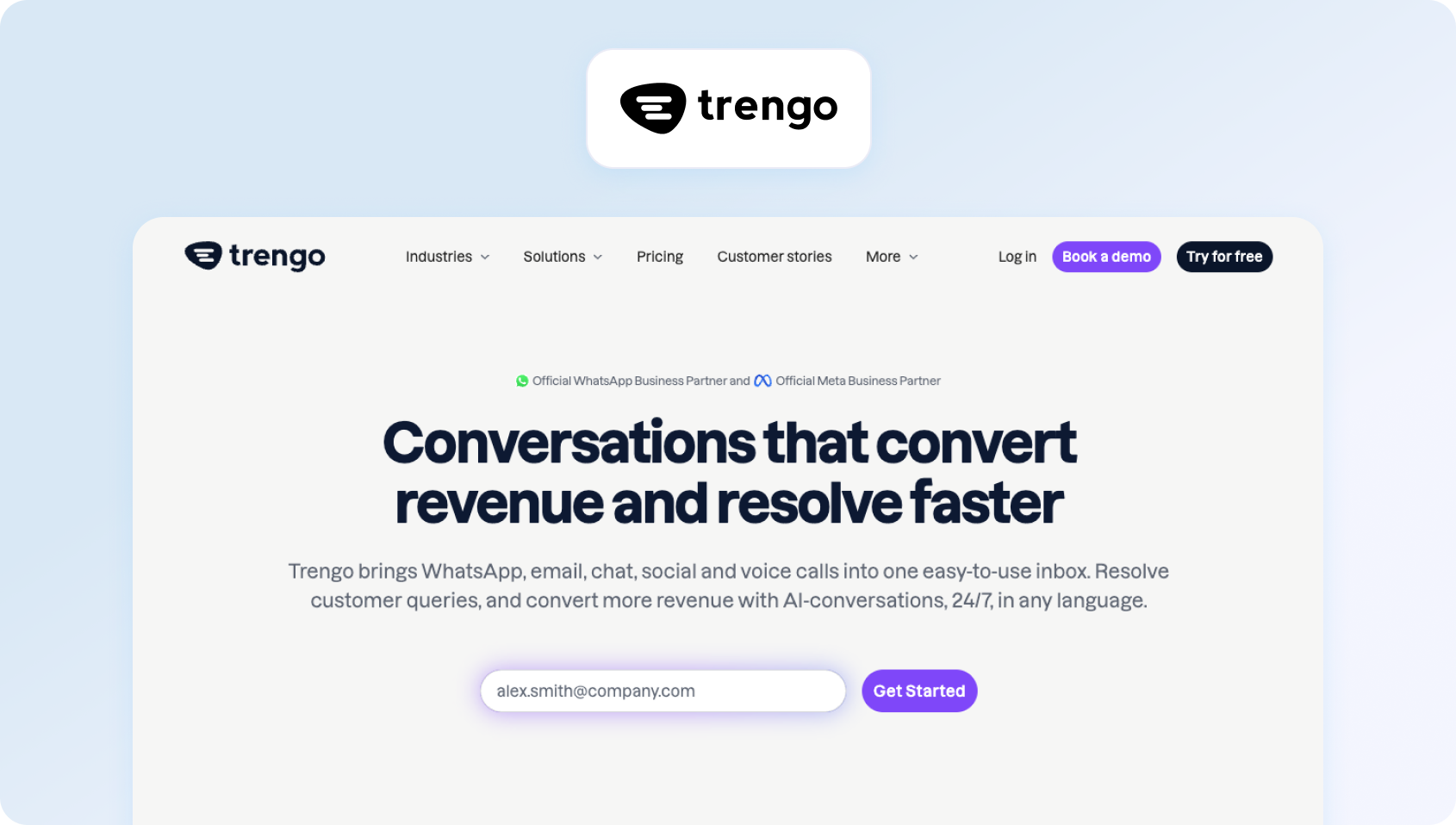
Trengo is a multichannel communication platform designed around messaging-heavy customer support, with a particular strength in WhatsApp alongside email, live chat, and social channels. While Front supports collaborative messaging workflows, Trengo is a stronger fit for teams that manage large volumes of messaging-based customer conversations and want those channels centralised in one shared workspace.
Best for
Trengo is best for support teams handling large volumes of WhatsApp, messaging app, and multichannel customer conversations.
Key Trengo features
- Shared inbox for multiple channels: Trengo brings email, live chat, WhatsApp, and other messaging channels into one collaborative workspace.
- WhatsApp and messaging integrations: The platform is particularly strong for businesses that rely heavily on WhatsApp and conversational messaging.
- Workflow automation: Teams can automate repetitive support tasks, routing, and standard messaging workflows.
- Team collaboration tools: Internal notes, assignments, and collaboration features help teams coordinate responses across shared inboxes
- Analytics and reporting: Trengo provides reporting tools to help teams track performance across messaging channels
Pros
- Strong fit for messaging-heavy support operations, especially WhatsApp
- Easier to manage multiple messaging channels in one workspace
- Useful for businesses that want collaboration and customer messaging in the same platform
- More messaging-centric than many traditional help desk tools
Cons
- Advanced analytics and support operations tooling are lighter than in more mature enterprise service platforms
- Better suited to messaging-heavy teams than to businesses wanting deep ticketing or service operations workflows
- Costs can rise as businesses add more users, automation, and channel requirements
Pricing
Trengo offers tiered pricing, with plans typically starting from a lower-volume team plan and increasing for more advanced automation, AI, and channel support. Pricing is usually quoted per workspace or team setup rather than purely per seat (.g. around $341/month for 10 users), so total cost depends on usage and feature requirements. .
15) Re:amaze: Best for SMB Multichannel Support
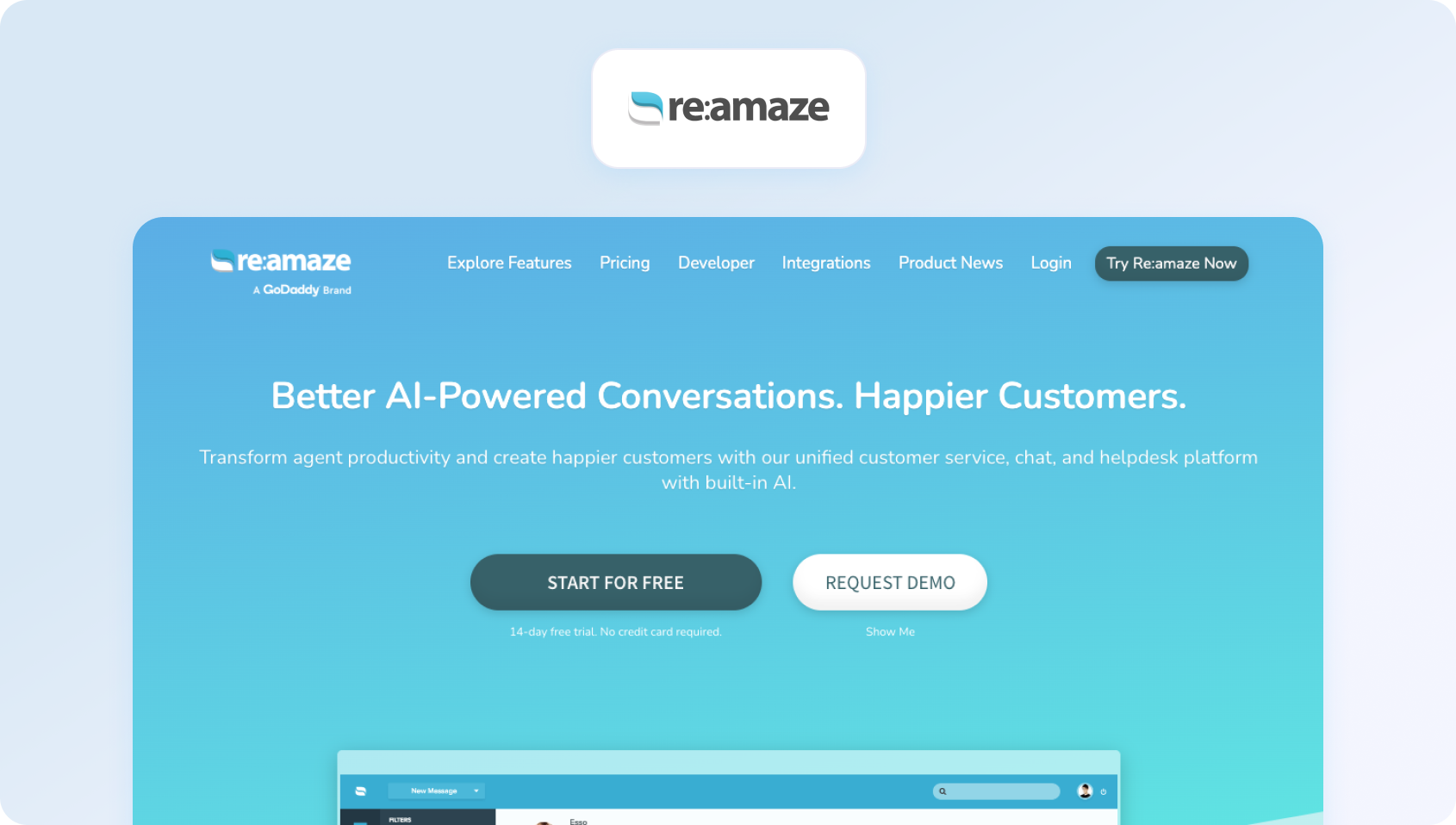
Re:amaze is a customer support platform built for small to mid-sized businesses that want email, chat, social messaging, and automation in one place. Compared with Front, it offers a more support-focused setup for SMB teams that need multichannel communication and customer service workflows, but do not want the cost or complexity of a larger enterprise platform.
Best for
Re:amaze is best for SMBs needing affordable multichannel customer support with email, live chat, automation, and social messaging in one platform.
Key Re:amaze features
- Shared inbox and ticket management: Re:amaze helps teams manage support conversations across channels from one workspace.
- Live chat and chatbots: Teams can support customers through live chat while also using bots for common queries and routing.
- Knowledge base functionality: Built-in self-service tools help businesses create help content and reduce repetitive support requests.
- Automation features: Re:amaze includes workflow automation and customer service rules for common support processes
- Customer engagement tools: The platform supports proactive messaging and support workflows for growing ecommerce and SMB teams
Pros
- Good balance between affordability and multichannel support functionality
- Easier to implement than heavier enterprise service platforms
- Useful for SMBs that want chat, email, and automation in one place
- More support-focused than a basic shared inbox tool
Cons
- Less scalable than larger enterprise support platforms as support complexity grows
- Better suited to SMBs than to large global support operations
- Support operations depth is lighter than in platforms with native WFM, QA, or more advanced analytics
Pricing
Re:amaze offers tiered pricing, with plans starting from around $29 per user/month and increasing for more advanced automation, AI, and channel capabilities..
16) Crisp: Best for Startups on a Flat-Rate Budget

Crisp is a customer messaging platform that combines live chat, email, chatbot functionality, and team collaboration with a flat-rate pricing model. Unlike Front’s per-user shared inbox approach, Crisp can be attractive for startups and small teams that want predictable pricing while still getting live chat, messaging, and lightweight customer support tools in one platform.
Best for
Crisp is best for start-ups and small teams that want live chat, messaging, and chatbot functionality with predictable flat-rate pricing.
Key Crisp features
- Live chat and messaging tools: Crisp is built around chat-first customer communication and support.
- Chatbots and automation: Teams can automate common customer interactions and support workflows.
- Shared inbox for customer conversations: Crisp includes collaborative inbox functionality for handling messages as a team.
- Knowledge base tools: Built-in help centre functionality supports self-service and deflection.
- Team collaboration features: Internal notes and collaborative messaging workflows help teams manage support together.
Pros
- Flat-rate pricing can be attractive for teams with multiple users
- Strong live chat and messaging capabilities for startups and SMBs
- Useful blend of chat, automation, and lightweight support tooling
- Easier to budget for than per-seat platforms in some scenarios
Cons
- Reporting and support operations depth are lighter than in more mature service platforms
- Better for chat-first support than for highly structured enterprise ticketing
- Less suitable for teams needing advanced WFM, QA, or deep omnichannel service operations
Pricing
Crisp offers a free plan and paid plans, with its customer support and messaging packages generally built around flat monthly pricing rather than strict per-user pricing. Costs increase based on features such as automation, chatbot capabilities, and advanced inbox functionality.
17) LiveAgent: Best for Broad Channel Coverage at Lower Cost

LiveAgent is a help desk platform that combines email, live chat, social messaging, and call centre functionality at a relatively accessible price point. Compared with Front, it offers broader native channel coverage for teams that need more than a collaborative inbox, while still remaining more affordable than many enterprise customer support platforms.
Best for
LiveAgent is best for teams needing broad channel coverage, including email, live chat, social channels, and call centre support, at a lower cost than many enterprise alternatives.
Key LiveAgent features
- Ticket management system: LiveAgent provides a structured help desk and ticketing setup for managing support requests
- Live chat and call centre features: Teams can handle both chat and voice interactions from the same platform
- Social media integrations: LiveAgent supports customer communication across social channels alongside traditional support channels
- Knowledge base tools: Built-in help centre functionality supports self-service and customer deflection
- Automation features: Workflow automation and routing tools help teams streamline repetitive support tasks
Pros
- Wide channel coverage compared with many lower-cost support platforms
- Includes call centre functionality, which is a meaningful step up from email-only shared inbox tools
- More cost-effective than many enterprise help desk platforms
- Good fit for teams that want a broad support toolset without a large enterprise budget
Cons
- Interface and user experience can feel dated compared with newer competitors
- Better for teams prioritising breadth of channels than a modern premium support experience
- More limited in advanced AI, analytics, and support operations tooling than higher-end platforms
Pricing
LiveAgent offers tiered pricing starting at $10 per month (for the first six months), and including lower-cost entry plans and higher tiers for broader support functionality. Public pricing starts from a low monthly entry point, but the more relevant plans for multichannel support, automation, and call centre capabilities sit higher up the pricing ladder. .
18) Kayako: Best for Established Teams Needing Automation Depth
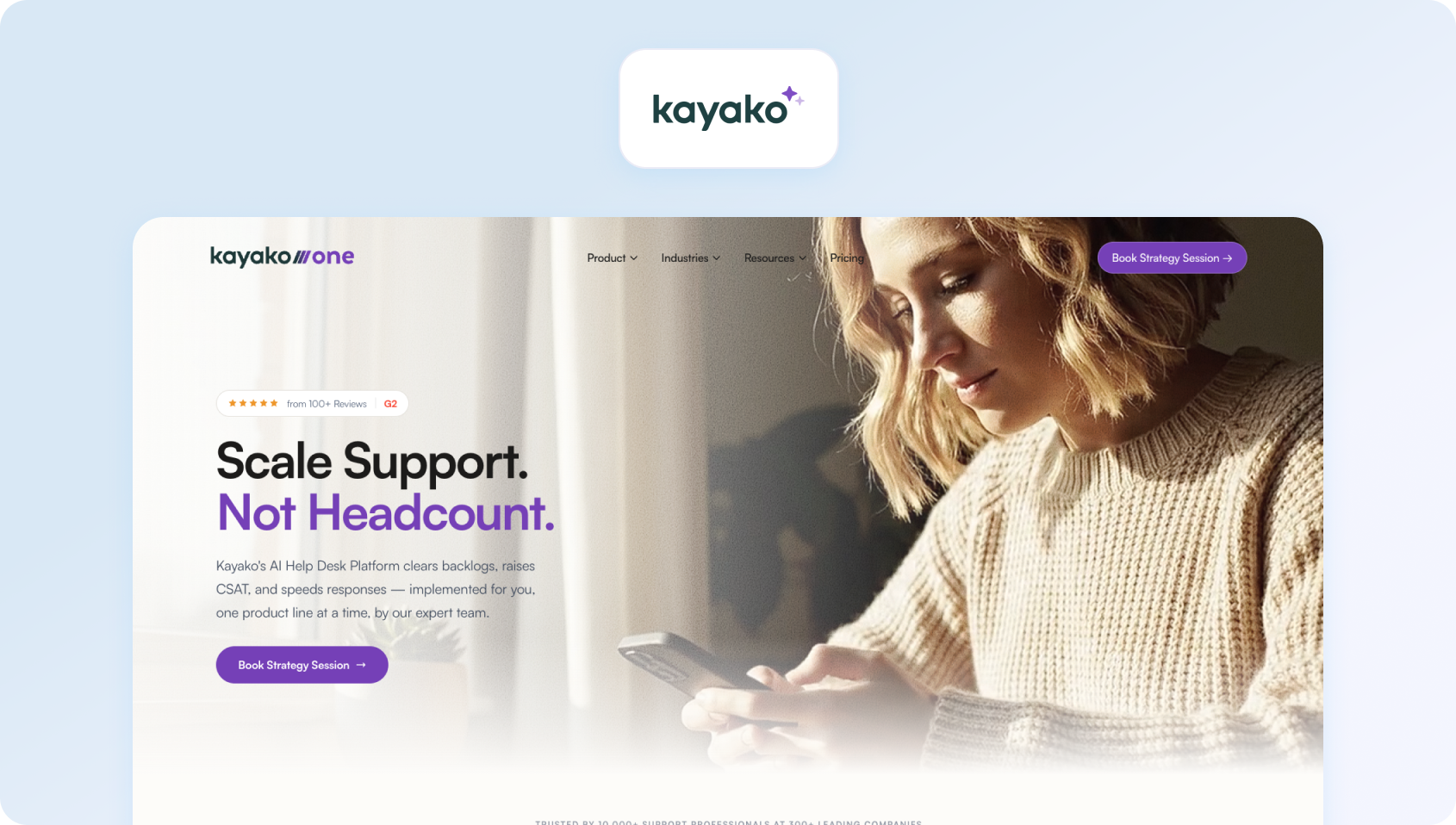
Kayako is a customer support platform designed for teams managing more complex support workflows, with a focus on automation, customer journey visibility, and multi-step service processes. While Front is often used for collaborative inbox management, Kayako is better suited to established support teams that need more structured support operations and a stronger workflow layer around customer service.
Best for
Kayako is best for established support teams needing deeper automation, more structured service workflows, and visibility into the customer journey across support interactions.
Key Kayako features
- Shared inbox and ticketing: Kayako combines collaborative inbox functionality with structured ticket management
- Automation features: Teams can automate support workflows, routing, and common repetitive actions
- Customer journey tracking: Kayako gives teams visibility into the customer journey and interaction history across support touchpoints
- Knowledge base tools: Built-in self-service tools help teams reduce repetitive support queries
- Reporting and service visibility: Reporting features help teams monitor support performance and workflow efficiency
Pros
- Stronger automation depth than many lightweight shared inbox tools
- Helpful customer journey visibility for more established support teams
- Better fit than Front for teams that need more structured support operations
- Useful middle ground between simple inbox tools and heavier enterprise service platforms
Cons
- Slower pace of innovation than some newer customer support vendors
- Better suited to established support teams than to very small teams wanting simplicity
- Public pricing and product packaging are less straightforward than some competitors
Pricing
Kayako pricing is usage-based, with plans starting at $1 per resolution. Teams may still need to contact sales for higher-volume or custom setups.
19) Helply: Best for Very Small Teams Wanting Simplicity
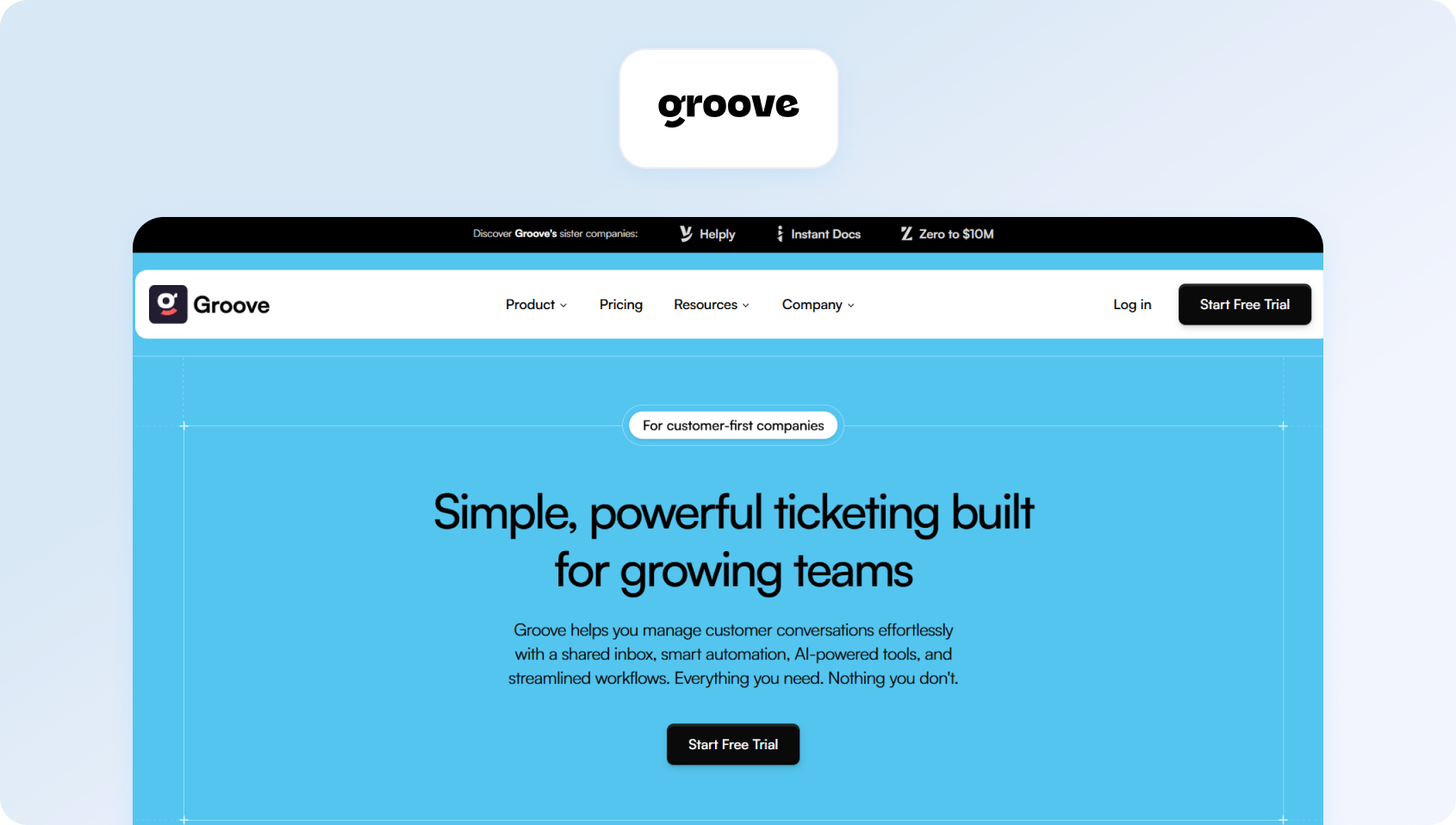
Helply (formerly known as Groove)is a simple help desk platform built for small teams that want shared inbox support, basic ticketing, and customer communication tools without the complexity of a larger support stack .
Best for
Helply is best for very small support teams that want a simple shared inbox and help desk platform for email-based customer support.
Key Groove features
- Shared inbox for customer emails: Groove gives teams a collaborative inbox for handling customer conversations together.
- Knowledge base tools: Teams can create self-service help content directly within the platform.
- Basic reporting: Groove includes core visibility into team activity, conversations, and response performance.
- Automation features: Workflow tools help teams manage repetitive support actions and inbox processes.
- Simple support workflows: The platform is designed to stay lightweight and easy to adopt for small support teams.
Pros
- Easy to set up and use for small teams
- Clean, simple interface with minimal overhead
- Good fit for teams that want a support-focused alternative to a basic shared inbox
- Lighter and more approachable than many larger help desk platforms
Cons
- Limited scalability for larger teams or more complex support environments
- Less depth in AI, omnichannel support, and advanced service operations tooling
- Better suited to smaller support teams than to businesses planning for complex scale
Pricing
Helply uses usage-based pricing, with costs starting at around $1 per ticket rather than a flat per-user fee.
20) Helpwise: Best for Shared Inbox Across Multiple Email Accounts
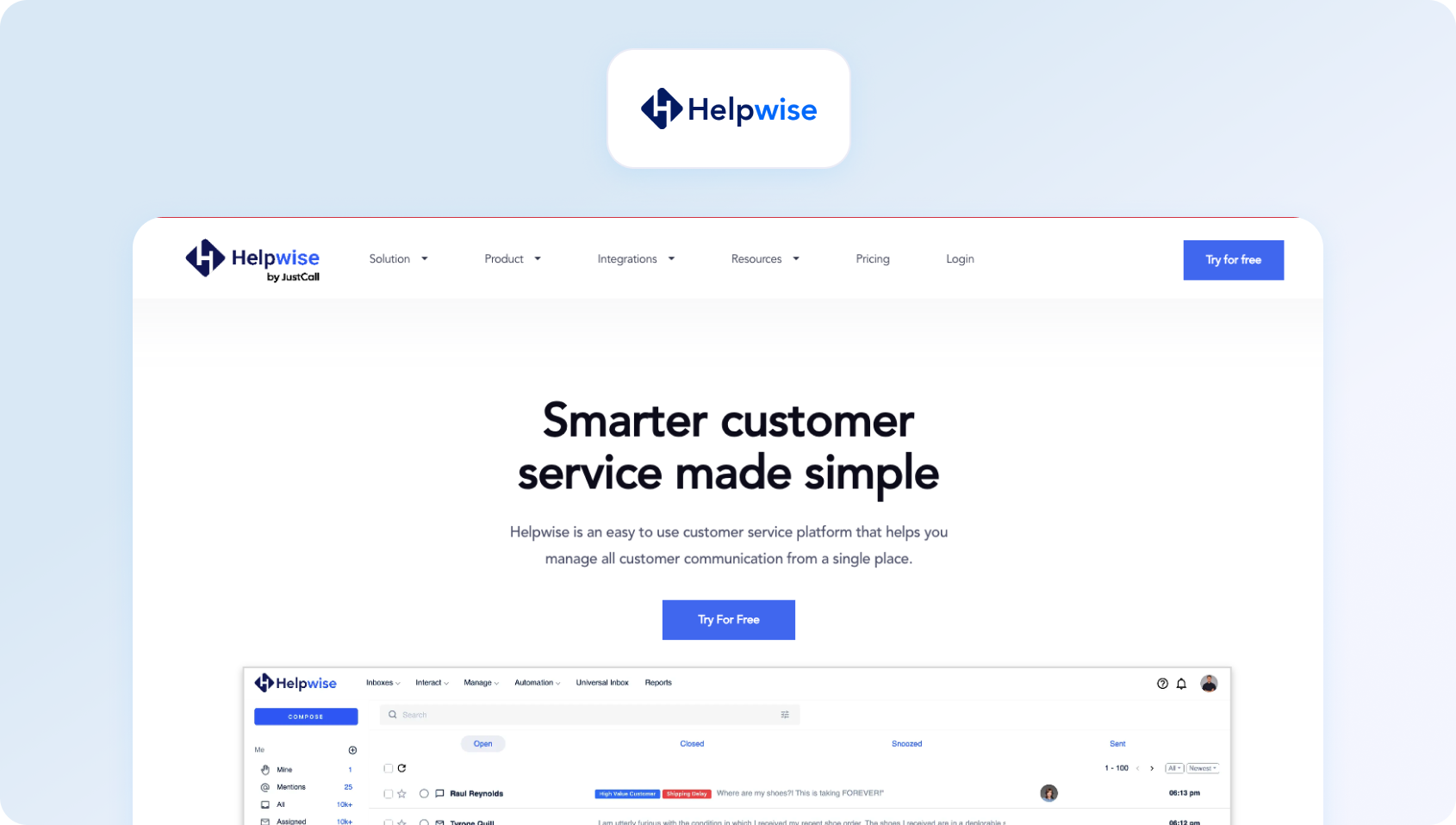
Helpwise is a shared inbox platform for teams managing multiple email accounts and lightweight customer support in one place. It focuses on collaborative inbox management, email assignment, and internal discussion, making it a practical alternative to Front for teams that want shared inbox functionality without the complexity of a larger customer support suite.
Best for
Helpwise is best for teams managing multiple shared inboxes and basic support workflows across email and a small number of communication channels.
Key Helpwise features
- Shared inbox for multiple accounts: Helpwise centralises multiple email inboxes and communication channels into one workspace.
- Email assignment and tagging: Teams can assign ownership, tag conversations, and organise support requests collaboratively.
- Internal notes and comments: Helpwise includes collaboration features for discussing conversations internally before responding.
- Basic reporting: Teams get visibility into inbox activity, workload, and response performance.
- Automation features: Workflow rules help streamline repetitive inbox tasks and support processes.
Pros
- Affordable and easy to use for teams with multiple shared inboxes
- Good fit for email-based support and collaborative inbox management
- Simpler than larger support platforms for lightweight support operations
- Useful for teams that want a practical shared inbox alternative to Front
Cons
- AI, automation, and support operations depth are limited compared with larger help desk platforms
- Better suited to email-centric workflows than to true omnichannel support
- Less suitable for teams needing voice, WFM, or more advanced service analytics
Pricing
Helpwise offers tiered pricing, with plans starting from around $12 per user/month depending on the plan and billing setup. Higher tiers add more automation, integrations, and inbox management capabilities.
21) DragApp: Best for Kanban-Style Email Management in Gmail
DragApp is a Gmail-based collaboration tool that transforms email into a Kanban-style workflow for managing support, internal tasks, and team communication. Rather than acting as a full customer support platform, it is best viewed as a Front alternative for teams that want to stay inside Gmail while organising work visually and collaboratively.
Best for
DragApp is best for teams that want Kanban-style workflow management, shared inbox collaboration, and task tracking directly inside Gmail.
Key DragApp features
- Kanban boards inside Gmail: DragApp turns email into a visual workflow system with boards for tasks, pipelines, and support processes
- Shared inbox functionality: Teams can collaborate on customer emails and shared inbox workflows without leaving Gmail
- Task and workflow management: DragApp blends email management with lightweight project and task tracking
- Automation features: Teams can automate parts of their workflow and inbox management inside Gmail
- Google Workspace integration: Because it runs inside Gmail, DragApp fits naturally into Google Workspace-led teams
Pros
- Strong workflow visualisation for teams that like Kanban-style organisation
- Seamless Gmail integration with minimal process change
- Useful for combining inbox collaboration with lightweight task management
- Good fit for teams that want a visual shared inbox workflow rather than a full support suite
Cons
- Omnichannel support is limited compared with dedicated customer support platforms
- Better suited to Gmail-based workflow teams than to larger support operations
- Lighter in AI, analytics, and support-specific functionality than broader help desk tools
Pricing
DragApp offers tiered pricing, with plans starting from around $12 per user/month and increasing for more advanced workflow, collaboration, and admin capabilities.
22) Gmelius: Best for Gmail-Based Workflow Automation
Gmelius is a collaboration and automation platform built on top of Gmail, enabling teams to manage shared inboxes, automate workflows, and coordinate email-based work without leaving Google Workspace. Compared with Front, it is a practical option for businesses that want to keep support and internal communication inside Gmail while adding more structure and automation to their inbox workflows.
Best for
Gmelius is best for teams heavily reliant on Gmail and Google Workspace that want shared inbox collaboration and workflow automation without adopting a separate support platform.
Key Gmelius features
- Shared inbox in Gmail: Gmelius adds collaborative inbox functionality directly into Gmail for team-based email management
- Workflow automation: Teams can automate inbox workflows, routing, and repetitive communication tasks
- Email collaboration tools: Internal notes, assignments, and shared workflows help teams manage support and operational communication together
- Reporting dashboards: Gmelius includes reporting and visibility into team workload and email performance
- Third-party integrations: The platform supports integrations that extend workflow automation and collaboration beyond Gmail
Pros
- Strong automation for Gmail-based teams
- Good fit for organisations that want to stay inside Google Workspace
- Useful blend of inbox collaboration and workflow automation
- Lower-friction option than moving to a larger standalone support platform
Cons
- Limited support for non-email channels compared with true omnichannel support platforms
- Better for internal workflows and email collaboration than for complex support operations
- Lacks the broader service tooling of larger help desk and contact centre platforms
Pricing
Gmelius offers tiered pricing, with paid plans starting from around $19 per user/month. Higher tiers add more advanced automation, reporting, and collaboration functionality. .
23) Tidio: Best for SMB Teams Prioritising Live Chat and AI Bots

Tidio is a customer communication platform that combines live chat, chatbots, email support, and automation in one interface. While Front is more closely associated with shared inbox collaboration, Tidio is a stronger fit for small and mid-sized businesses that want to prioritise live chat, website conversations, and AI-powered customer interactions without adopting a heavier enterprise support platform.
Best for
Tidio is best for SMB teams prioritising live chat, chatbot automation, and customer engagement alongside lightweight support workflows.
Key Tidio features
- Live chat and chatbot functionality: Tidio is built around website chat, automated conversations, and real-time customer support.
- Shared inbox for messages: Teams can manage chat, email, and other customer messages from one workspace.
- Automation features: Tidio includes chatbot workflows and automation tools for repetitive support and engagement tasks.
- Customer engagement tools: The platform supports proactive messaging and customer interaction workflows.
- Analytics dashboards: Teams can track chat activity, support performance, and customer engagement through built-in reporting
Pros
- Strong live chat and chatbot capabilities for SMB teams
- Easy to implement for businesses wanting fast website-based support
- Good fit for teams prioritising chat-led support rather than heavy ticketing workflows
- More approachable than larger support platforms for smaller teams
Cons
- Less suited to complex support operations or enterprise-scale service teams
- Support functionality is lighter than in platforms built around deeper omnichannel service management
- Better for chat-first workflows than for teams needing voice, WFM, or advanced support analytics
Pricing
Tidio offers a free plan and paid plans, with pricing typically split between live chat/support packages and AI chatbot or automation packages. Total cost depends on the mix of support, chatbot, and automation features a team needs.
What to Look For in a Front Alternative
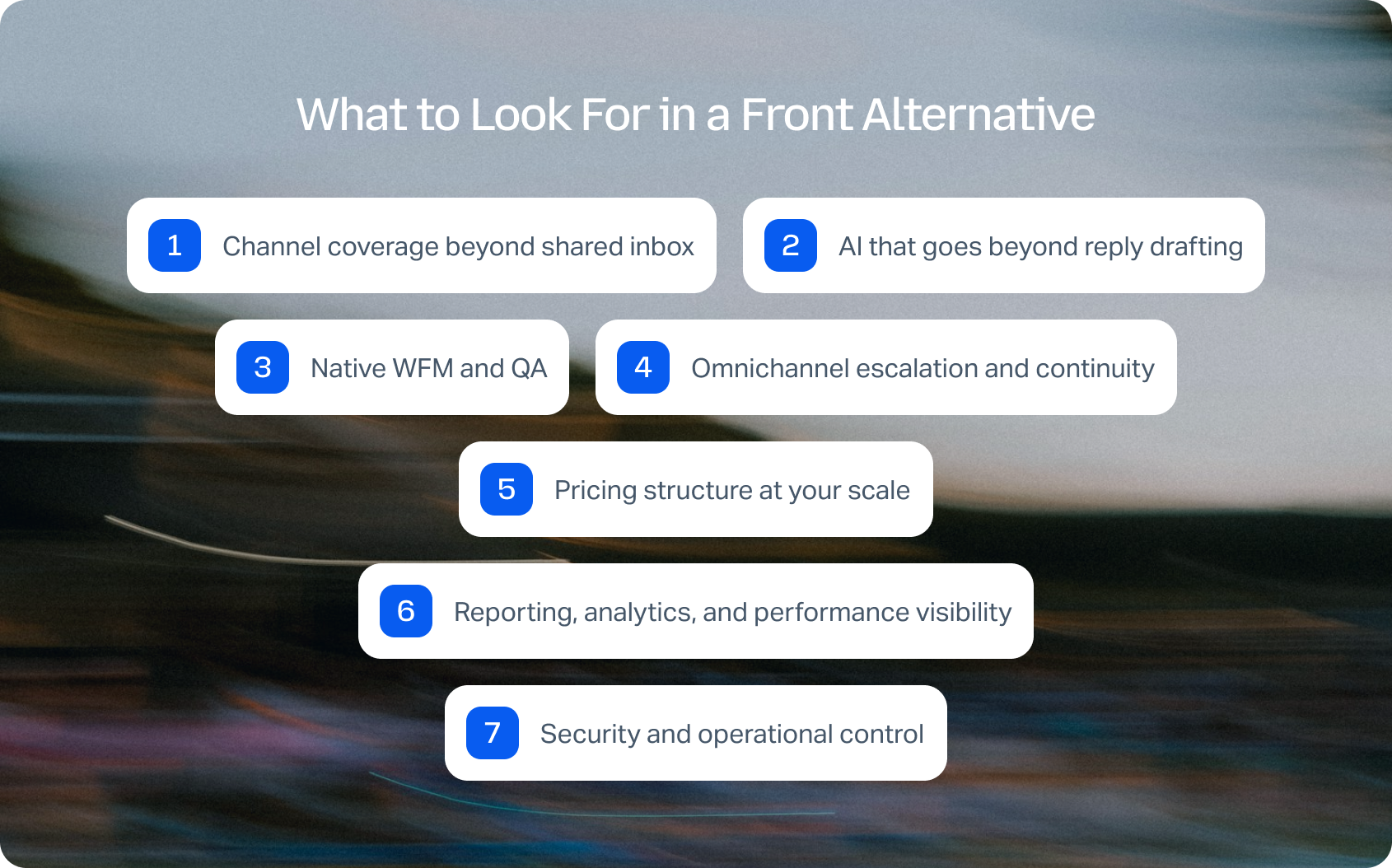
Choosing the right Front alternative means aligning your support platform to the way your team actually operates today, and how it will scale over the next 12–24 months.
Most teams do not replace Front because a shared inbox stops working altogether; they replace it because it stops scaling once support expands across more channels, more agents, and more complex workflows. At that point, the biggest differences between platforms are not cosmetic. They come down to architecture, operational depth, and total cost of ownership.
Channel coverage beyond shared inbox
Front's strength is collaborative email and lightweight messaging, but most growing support teams now manage customer interactions across live chat, voice, SMS, and social channels as well . If those channels sit in separate tools or rely on fragile integrations, it becomes much harder to maintain context, measure performance consistently, and deliver a joined-up customer experience.
When comparing Front alternatives, ask:
- Are all channels managed in a single shared inbox with full conversation history?
- Can you escalate between channels (e.g., chat to voice) without losing context?
- Are channels native, or dependent on third-party apps?
Platforms that rely heavily on integrations often introduce sync delays, fragmented customer data, and additional cost.
AI that goes beyond reply drafting
Most customer service platforms now advertise AI-powered tools, but there's a clear difference between surface-level automation and meaningful operational impact. Drafting assistance has value, but on its own it does not transform how a support team scales.
In 2026, strong AI in customer service software should include:
- RAG-grounded knowledge base responses, not generic suggestions
- Real-time agent coaching during live chat or calls
- Post-interaction summarisation to reduce admin time
- Automation of repetitive tasks, such as tagging and routing
If AI only helps draft replies, it won't materially improve agent productivity or team efficiency or service quality. The bigger gains tend to come when AI is embedded directly into routing, resolution, and post-interaction workflows.
PwC, organizations implementing AI at scale are seeing measurable productivity gains and operational efficiencies, particularly when AI is embedded directly into workflows rather than layered on top.
Native WFM and QA are where scaling gets harder
This is often the point where support teams outgrow Front-style shared inbox tools.. Once your customer service team grows beyond 30 agents , it becomes much harder to manage performance through inbox collaboration alone. Workforce management and quality assurance become essential if you want to scale service quality rather than just increase headcount.
Look for platforms that support:
- Workforce management (scheduling, forecasting)
- Quality assurance (interaction reviews, scorecards)
- Coaching workflows tied to real performance data
Without these, it becomes difficult to monitor team performance, maintain consistency, or improve customer satisfaction at scale.
If WFM and QA live outside the core support platform, performance management becomes slower, more manual, and harder to operationalise across the team.
Omnichannel escalation and continuity
A shared inbox may work well when most support happens over email, but the cracks show when conversations need to move between channels. For example, a live chat may escalate into a phone call, or a social message may need to become a ticket with full account context attached.
When evaluating alternatives, check whether:
- The full history of customer interactions persists across channels
- Agents can assign, escalate, and continue conversations without duplication
- Context stays intact across every touchpoint
This is critical for delivering exceptional customer experiences and maintaining continuity, and is one of the clearest differences between lightweight inbox tools and true omnichannel customer service platforms.
Pricing structure at your future scale, not just today
One of the most common mistakes in support software evaluation is judging pricing based only on the current team size. Front alternatives can look cost-effective at 10 seats and become far more expensive once AI, analytics, extra channels, and advanced support tooling are added.
It is worth modelling:
- Cost per user at your current team size
- Projected cost over the next 12–24 months
- Additional costs for:
- AI-powered tools
- Advanced analytics tools
- Omnichannel support
- Additional integrations
- Whether features like QA, WFM, or voice require separate products or add-ons
What looks like a low-cost starter plan can become expensive once you add the capabilities required for real-world customer support operations. This is where hidden costs typically emerge.
Reporting, analytics, and performance visibility
As support operations grow, reporting needs to go beyond basic inbox dashboards. Support leaders need visibility into both customer outcomes and team performance across channels.
Look for platforms that let you track key performance indicators such as:
- First Contact Resolution (FCR)
- Average Handling Time (AHT)
- CSAT and customer sentiment
- Agent-level and team-level performance
- Trends across channels, queues, and support workflows
Strong analytics tools are essential to improving both customer experience and internal accountability. If reporting is too shallow, it becomes much harder to improve service quality or understand whether new processes and automation are actually working.
Security and operational control
Finally, as your support operation becomes more complex, governance matters more. This is especially important for larger teams, regulated industries, or businesses managing customer data across multiple regions.
Check whether your shortlist includes:
- Multi-factor authentication (MFA)
- Role-based access control (RBAC)
- Audit logs for compliance
- Security certifications and compliance controls
- Data residency options where required
These capabilities are often locked behind higher-tier plans, so it is worth validating them early rather than treating them as a procurement detail later.
The bottom line is that the best alternative to Front should support the full lifecycle of customer communications, from first contact through to resolution, reporting, and performance improvement. If your evaluation focuses only on shared inbox features, there is a good chance you will outgrow the next platform too.
If you want to see what those trade-offs look like in financial terms, BlueTweak’s ROI calculator can help model the cost of fragmented tooling versus a unified support platform as your team grows.
Front Alternative Evaluation Checklist
Once you have narrowed down your shortlist, the next step is to compare vendors against a consistent set of operational requirements. This helps you avoid choosing a platform based on one standout feature while overlooking the capabilities that actually determine long-term scalability, service quality, and total cost of ownership.
Must-Have Capability Checklist
Before committing to any Front alternative, make sure your shortlist can support the following baseline requirements:
- Native omnichannel support (voice, email, chat, social)
- Unified shared inbox with full conversation history
- AI-powered tools grounded in a knowledge base
- Real-time sentiment analysis
- Reporting on service quality, SLA performance, and team productivity
- Built-in or tightly integrated workforce management and quality assurance
- Strong security controls, including MFA, RBAC, and audit visibility
- Clear pricing for the capabilities you will actually need at scale
Shortlisting the right Front alternative requires a consistent way to evaluate trade-offs. The framework below is designed to help support leaders assess platforms based on what drives real operational impact, from team efficiency to scalability and cost control.
This is the framework we recommend using when comparing vendors side by side, especially if your team is balancing multiple support channels, automation goals, and long-term performance tracking requirements.
“The biggest mistake teams make when replacing Front is evaluating for today’s inbox pain rather than tomorrow’s operating model. Once support expands across channels, automation, and performance management, the real question is not which tool looks most familiar — it is which platform removes fragmentation without adding more complexity.” — Radu Dumitrescu, Head of Presales & Digital Transformation, BlueTweak
BlueTweak Front Alternative Evaluation Framework
| Criterion | What to Look For |
|---|---|
| Channel depth and voice support | Native telephony plus 4+ digital channels in one workspace |
| AI coverage (native, not add-on) | RAG-grounded KB, suggested reply, real-time coaching, post-call notes in base plan |
| Reporting and analytics | FCR, AHT, CSAT, sentiment — interaction-level, real-time and historical |
| WFM and QA native | Scheduling, forecasting, adherence, scorecard — first-party |
| Time-to-value | Days to go-live; self-serve onboarding available |
| TCO and pricing transparency | Per-seat pricing published; AI and channels in base; no surprise add-ons |
| Security and admin | MFA, RBAC, audit logs, SOC 2, data residency available |
Used well, this checklist gives support leaders a more reliable way to compare Front alternatives than feature lists alone. It keeps the evaluation focused on what actually affects service quality, agent efficiency, and long-term scalability, rather than which platform happens to feel most familiar on day one.
Final Thoughts: Choosing the Right Front Alternative for Scale
The right Front alternative is the one that fits where your support operation is going, not just where it is today. If your team is expanding into more channels, handling higher volumes of customer interactions, or trying to improve service quality without adding more tools, shared inbox collaboration alone will only take you so far.
As you compare options, focus on three things: channel coverage, AI depth, and operational maturity. Can the platform support voice, live chat, and messaging in one place? Does AI go beyond reply drafting into automation, summarisation, and workflow support? And are capabilities like WFM, QA, and performance analytics built in, rather than added later through separate tools?
From there, validate the total cost of ownership, not just the entry price. Hidden costs tend to appear when AI, analytics, extra channels, and integrations are layered on top of a platform that was never designed to run the full support operation.
For teams that have outgrown Front’s shared inbox model and want to consolidate support, automation, and performance management into one platform, BlueTweak is a strong option to shortlist. You can start a 14-day free trial (no credit card required), or book a demo to see what a unified support stack could look like for your team.

As Head of Digital Transformation, Radu looks over multiple departments across the company, providing visibility over what happens in product, and what are the needs of customers. With more than 8 years in the Technology era, and part of BlueTweak since the beginning, Radu shifted from a developer (addressing end-customer needs) to a more business oriented role, to have an influence and touch base with people who use the actual technology.





